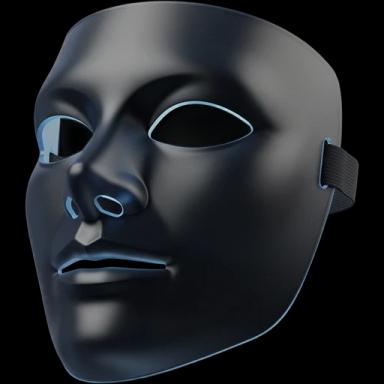
Free Face Filters
Live face filters on your webcam: dog ears with a tongue that pops out when you open your mouth, cat whiskers, a clown wig and 34 more, stuck to your face as you move.


Your browser will ask for camera access when you click.
Free, no sign-up
Where it works
- In Chrome.
- Zoom on the web in Chrome with the extension, and the Zoom desktop app with Facecam for PC and Mac.
- Teams on the web in Chrome with the extension, and the Teams desktop app with Facecam for PC and Mac.
- discord.com in Chrome with the extension, and the Discord desktop app with Facecam for PC and Mac.
- Add Facecam Virtual Camera as a video capture device with Facecam for PC and Mac, or capture the Chrome window.
- With Facecam for PC and Mac on Windows and macOS: the Discord, Zoom and Teams apps, OBS and any app that lets you pick a camera.
- Works on this page. Calls need a computer: Chrome with the extension, or Facecam for PC and Mac.
Updated · Tested by the Facecam team
Made with Facecam
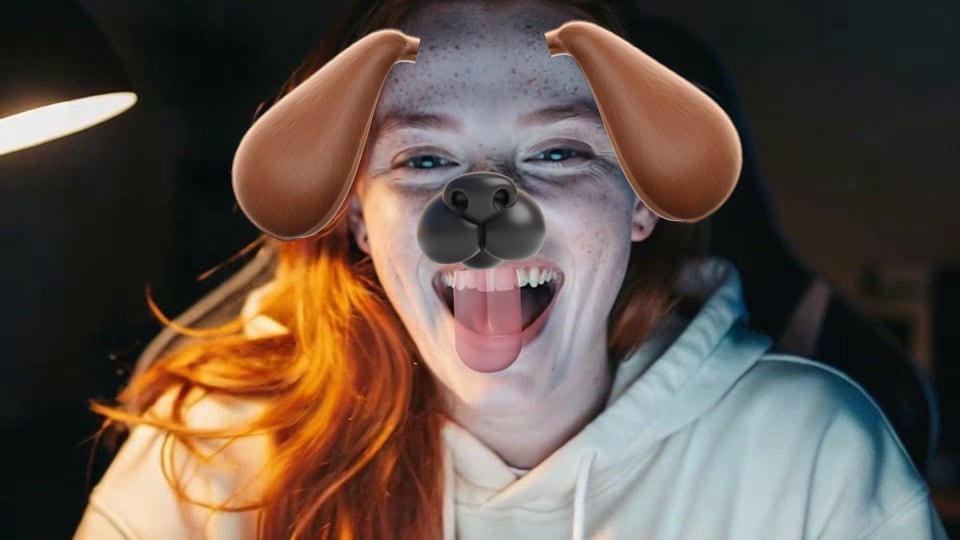
Dog
Open your mouth and the tongue comes out.
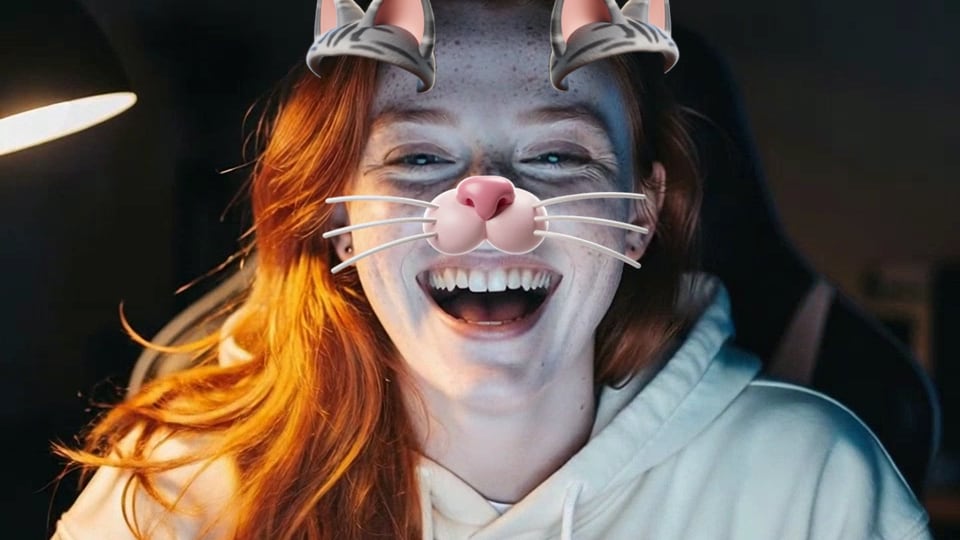
Cat
Ears, a pink nose and whiskers that move with you.

Clown
A rainbow wig and a round red nose.

Heart glasses
Pink hearts over your eyes.
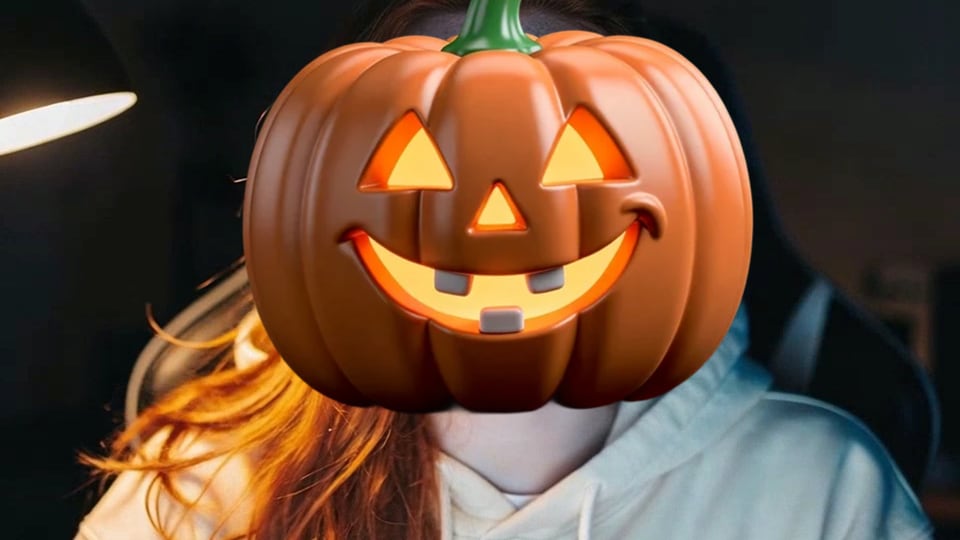
Pumpkin head
A glowing jack-o'-lantern for Halloween calls.

Reindeer
Antlers and a shiny red nose.
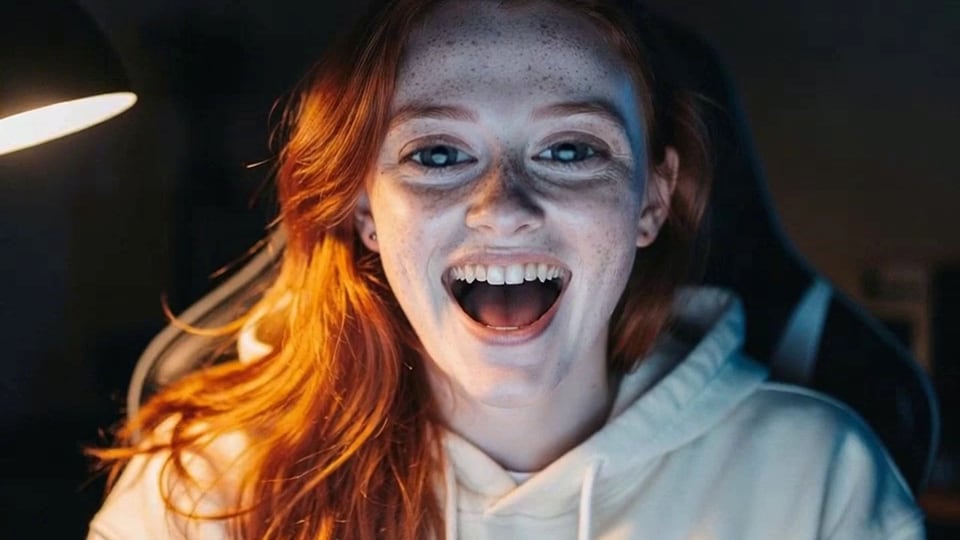
Big eyes
A lens that makes your own eyes huge.
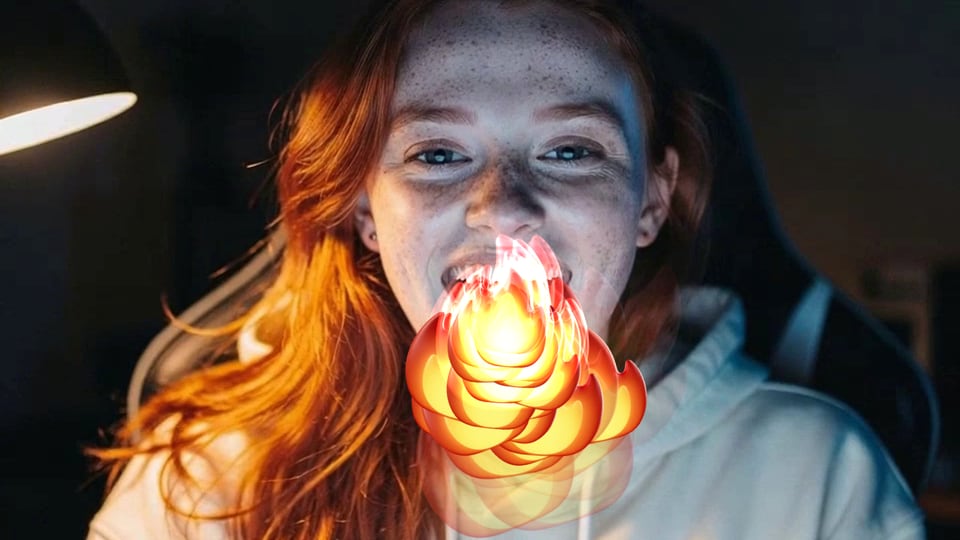
Fire breath
Open your mouth and breathe flames.
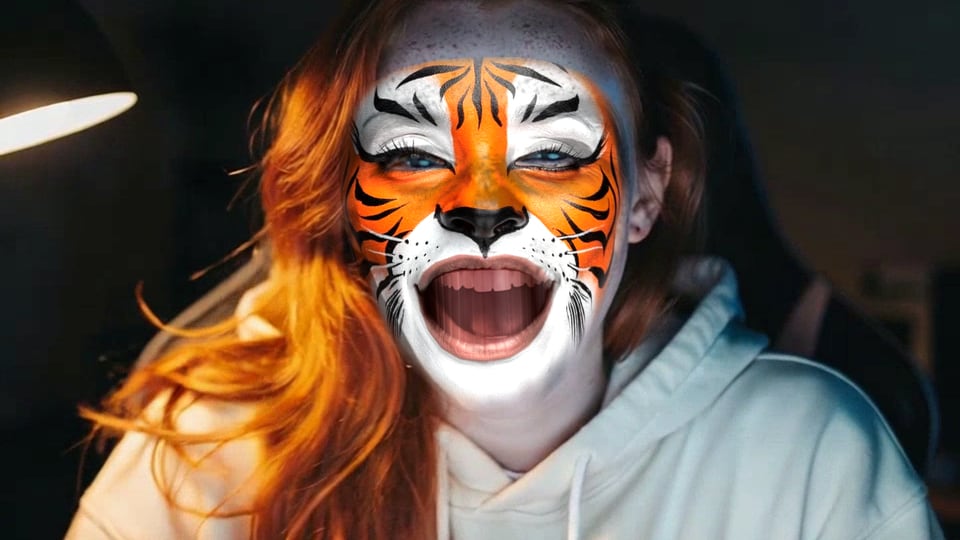
Tiger
Face paint with stripes and whiskers.


How to use Face Filters
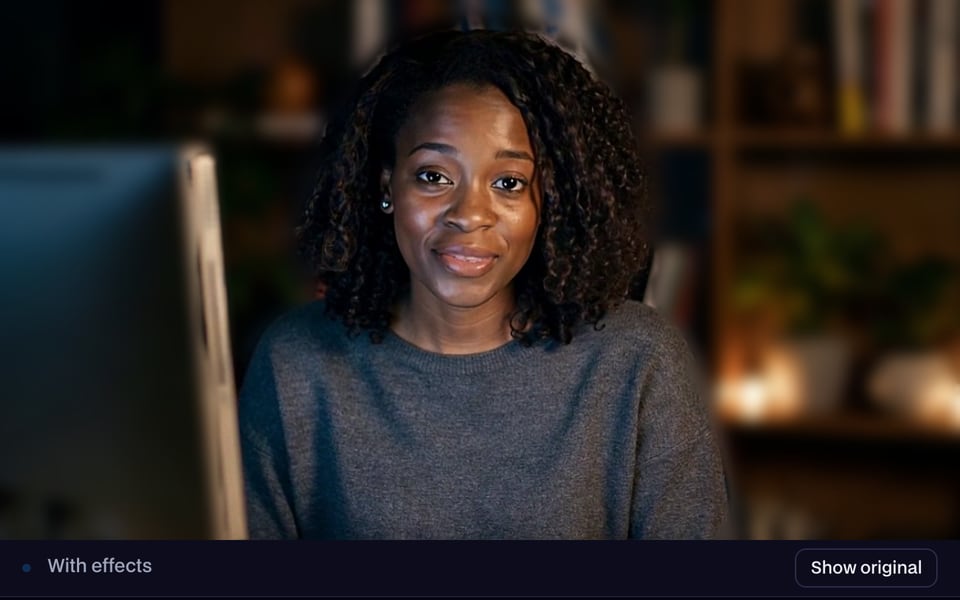
Start your camera
Click Start camera and allow camera access. Dog is already on, so you'll see the ears as soon as your face is in view.

Pick a filter
Tap any picture under Face filters: animals, hats and glasses, face lenses, effects, makeup, face paint, Halloween or Christmas. Tap None to take it off.
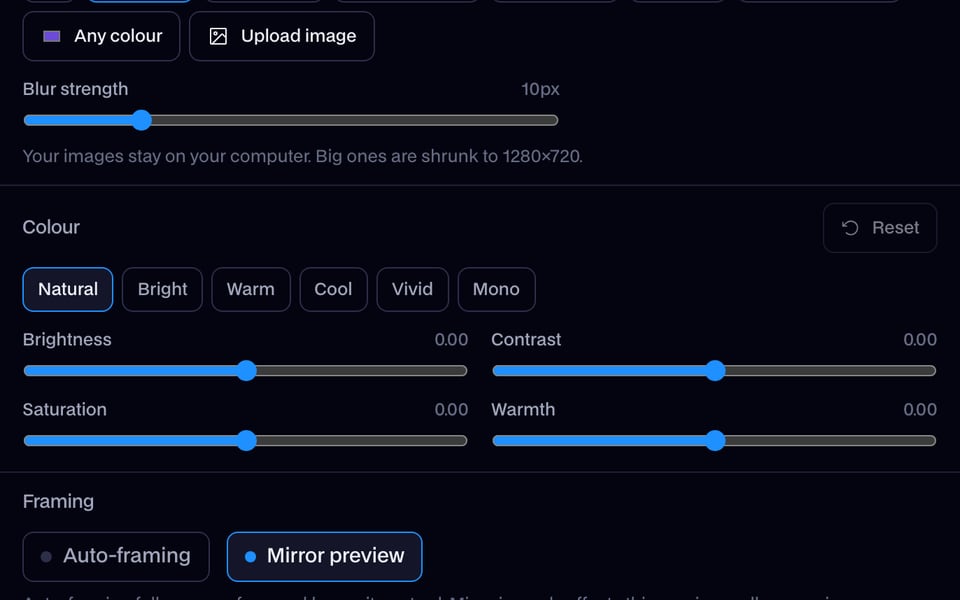
Use it in your call
Click Use as my camera in calls, then choose “Facecam Virtual Camera” as your camera in Meet, Zoom, Teams or Discord.


What is a face filter?
A face filter is a live camera effect that puts things on your face, like dog ears, sunglasses or a crown, and keeps them there as you turn and talk. Facecam's face filters are free, run in your browser and work in your video calls.
Made with Facecam
More examples

Bunny: tall ears, a pink nose and whiskers. 
Devil horns. 
Cowboy hat. 
Sunglasses on a work call. 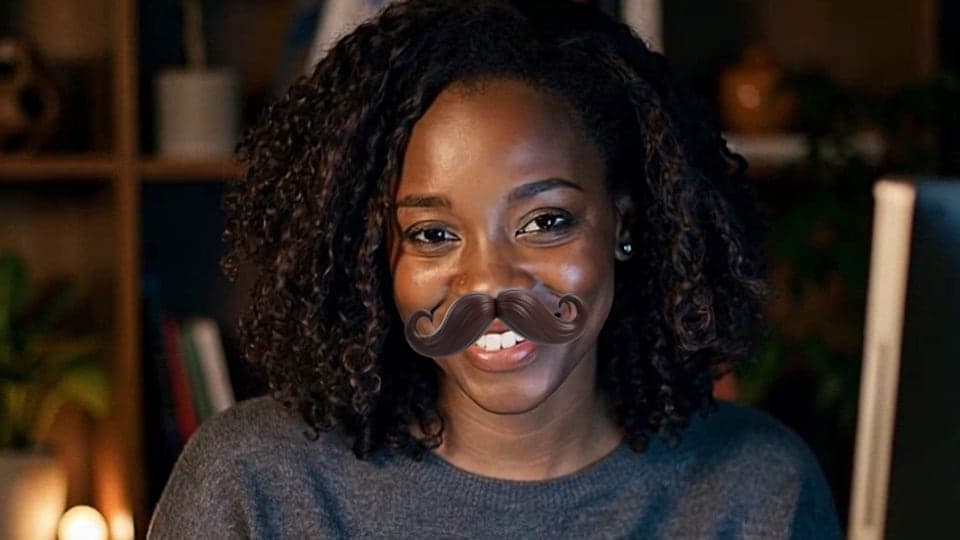
Mustache. 
Santa: the hat and the beard. 
Witch hat. 
Crown. 
Party hat. 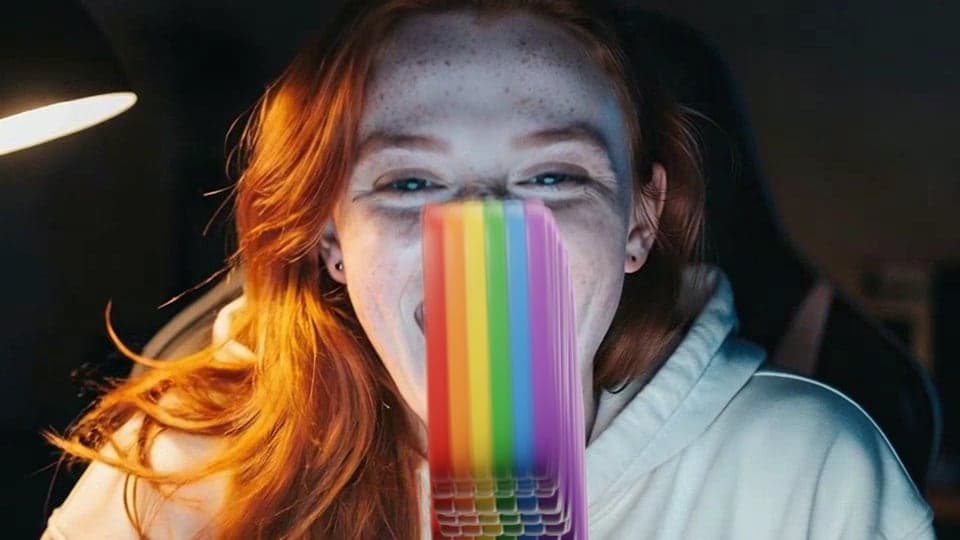
Rainbow: open your mouth. 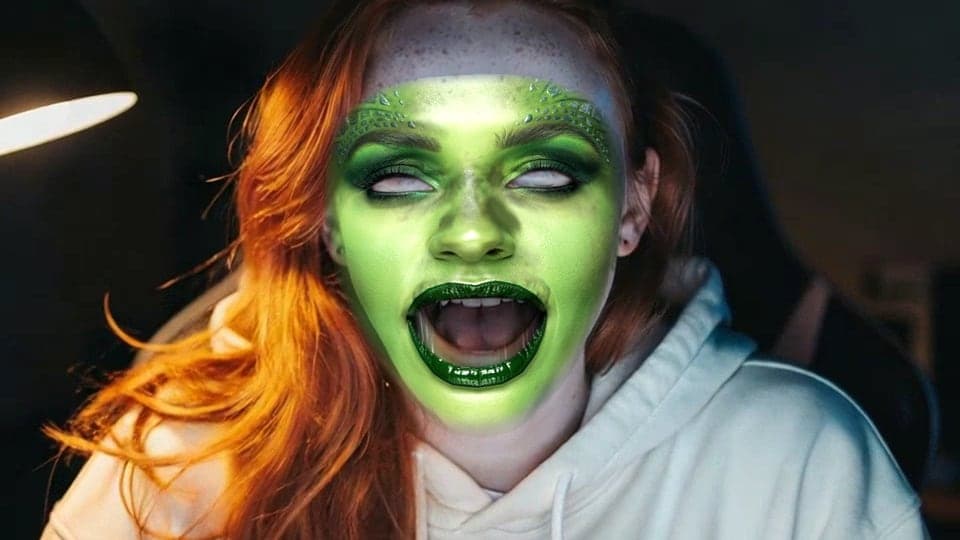
Alien face paint. 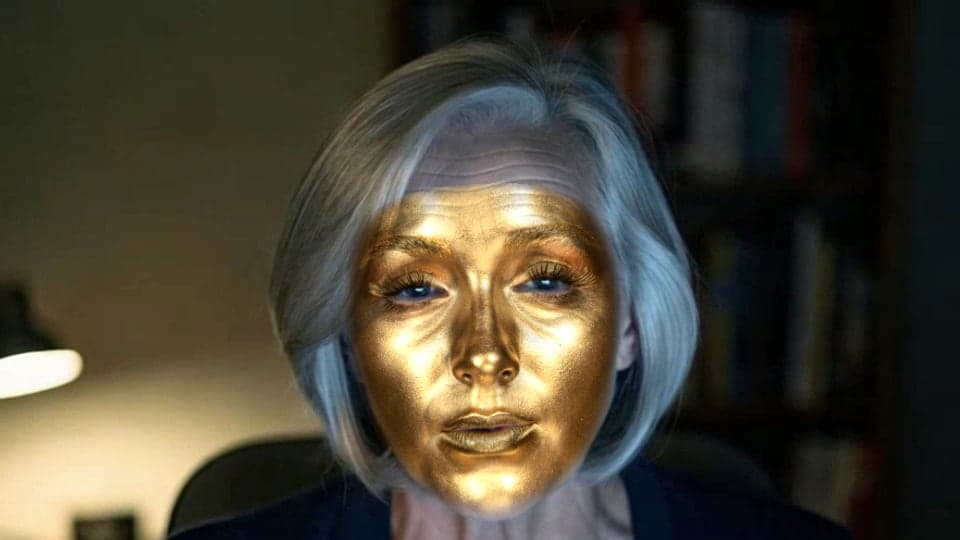
Gold statue. 
Crying. 
Sparkles. 
Glam makeup.
What you can do with Face Filters
A laugh at the start of a meeting
Game nights and Discord calls
Halloween and Christmas calls
Pumpkin head and Witch hat for October, Santa and Reindeer for the holiday party, on any camera call.
Streams and recordings

All 37 face filters
| Filter | What you get | Shelf |
|---|---|---|
| Dog | Floppy brown ears and a black nose. Open your mouth and the tongue comes out. | Animals |
| Cat | Grey cat ears, a pink nose and whiskers. | Animals |
| Bunny | Tall white ears, a pink nose and whiskers. | Animals |
| Sunglasses | Black shades that stay on as you turn. | Fun |
| Heart glasses | Pink heart-shaped glasses. | Fun |
| Crown | A gold crown with red and blue jewels. | Fun |
| Party hat | A striped party cone. Raise your eyebrows for a burst of confetti. | Fun |
| Cowboy hat | A wide brown cowboy hat. | Fun |
| Mustache | A curled handlebar mustache. | Fun |
| Clown | A rainbow wig and a round red nose. | Fun |
| Devil horns | Two small red horns. | Fun |
| Halo | A golden ring floating over your head. | Fun |
| Masquerade mask | A mask over your eyes, like at a ball. | Fun |
| Big eyes | Your own eyes, made huge. | Lenses |
| Bulge | Your face puffed out from the middle. | Lenses |
| Tiny face | Your face shrunk down on your head. | Lenses |
| Long face | Your face stretched tall. | Lenses |
| Wide face | Your face stretched wide. | Lenses |
| Hearts | Hearts float off your head. Raise your eyebrows for a burst. | Effects |
| Sparkles | Sparkles twinkling around your face. | Effects |
| Crying | Tears running down your cheeks. | Effects |
| Fire breath | Open your mouth and breathe fire. | Effects |
| Rainbow | Open your mouth and a rainbow pours out. | Effects |
| Glam makeup | Bold makeup on your own face. | Makeup |
| Soft makeup | A light, natural makeup look. | Makeup |
| Tiger | Tiger stripes painted on your face. | Face paint |
| Gold statue | Your face turned to shiny gold. | Face paint |
| Alien | Alien face paint. | Face paint |
| Cyborg | A cyborg look painted on your face. | Face paint |
| Clown makeup | Clown face paint, no wig. | Face paint |
| Fairy | Fairy face paint. | Face paint |
| Pumpkin head | Your head becomes a glowing jack-o'-lantern. | Halloween |
| Witch hat | A tall purple hat with an orange buckle. | Halloween |
| Sugar skull | Sugar skull face paint. | Halloween |
| Zombie | Zombie face paint. | Halloween |
| Santa | A red Santa hat and a big white beard. | Christmas |
| Reindeer | Antlers and a shiny red nose. | Christmas |


More about Face Filters
Face Filters are the live AR filters in Facecam's free Webcam Effects: ears, glasses, hats and masks drawn on your face from your webcam, on this page or as your camera in calls.
Face Filters: what you need and limits
| How it works | Right on this page. Nothing is uploaded. |
|---|---|
| You get | Camera in Chrome calls |
| You need | Any up-to-date browser, a webcam |
| Phones and tablets | Works on the page; calls and streams need a computer |
| Filters | 37: Animals, Fun, Lenses, Effects, Makeup, Face paint, Halloween, Christmas |
| Moves with you | Turns, tilts and scales with your head; the dog's tongue follows your mouth |
| Goes with | Background blur, a colour background and colour looks, at the same time |
| Your video | Stays on your computer |
| Price | Free to use every day, no sign-up |
Animal filters: dog, cat and bunny
Dog is the one people ask for by name, and the one this page opens on: floppy ears, a shiny black nose and a pink tongue that drops out when you open your mouth. Cat and Bunny sit next to it on the Animals shelf, with ears, a nose and whiskers that follow your face the same way, on a laptop call, a Discord stream or a recording.
Funny face filters for live video
The Fun shelf is for making people laugh on camera: a clown with a rainbow wig and red nose, a handlebar mustache, devil horns or a halo, heart glasses, a crown, a cowboy hat or a party hat that throws confetti when you raise your eyebrows. Each one is drawn on your live picture, so it reacts as you talk, nod and laugh instead of sitting on a still photo.
The Lenses bend your own face: big eyes, a bulge, a tiny face, a long one or a wide one. Effects react to you: open your mouth to breathe fire or pour out a rainbow, raise your eyebrows for a burst of hearts, or cry on cue. Face paint turns you into a tiger, a gold statue, an alien or a cyborg.
Filters mix with the rest of Webcam Effects. Blur your room or put a flat colour behind you, pick a colour look, and keep a filter on at the same time.
Where face filters work
On this page, in your browser, with nothing to install. In calls, the Facecam Chrome extension adds “Facecam Virtual Camera” to Google Meet, Zoom and Teams on the web and discord.com, with the same filters in its Effects mode. Facecam for PC and Mac brings them to the Zoom and Teams apps, the Discord app and OBS.
Keep the filter on your face
- Look toward the camera with your whole face in view. If the filter disappears, it comes back as soon as it sees your face again.
- Leave some room above your head for hats, crowns, antlers and the halo; sit back a little if they touch the top of the picture.
- Light your face from the front. A bright window behind you makes everything harder to see, filters included.

Face Filters FAQ
Are these face filters free?
Yes, free to use every day with no sign-up. They run on your computer, and your video isn't uploaded.
Can I use face filters in Zoom or Google Meet?
Yes. With the Chrome extension, choose “Facecam Virtual Camera” as your camera in Meet or Zoom on the web, and the filter you picked shows in the call. Facecam for PC and Mac adds the same camera to the Zoom app.
Can I blur my background and wear a filter?
Yes. Pick a background and a face filter in the same tool; both stay on.
Are these Snapchat filters?
No. These are Facecam's own filters, made for computer webcams and video calls. You don't need a Snapchat account or a phone.


Related
- Dog Filter
- How to blur your background on Zoom
- How to blur your background in Teams
- How to blur your background in Google Meet
- Zoom Touch up my appearance
- How to look good on a video interview
- Webcam setup for online teaching
- How to Look Good on Webcam
- What Is a Virtual Camera?
- How to Change Your Face on Zoom





Try Face Filters for free
- Free, no sign-up
- Runs in your browser
- Nothing is uploaded