Snap Camera alternative
Snap Camera stopped working in January 2023. Facecam brings face filters back to your webcam for free: dog ears, cat whiskers, crowns and a clown wig, plus a new face or a whole new look, live in your calls.
Updated · Tested by the Facecam team
Verdict
Nothing replaces Snap Camera's Lens library one for one: thousands of free community Lenses made in Lens Studio, from potato faces to cat ears, and none of that runs on a desktop webcam any more. Facecam has 37 face filters of its own, not thousands. If you only want Snapchat's Lenses, use them inside Snapchat on your phone or on Snapchat for Web, where Snap moved them, though neither feeds a camera into Zoom or OBS. Pick Facecam if you want face filters in your calls again: free dog, cat and bunny ears, glasses, crowns and hats, a clown, Halloween and Christmas filters, plus background blur, a live face swap that makes you look like anyone and a Live AI Filter that turns you into a knight or an anime hero, all as a camera you choose in Meet, Zoom, Discord or OBS.
How they compare
| Snap Camera | Facecam | Edge | |
|---|---|---|---|
| Still works | No, shut down January 25, 2023 | Yes | Facecam |
| Face filters (ears, glasses, hats) | Thousands of Snapchat Lenses | 37 live face filters, from a dog with a tongue to a Santa beard | — |
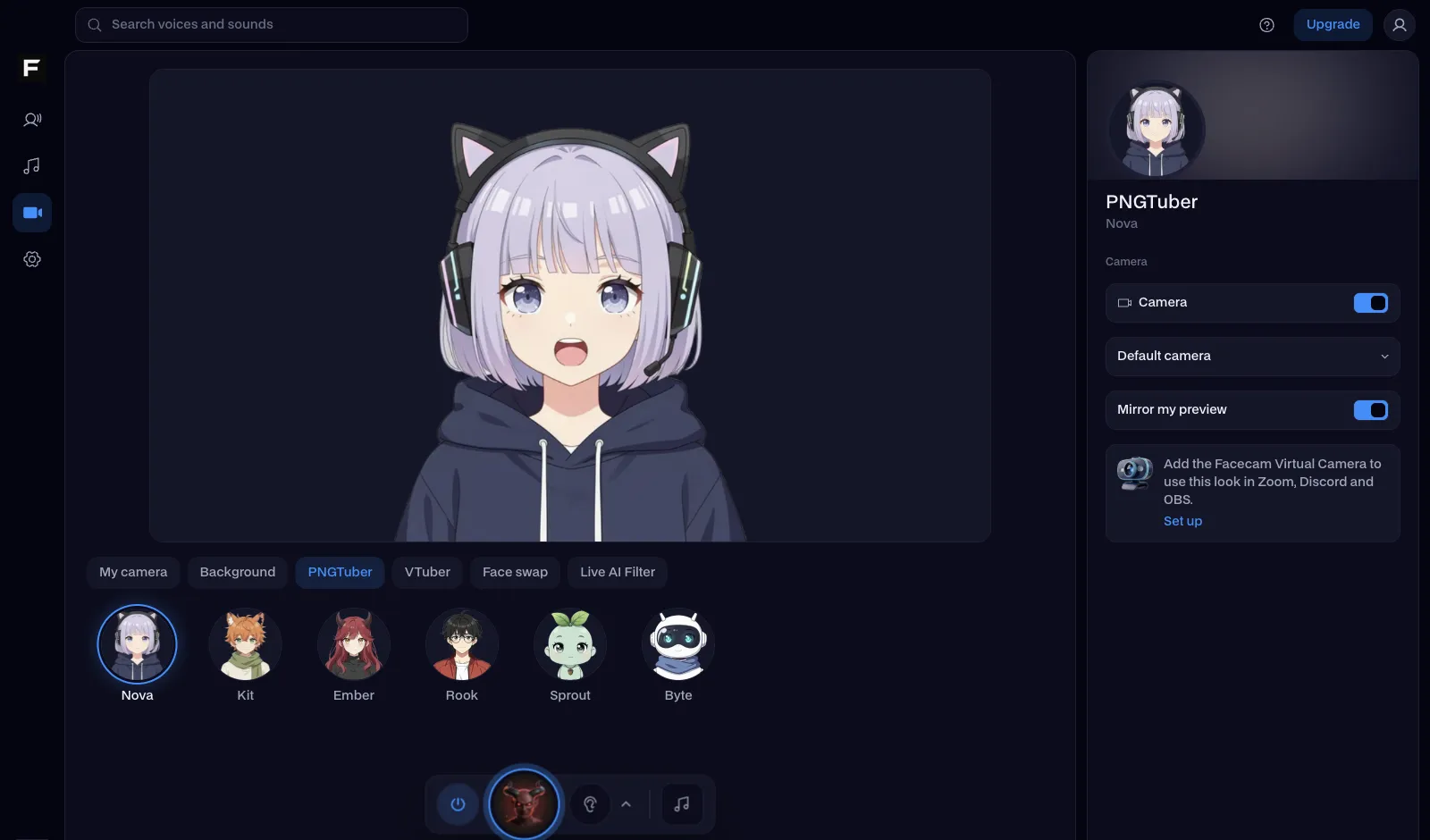
| Other effects | Lenses with masks and cartoon faces | Backgrounds and colour looks, face swap, AI looks, VTuber and PNGTuber avatars | — |
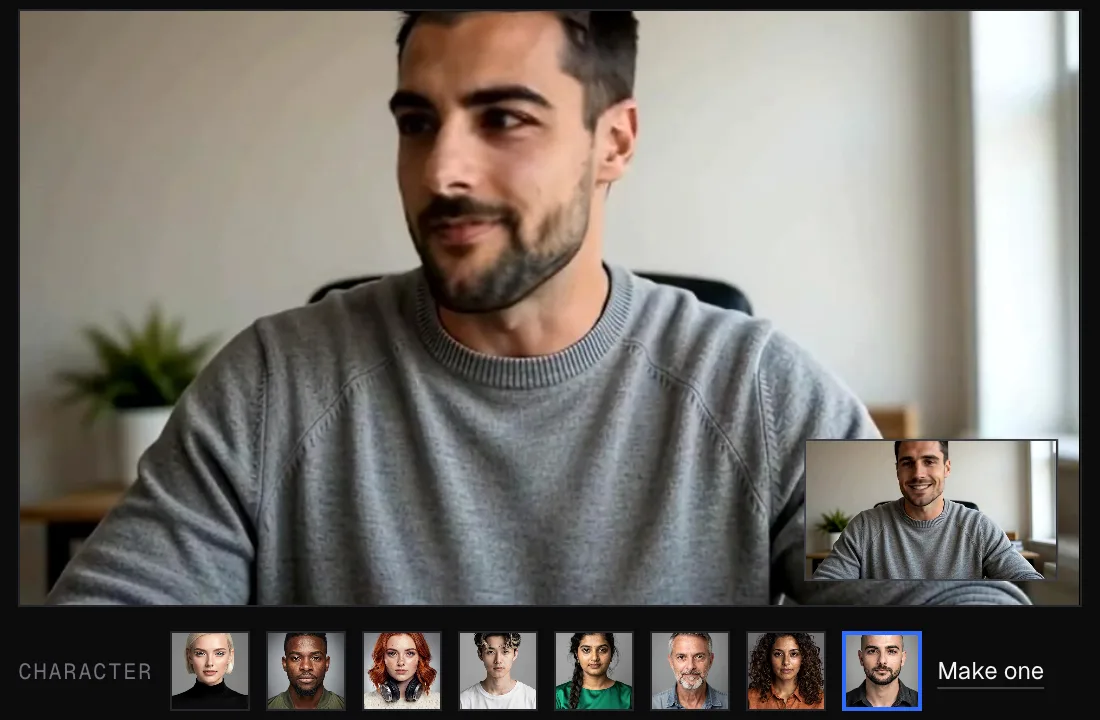
| Change your face to someone else's | No | Yes, live face swap from any photo | Facecam |
| Restyle your whole picture with AI | No | Yes, Live AI Filter | Facecam |
| Background blur and replace | Through some Lenses | Yes, in Webcam Effects | — |
| As a camera in calls | Zoom, Teams, Meet, OBS (desktop app) | Meet, Zoom web and discord.com in Chrome; every app on PC and Mac with the desktop app | — |
| Systems | Windows and macOS | Any computer with Chrome; Windows and macOS desktop app | — |
| Price | Was free | Face filters, webcam effects and avatars free; face swap and Live AI Filter on paid plans | — |
Facecam's side



Where each one wins
Snap Camera
Pros
- Thousands of free Lenses from Snap and the community
- Worked as a camera in desktop apps
- Free
Cons
- Shut down in January 2023: Lenses no longer load
- Old installers from download sites don't work and aren't safe
- No face swap or AI restyle
Facecam
Pros
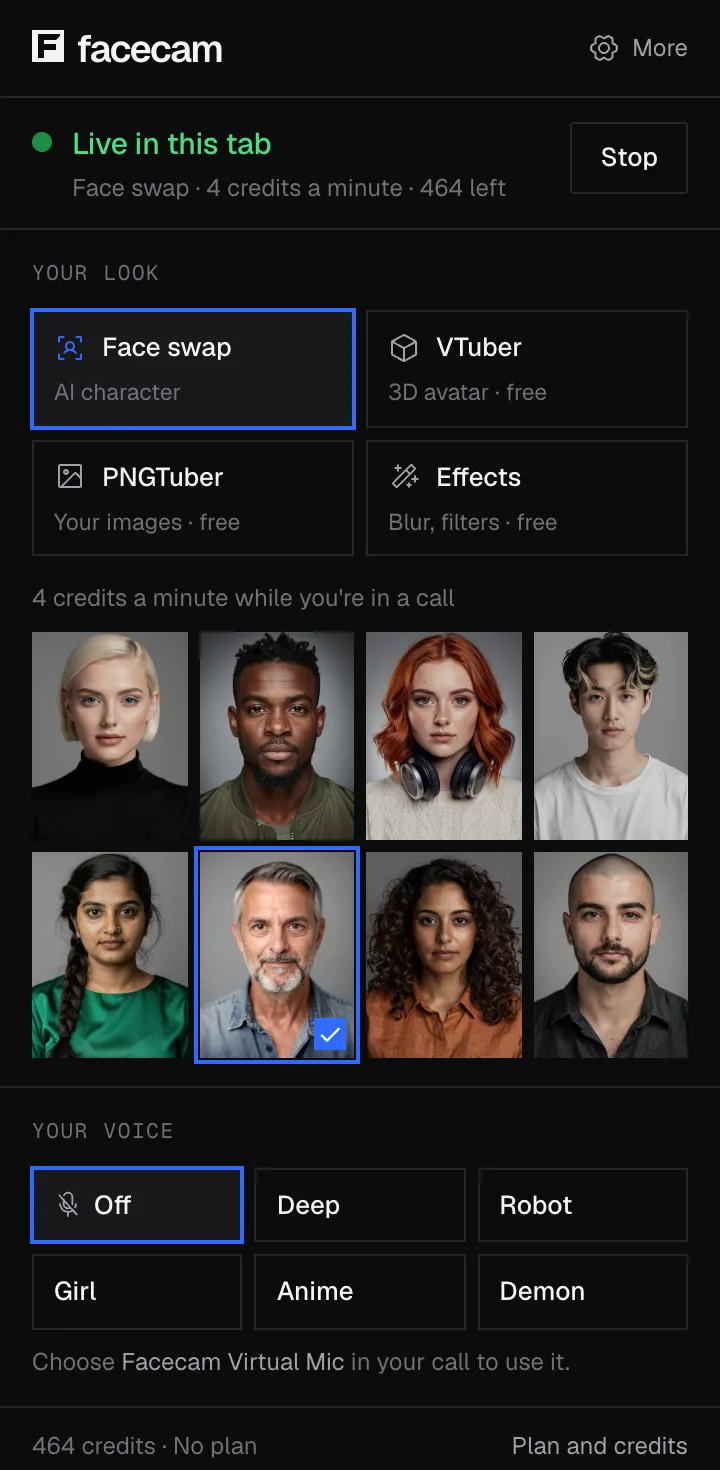
- Works today, in Chrome and as a desktop app
- Free face filters: dog, cat, clown, crowns, Halloween and Christmas
- Become anyone with live face swap, or anything with Live AI Filter
Cons
- 37 filters of its own, not a library of community Lenses
- Face swap and Live AI Filter are on paid plans
What to use instead, by what you used Snap Camera for
| You used Snap Camera for | Use this on Facecam |
|---|---|
| Dog ears, glasses or a hat in a meeting | Face filters |
| Someone else's face | Live face swap |
| Turning into a character | Live AI Filter |
| Blurring or hiding your room | Webcam effects |
| A cartoon you instead of your camera | PNGTuber maker |
| A 3D avatar for streams | VTuber maker |
Get your webcam effects back
Pick an effect on facecam.ai
Open the face filters, Live Face Swap or Live AI Filter and press Start: your camera changes right on the page.
Add Facecam to Chrome, or get the desktop app
The Chrome extension adds Facecam Virtual Camera to calls in Chrome. The desktop app adds it to Zoom, Teams, OBS and every other app on Windows and Mac.
Choose the Facecam camera
In your call's video settings, pick Facecam Virtual Camera where you used to pick Snap Camera.
Sources
- Snap Camera site (shutdown notice) (checked 2026-10-16)
- TechRadar: Snap is closing its Zoom video filter tool (checked 2026-10-16)

Questions
Does Snap Camera still work?
No. Snap shut it down on January 25, 2023, and the Lenses come from Snap's servers, so an installed copy shows no effects.
Why was Snap Camera discontinued?
Snap said it was refocusing on augmented reality inside Snapchat and its partners' products. Lenses moved to Snapchat on phones and Snapchat for Web.
Can I still download Snap Camera?
Copies are still on download sites, but they can't load Lenses and an old installer from an unknown site is a risk. Use a camera app that's still updated.
What is the best Snap Camera alternative for Zoom?
For face filters and backgrounds, Facecam's free Webcam Effects in the Zoom web app; for a new face or a whole new look, live face swap or Live AI Filter. The desktop app adds Facecam Virtual Camera to the Zoom app itself.
Is there a Snap Camera dog filter on Facecam?
Facecam has its own Dog filter: floppy ears and a black nose, and the tongue comes out when you open your mouth. It's free and shows up in your calls as Facecam Virtual Camera.
Can I use Snapchat Lenses on my computer?
On Snapchat for Web, in Snapchat's own calls. It doesn't act as a camera for other apps.
Other comparisons
- Deep-Live-Cam alternative without a gaming PC
- FaceFusion alternative for live video calls
- DeepFaceLive alternative for Mac, Windows and any laptop
- Swapface alternative with no download
- Remaker alternative with card plans and live face swap
- Uberduck AI alternative
- 15.ai alternative
- TopMediai alternative
- Voicemod alternative
- Clownfish voice changer alternative
- Live3D AI face swap alternative
- Dubbing AI voice changer alternative
- Okada voice changer alternative
- Voxal voice changer alternative
- EaseUS voice changer alternative
- HitPaw voice changer alternative
- Tuna soundboard alternative
- Soundboard Max alternative
- Blerp alternative
- ManyCam alternative
- YouCam alternative
- XSplit VCam alternative
- NVIDIA Broadcast alternative
- Streamfog alternative
- FilterOnMe alternative
- SplitCam alternative
- CiCi Cam alternative
- Facecam vs LiveSwap
- Facecam vs Livesync











Related
- Face FiltersLive face filters on your webcam: dog ears with a tongue that pops out when you open your mouth, cat whiskers, a clown wig and 34 more, stuck to your face as you move.
- Webcam Filters and EffectsFree webcam filters, no sign-up: an online camera with filters that puts dog ears, sunglasses or a crown on your face, blurs or replaces your background and adds a colour look, then works in Meet, Zoom or Discord.
- Live Face Swap for Video CallsFacecam is a live face swap app: become anyone on camera, in real time, in Google Meet, Zoom, Discord and OBS. Upload any photo or pick a built-in face, and wear it in your calls and streams.
- Live AI FilterChange everything on camera, live: who you are, what you wear and where you are.
- Virtual cameraA virtual camera is an extra camera you can pick in a call like a webcam, but it shows a face swap, avatar or effect instead of your normal video.
- Live face swap apps comparedNine live face swap apps side by side: what each needs on your computer, how it gets into Zoom, Meet or Discord, what it costs and what it promises about speed, checked on each app's own page, plus three names that come up but don't swap faces live.




Webcam Effects
Blur or swap your background
Start