Streamfog alternative
Streamfog brings AR lenses to streams through a desktop app. Facecam's face filters run in Chrome, for calls and browser studios.
Updated · Tested by the Facecam team
Verdict
Stay with Streamfog if you stream on Twitch from OBS and want chat, channel points and alerts to trigger effects: its Twitch extension and Streamer.bot hook are made for that. Pick Facecam for calls and browser studios like StreamYard and Restream, or if you want to try filters without installing anything.
How they compare
| Streamfog | Facecam | |
|---|---|---|
| Runs on | Windows, Apple-silicon Macs, Linux; browser demos | Chrome on any computer (Windows, Mac, Chromebook, Linux); Facecam for PC and Mac in early access |
| Face filters | AR effects and lenses | 37 face filters: animals, hats, glasses, lenses, makeup, face paint, seasonal |
| Beauty | Streamfog Beauty (smoothing, makeup, touch-ups) | Makeup filters and colour looks |
| Viewer triggers | Twitch extension, Streamer.bot | No |
| Avatars | VTube avatars | Separate VTuber and PNGTuber tools |
| Price | Free tier for AR; beauty is paid | Free to try every day; unlimited on a plan |
Facecam's side


Where each one wins
Streamfog
Pros
- Chat and channel points trigger effects
- Large lens catalogue
- Effects on recorded clips too
Cons
- Desktop app to install
- Beauty filters are a separate paid product
Facecam
Pros
- Runs in Chrome, nothing to install to try
- Works in calls as well as browser studios
- Makeup filters included
Cons
- No Twitch chat triggers
- OBS's camera list needs the desktop app
For streamers using browser studios
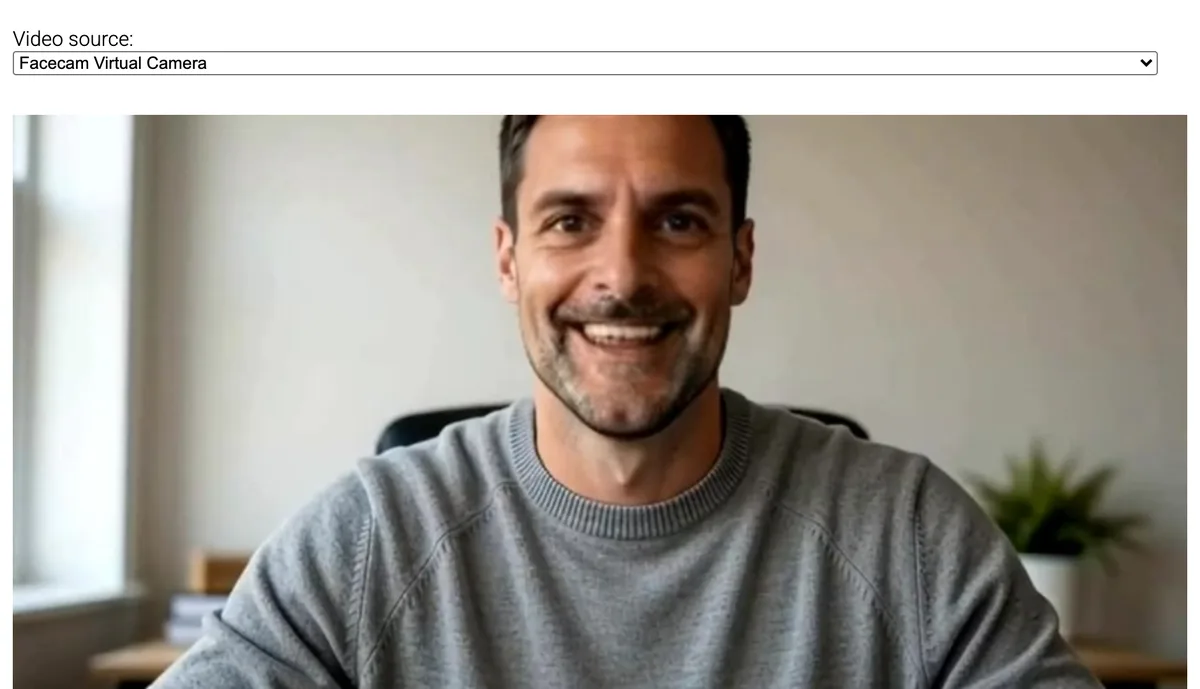
StreamYard, Restream Studio and YouTube's webcam streaming take your camera straight from the browser. Facecam's filters reach them with no OBS in between: pick Facecam Virtual Camera in the studio's camera settings.
Seasonal filters
Streamfog's lens catalogue changes with the seasons and is built around Twitch events. Facecam's seasonal filters are fewer and always there: pumpkin head and witch hat for Halloween, Santa and reindeer antlers for December, plus confetti that bursts when you raise your eyebrows.
Sources
- Streamfog: platforms, AR effects, beauty, Twitch extension (checked 2026-10-20)

Questions
Does Facecam work in OBS?
Capture the Chrome window today; the camera list needs the desktop app.
Can viewers trigger Facecam filters?
No. You switch them from the Facecam popup.
Other comparisons
- Deep-Live-Cam alternative without a gaming PC
- FaceFusion alternative for live video calls
- DeepFaceLive alternative for Mac, Windows and any laptop
- Swapface alternative with no download
- Remaker alternative with card plans and live face swap
- Uberduck AI alternative
- 15.ai alternative
- TopMediai alternative
- Voicemod alternative
- Clownfish voice changer alternative
- Live3D AI face swap alternative
- Snap Camera alternative
- Dubbing AI voice changer alternative
- Okada voice changer alternative
- Voxal voice changer alternative
- EaseUS voice changer alternative
- HitPaw voice changer alternative
- Tuna soundboard alternative
- Soundboard Max alternative
- Blerp alternative
- ManyCam alternative
- YouCam alternative
- XSplit VCam alternative
- NVIDIA Broadcast alternative
- FilterOnMe alternative
- SplitCam alternative
- CiCi Cam alternative
- Facecam vs LiveSwap
- Facecam vs Livesync









Related
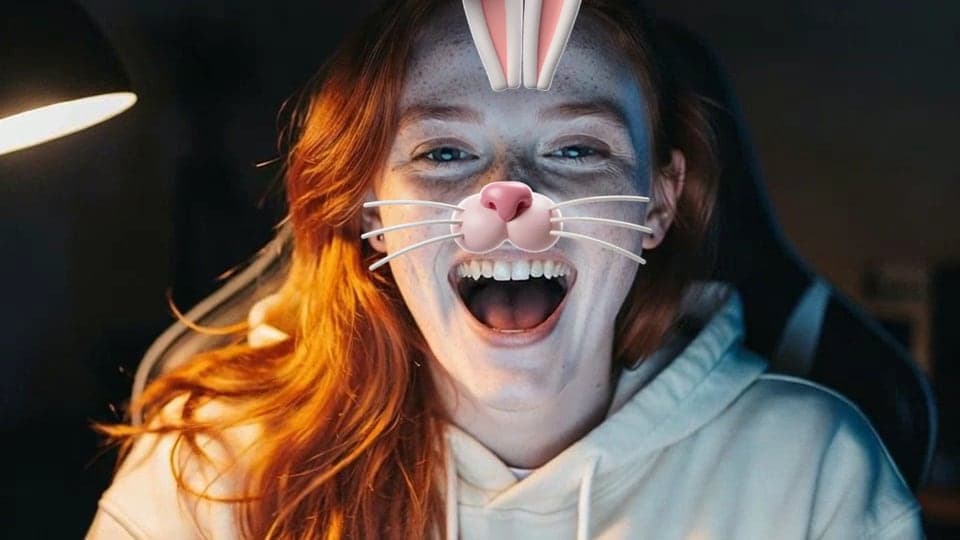 Face FiltersLive face filters on your webcam: dog ears with a tongue that pops out when you open your mouth, cat whiskers, a clown wig and 34 more, stuck to your face as you move.
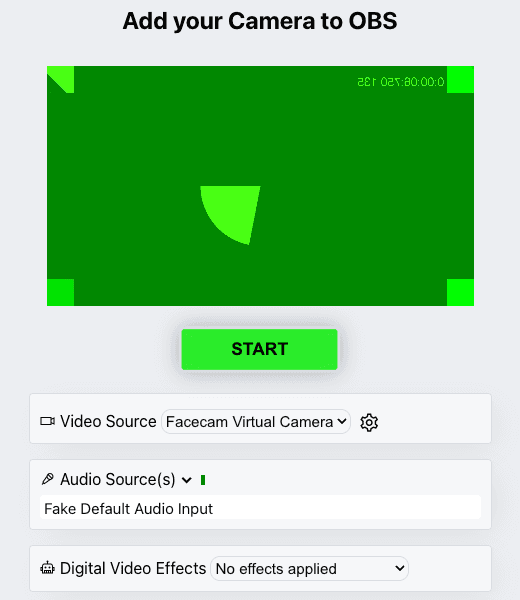 OBS camera filters plus background blurOBS's own camera filters fix colour and crop; this adds face filters and a blurred or replaced background without a green screen. Free, no sign-up.
 ManyCam alternativeManyCam is a full live-production app. If what you want is a better-looking camera in your calls, Facecam does that in the browser.
- StreamYard filtersGo live from StreamYard with a face filter or a colour look on your camera, set in Chrome before you enter the studio. Free, no sign-up.

Webcam Effects
Blur or swap your background
Start