NVIDIA Broadcast alternative
NVIDIA Broadcast needs a GeForce RTX card on Windows. Facecam's camera effects run on Macs, Chromebooks and ordinary laptops in Chrome.
Updated · Tested by the Facecam team
Verdict
If you have an RTX card on Windows, keep NVIDIA Broadcast: Studio Voice, noise and echo removal, Eye Contact and Virtual Key Light are strong, and nothing in a browser matches its eye contact today. Pick Facecam if you're on a Mac, a Chromebook or a laptop without RTX, or you want face filters and colour looks that NVIDIA doesn't make.
How they compare
| NVIDIA Broadcast | Facecam | Edge | |
|---|---|---|---|
| Runs on | Windows 10/11 with a GeForce RTX 2060 or better | Chrome on any computer (Windows, Mac, Chromebook, Linux); Facecam for PC and Mac in early access | — |
| Background | Removal, replacement, blur | Light or strong blur, flat colours, your own picture | — |
| Eye contact | Yes | No | NVIDIA Broadcast |
| Auto frame | Yes | Yes, auto-framing | — |
| Lighting | Virtual Key Light | Bright, Warm and Cool looks, brightness and warmth sliders | — |
| Face filters | No | 37 face filters: animals, hats, glasses, lenses, makeup, face paint, seasonal | — |
| Audio | Studio Voice, noise and echo removal | Voice changer and soundboard (separate tools) | — |
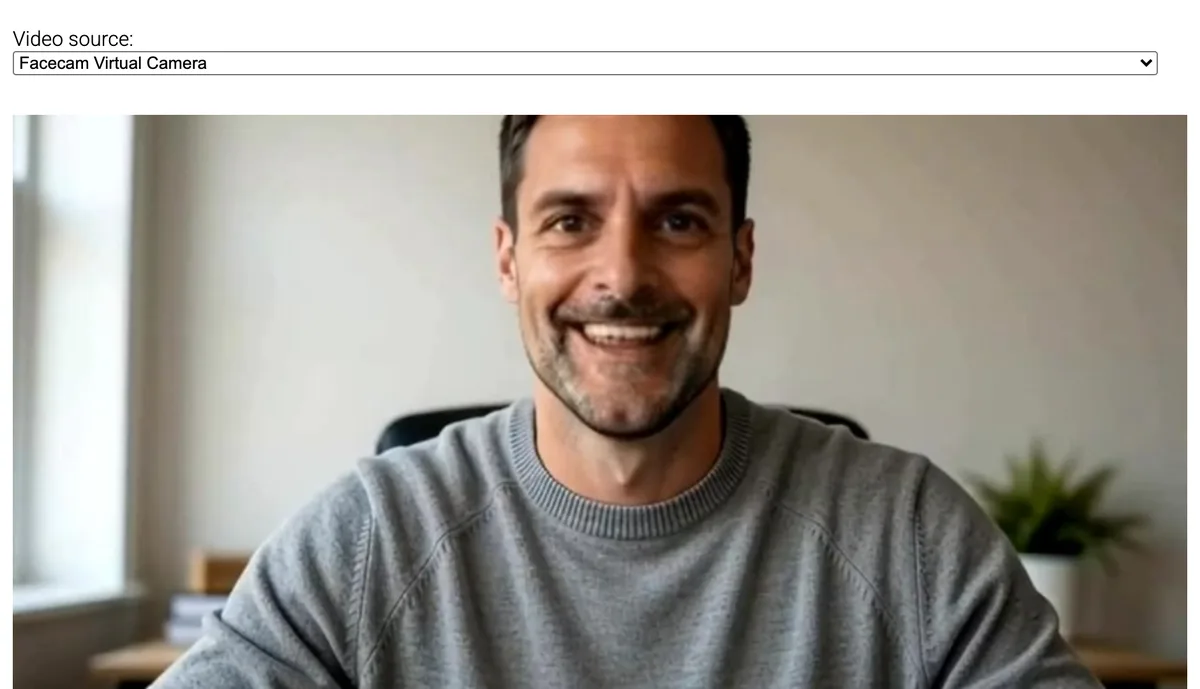
Facecam's side


Where each one wins
NVIDIA Broadcast
Pros
- Eye Contact and Virtual Key Light
- Excellent audio clean-up
- Runs on the graphics card, light on the processor
Cons
- Windows only
- Needs an RTX graphics card
- No fun filters
Facecam
Pros
- Any computer with Chrome
- Face filters, makeup and colour looks
- Nothing to install to try
Cons
- No eye contact correction
- No noise removal on the camera tool
No RTX card? What you can still do
Most laptops, every Mac and every Chromebook can't run NVIDIA Broadcast. A blur or flat background, a brighter and warmer picture, and auto-framing cover most of what people use it for on camera, and those run in Chrome on the graphics any laptop has.
If you have both
On an RTX laptop you can keep NVIDIA Broadcast for your microphone (noise and echo removal) and use Facecam's camera for filters in browser calls. Pick NVIDIA's mic and Facecam Virtual Camera in the same Meet or Zoom call; they don't touch each other.
Sources
- NVIDIA Broadcast: features and system requirements (checked 2026-10-20)

Questions
Is there an NVIDIA Broadcast for Mac?
NVIDIA lists Windows only. On a Mac, Facecam's camera effects work in Chrome.
Can I get eye contact correction without NVIDIA?
Not in Facecam yet.
Other comparisons
- Deep-Live-Cam alternative without a gaming PC
- FaceFusion alternative for live video calls
- DeepFaceLive alternative for Mac, Windows and any laptop
- Swapface alternative with no download
- Remaker alternative with card plans and live face swap
- Uberduck AI alternative
- 15.ai alternative
- TopMediai alternative
- Voicemod alternative
- Clownfish voice changer alternative
- Live3D AI face swap alternative
- Snap Camera alternative
- Dubbing AI voice changer alternative
- Okada voice changer alternative
- Voxal voice changer alternative
- EaseUS voice changer alternative
- HitPaw voice changer alternative
- Tuna soundboard alternative
- Soundboard Max alternative
- Blerp alternative
- ManyCam alternative
- YouCam alternative
- XSplit VCam alternative
- Streamfog alternative
- FilterOnMe alternative
- SplitCam alternative
- CiCi Cam alternative
- Facecam vs LiveSwap
- Facecam vs Livesync









Related
 Webcam Filters and EffectsFree webcam filters, no sign-up: an online camera with filters that puts dog ears, sunglasses or a crown on your face, blurs or replaces your background and adds a colour look, then works in Meet, Zoom or Discord.
 XSplit VCam alternativeXSplit VCam (now VCam) blurs and replaces your background on Windows and Mac. Facecam does that in Chrome and adds face filters.
 How to blur your background in TeamsBlur in Teams takes two clicks before you join and three during a meeting, with a choice of standard or portrait blur.
 Webcam TestA free webcam test with no sign-up: see your camera's real resolution, frame rate and lighting in seconds. Your video never leaves your device.

Webcam Effects
Blur or swap your background
Start