Voxal voice changer alternative
Voxal is NCH Software's long-running voice changer, free for home use. Facecam is the alternative with more ready voices, a hotkey soundboard and nothing to install to try it.
Updated · Tested by the Facecam team
Verdict
Stay with Voxal if you like building your own effect chains: it lets you stack effects, save them as presets and switch them with hotkeys, it runs on very old Windows versions, and it applies effects to files as well as live. Pick Facecam if you want 150+ voices that are ready to use, a soundboard next to the voices, a free version without a home-use-only licence, and a browser version you can try before installing anything.
How they compare
| Voxal | Facecam | Edge | |
|---|---|---|---|
| Systems | Windows 7 to 11 (older builds for XP and earlier), macOS 10.5 and later | Windows and macOS app, any computer with Chrome | — |
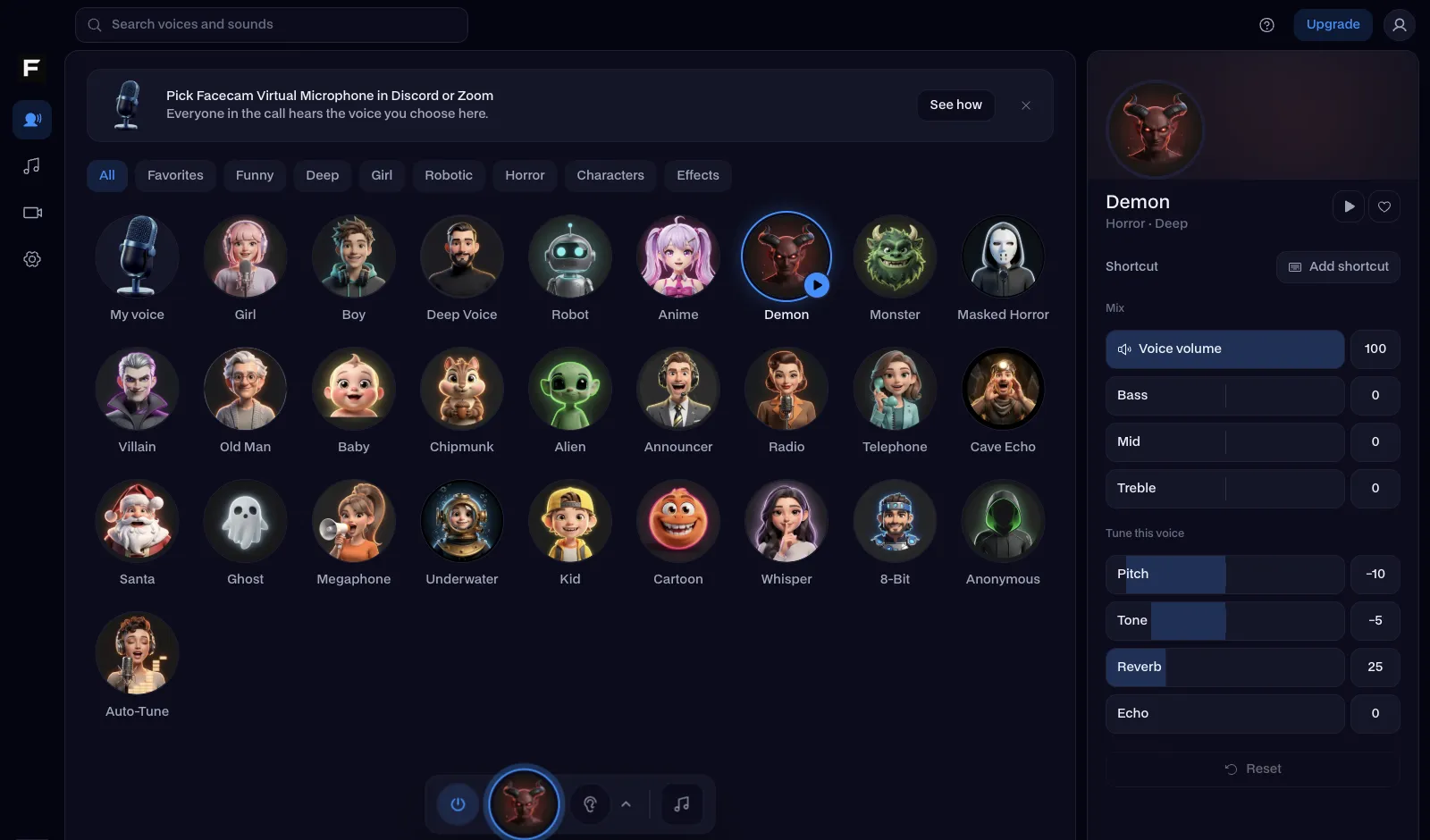
| Voices | A built-in effect library plus unlimited custom effect chains | 26 ready voices with sliders for pitch, tone, echo and reverb | — |
| Live in apps | Yes, games, Discord, TeamSpeak, Steam | Yes, through Facecam Virtual Microphone | — |
| Change recorded files | Yes | Yes, the online voice changer (MP3, WAV, MP4, MOV) | — |
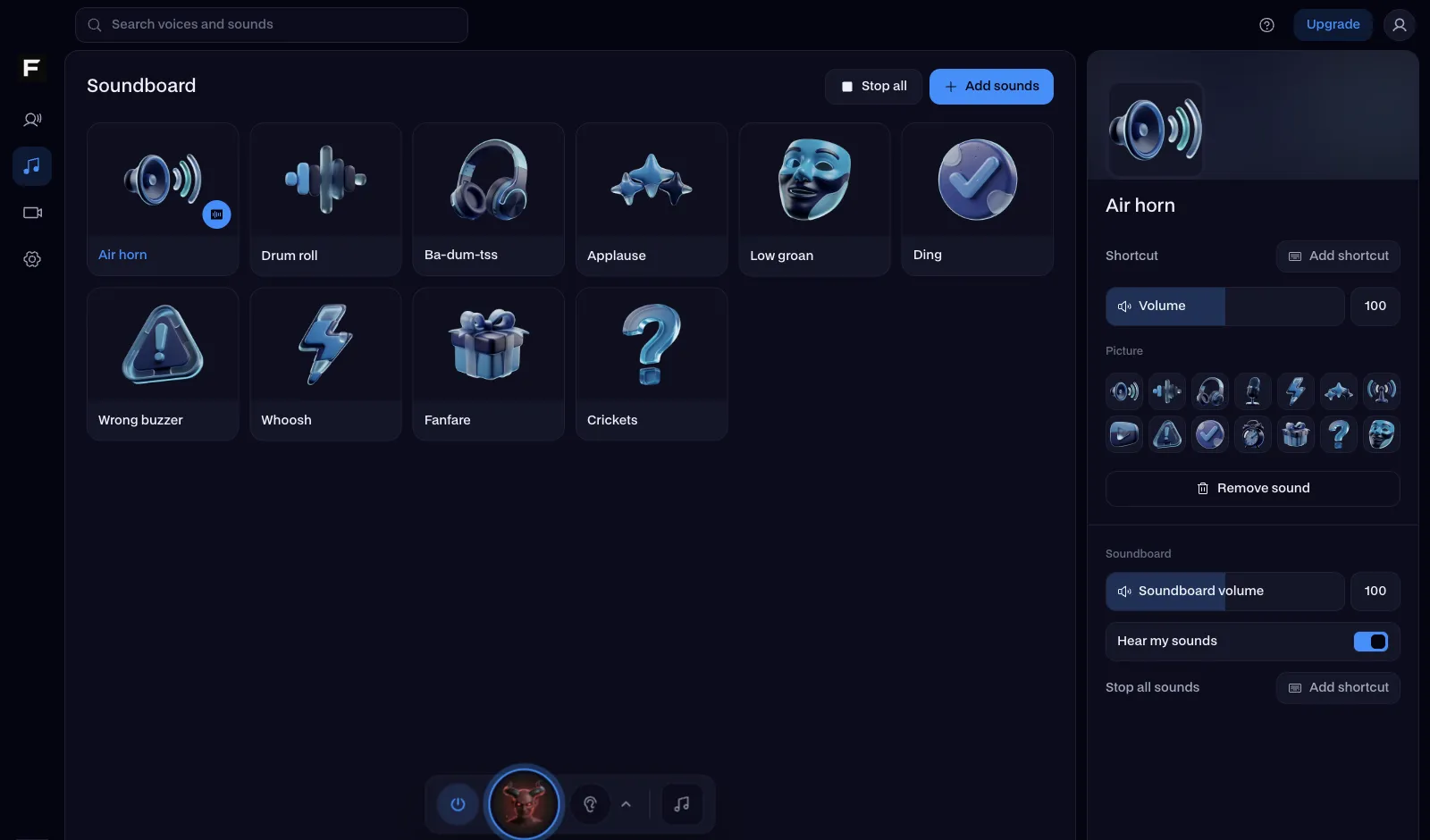
| Soundboard | No | Yes, with a hotkey per pad | Facecam |
| Try without installing | No | Yes | Facecam |
| Free version | Free for non-commercial home use | Free voice changer and soundboard | — |
Facecam's side
Where each one wins
Voxal
Pros
- Custom effect chains you can save and switch with hotkeys
- Runs on very old computers
- Works on live audio and on files
Cons
- Free licence is for home use only
- A dated interface
- No soundboard
Facecam
Pros
- 26 voices ready to use, from deep and girl to Ghostface
- A soundboard with free packs in the same app
- Try every voice in the browser first
Cons
- No custom effect chains beyond each voice's sliders
- Needs a current Windows, macOS or Chrome
Switch from Voxal in three steps
Try the voices in your browser
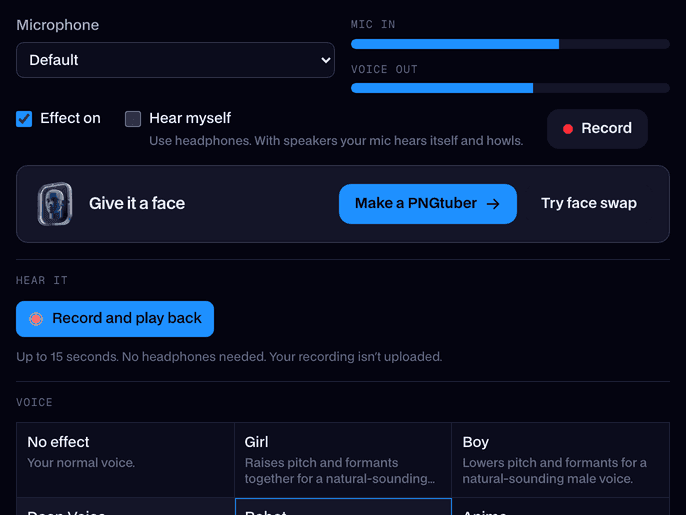
Open the real-time voice changer on facecam.ai, press Start and go through the voices with headphones on. Nothing to install.
Get the desktop app
Download Facecam for Windows or Mac and add Facecam Virtual Microphone when it asks.
Pick it in your apps
Choose Facecam Virtual Microphone as the input in Discord, Steam, OBS or your game. Voxal hooks into your microphone; close it so the effects don't stack.
Voxal's effects, and the Facecam voice to use instead
| Voxal effect | Facecam voice |
|---|---|
| Robot | Robot voice |
| Girl | Girl voice |
| Boy | Boy voice |
| Alien | Alien voice |
| Echo | Echo voice |
| Atmospheric (cave, hall) | Cathedral voice |
Sources
- NCH Software: Voxal Voice Changer (features, systems, free home version) (checked 2026-10-16)

Questions
Is Voxal voice changer free?
NCH offers a free version for non-commercial home use; other use needs a paid licence. Facecam's voice changer and soundboard are free.
Is Voxal safe?
It's from NCH Software's own site. Download it only from there, and read each installer step.
Does Voxal work with Discord?
Yes, NCH lists Discord, TeamSpeak and Steam games. Facecam works there too: pick Facecam Virtual Microphone as Discord's input.
Is there a Voxal for Mac?
Yes, for macOS 10.5 and later. Facecam has a Mac app as well, and its voices run in any browser on a Mac.
Other comparisons
- Deep-Live-Cam alternative without a gaming PC
- FaceFusion alternative for live video calls
- DeepFaceLive alternative for Mac, Windows and any laptop
- Swapface alternative with no download
- Remaker alternative with card plans and live face swap
- Uberduck AI alternative
- 15.ai alternative
- TopMediai alternative
- Voicemod alternative
- Clownfish voice changer alternative
- Live3D AI face swap alternative
- Snap Camera alternative
- Dubbing AI voice changer alternative
- Okada voice changer alternative
- EaseUS voice changer alternative
- HitPaw voice changer alternative
- Tuna soundboard alternative
- Soundboard Max alternative
- Blerp alternative
- ManyCam alternative
- YouCam alternative
- XSplit VCam alternative
- NVIDIA Broadcast alternative
- Streamfog alternative
- FilterOnMe alternative
- SplitCam alternative
- CiCi Cam alternative
- Facecam vs LiveSwap
- Facecam vs Livesync














Related
- Real-Time Voice ChangerA free real-time voice changer, no sign-up needed: talk, hear your new voice right away and use it in Discord, Meet and Zoom.
- Online Voice ChangerA free online voice changer with no sign-up: upload or record audio, pick one of 26 voices and download a WAV. Nothing is uploaded.
- Clownfish voice changer alternativeClownfish voice changer is free, light and Windows-only. Facecam is the alternative with far more voices, a real soundboard, a Mac app and a version that runs in your browser.
- TeamSpeak voice changerA TeamSpeak voice changer for your clan server: set Facecam as the capture device and talk in a police radio, deep or robot voice on any channel.


Real-Time Voice Changer
Change your voice live
Start