EaseUS voice changer alternative
EaseUS VoiceWave is a Windows voice changer with thousands of voices and sounds, most behind a subscription. Facecam is the free alternative for Windows, Mac and the browser.
Updated · Tested by the Facecam team
Verdict
Stay with EaseUS VoiceWave if you're on Windows and want AI voices plus a huge sound library in one app, with noise suppression built in and a phone app for recordings. Pick Facecam if you're on a Mac or a Chromebook, want to try every voice in a browser before installing, or don't want a subscription: Facecam's voice changer and soundboard are free, and its live voices are effects that run on any computer.
How they compare
| EaseUS VoiceWave | Facecam | Edge | |
|---|---|---|---|
| Systems | Windows 10 and 11; iOS and Android app | Windows and macOS app; any computer with Chrome; phones in the browser | — |
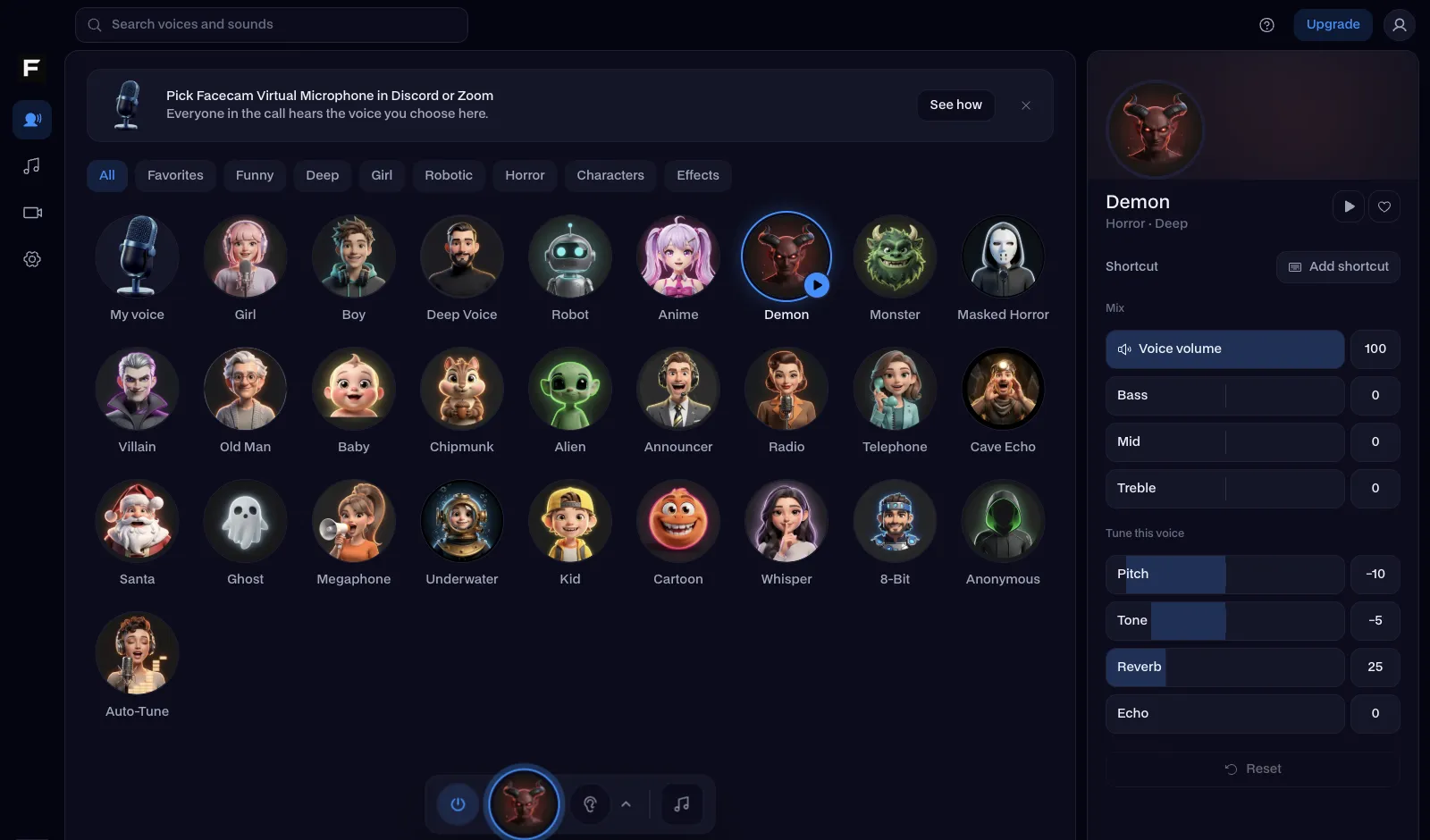
| Voices | 2,000+ voices, AI and effects | 26 voices with sliders | — |
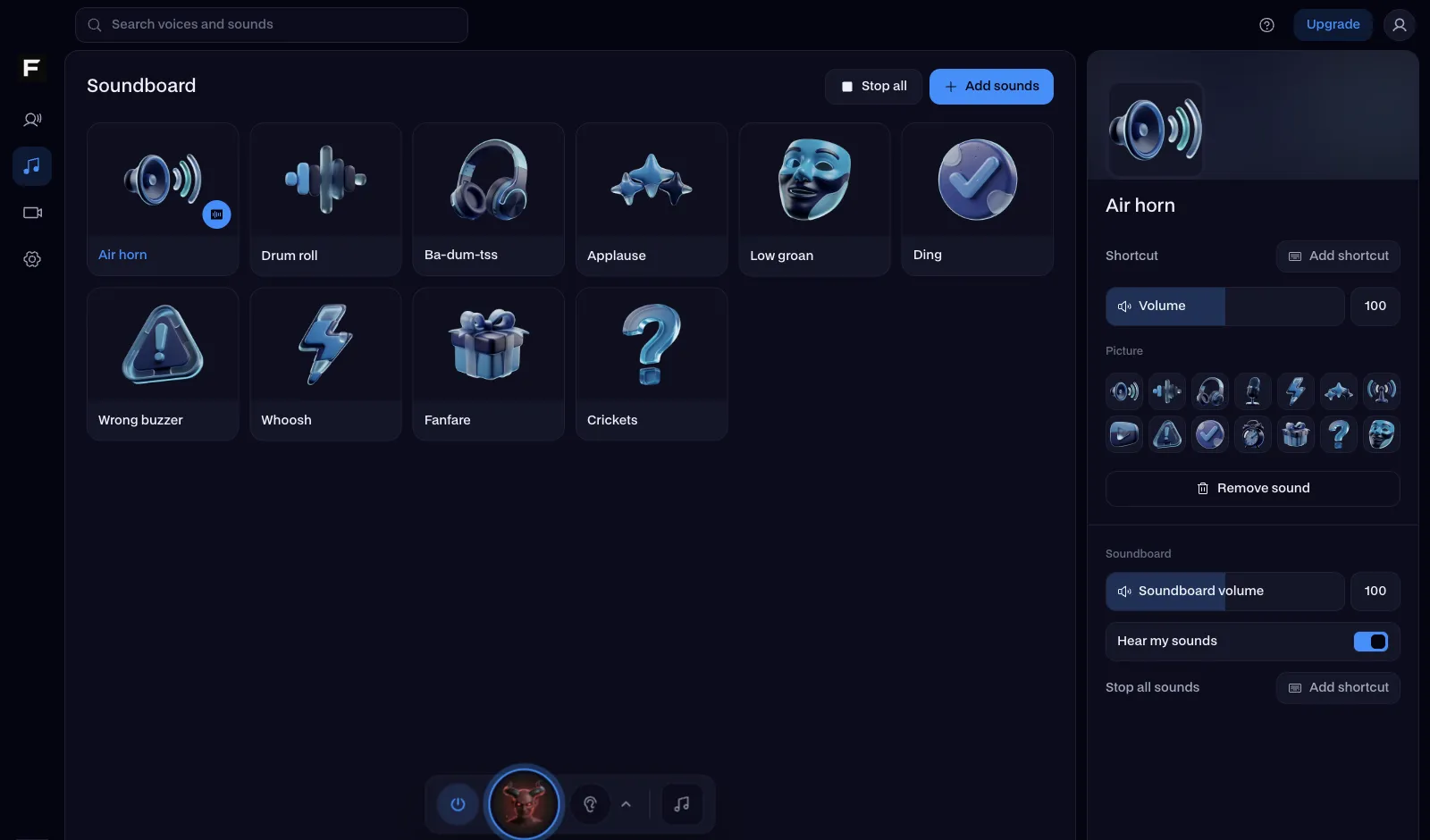
| Sounds | 150,000+ sound effects | Free sound packs and your own clips | — |
| Noise suppression | Yes | No | EaseUS VoiceWave |
| Works with | Discord, games, OBS, Zoom, Teams, WhatsApp desktop | The same, through Facecam Virtual Microphone | — |
| Try without installing | No | Yes | Facecam |
| Price | Free version with limits; paid plans for the full library | The voice changer and soundboard are free | — |
Facecam's side
Where each one wins
EaseUS VoiceWave
Pros
- A very large voice and sound library
- AI voices and noise suppression in one app
- A phone app as well
Cons
- Windows only on computers
- Most of the library needs a paid plan
- A download before you can hear anything
Facecam
Pros
- Windows, Mac, and a browser version
- Free voice changer and soundboard, no account
- Nothing uploaded: the free voices run on your computer
Cons
- Live voices are effects, not AI
- A smaller sound library
Switch from VoiceWave in three steps
Try the voices in your browser
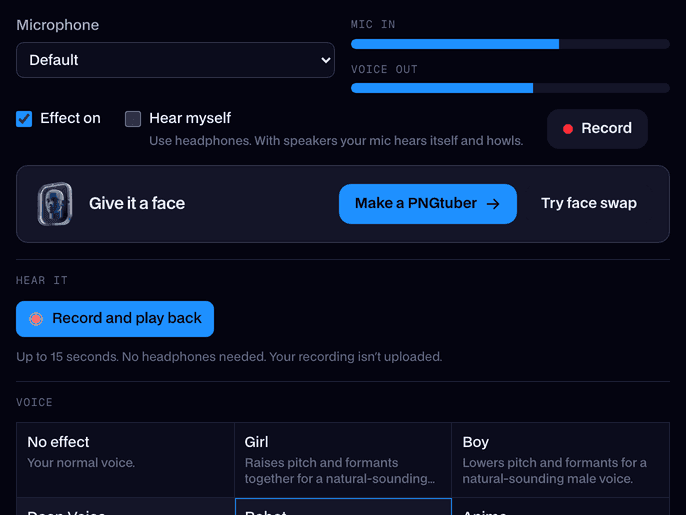
Open the real-time voice changer on facecam.ai, press Start and go through the voices with headphones on. Nothing to install.
Get the desktop app
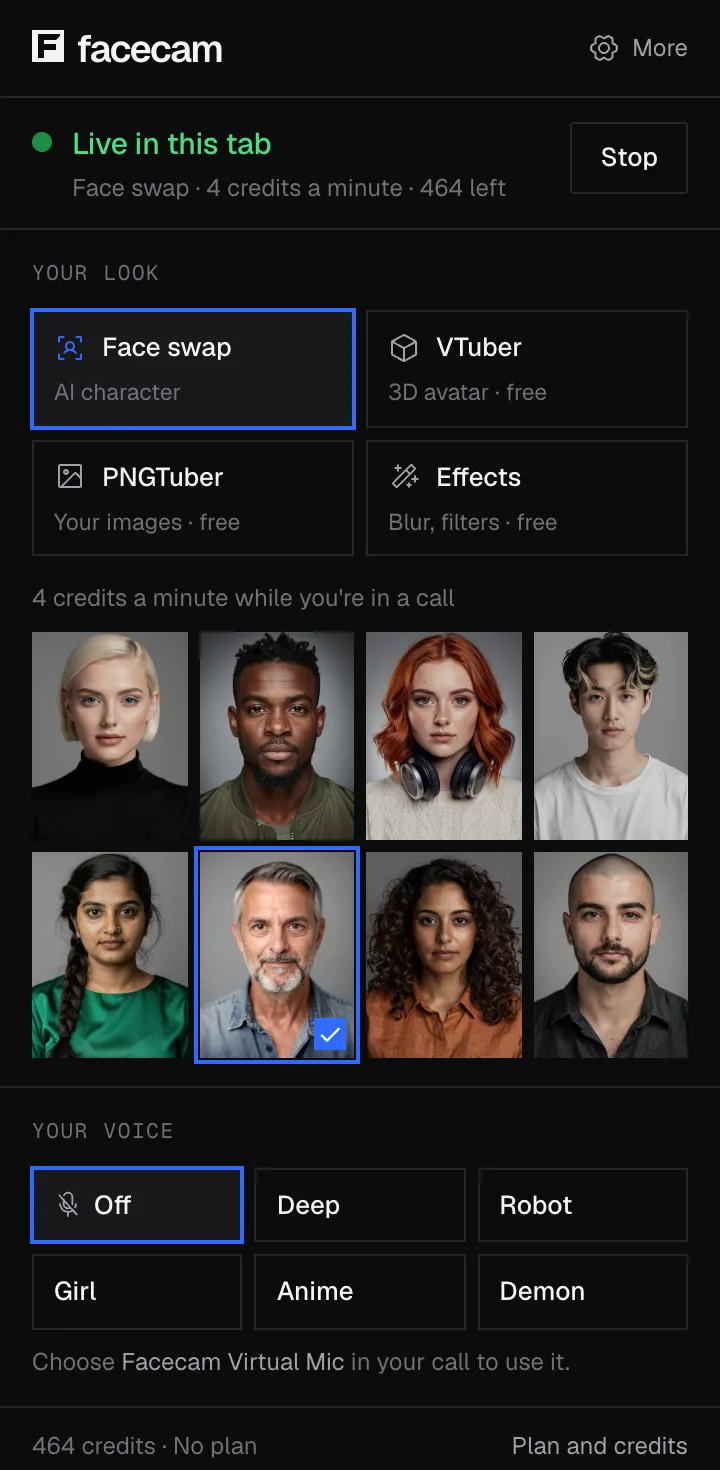
Download Facecam for Windows or Mac and add Facecam Virtual Microphone when it asks.
Pick it in your apps
Choose Facecam Virtual Microphone as the input in Discord, Steam, OBS or your game. Close VoiceWave first so its virtual microphone isn't still the default.
Where to find what VoiceWave did
| In VoiceWave | In Facecam |
|---|---|
| Voice library | Voice presets |
| Soundboard | Soundboard |
| Meme sounds | Meme soundboard |
| Voice changer for recordings | Online voice changer |
| AI voice from text | Character voice generator |
Sources
- EaseUS VoiceWave (features, systems, compatible apps) (checked 2026-10-16)

Questions
Is EaseUS voice changer free?
VoiceWave has a free version with a limited set of voices and sounds; the full library is on paid plans. Facecam's voice changer and soundboard are free.
Is EaseUS VoiceWave available for Mac?
Its page lists Windows 10 and 11 for computers, plus a phone app. On a Mac, use Facecam's Mac app or its voices in the browser.
Is EaseUS VoiceWave safe?
It's from EaseUS's own site. Like every voice changer, it adds a virtual microphone, so get it only from the official page.
Does EaseUS VoiceWave work with Discord?
Yes. So does Facecam: pick Facecam Virtual Microphone as Discord's input, or use discord.com in Chrome with the extension.
Other comparisons
- Deep-Live-Cam alternative without a gaming PC
- FaceFusion alternative for live video calls
- DeepFaceLive alternative for Mac, Windows and any laptop
- Swapface alternative with no download
- Remaker alternative with card plans and live face swap
- Uberduck AI alternative
- 15.ai alternative
- TopMediai alternative
- Voicemod alternative
- Clownfish voice changer alternative
- Live3D AI face swap alternative
- Snap Camera alternative
- Dubbing AI voice changer alternative
- Okada voice changer alternative
- Voxal voice changer alternative
- HitPaw voice changer alternative
- Tuna soundboard alternative
- Soundboard Max alternative
- Blerp alternative
- ManyCam alternative
- YouCam alternative
- XSplit VCam alternative
- NVIDIA Broadcast alternative
- Streamfog alternative
- FilterOnMe alternative
- SplitCam alternative
- CiCi Cam alternative
- Facecam vs LiveSwap
- Facecam vs Livesync













Related
 Real-Time Voice ChangerA free real-time voice changer, no sign-up needed: talk, hear your new voice right away and use it in Discord, Meet and Zoom.
 SoundboardA free online soundboard with no account needed: it plays sounds into your mic in Google Meet, Discord and Zoom, so everyone in the call hears them.
- HitPaw voice changer alternativeHitPaw Voice Changer, now HitPaw VoicePea, is a paid AI voice changer with a small free trial. Facecam is the alternative where the whole voice changer and soundboard are free.
 Voice changer for DiscordA free voice changer for Discord voice chat: open discord.com in Chrome, pick Facecam Virtual Mic, and talk in a new voice.

Real-Time Voice Changer
Change your voice live
Start