Tuna soundboard alternative
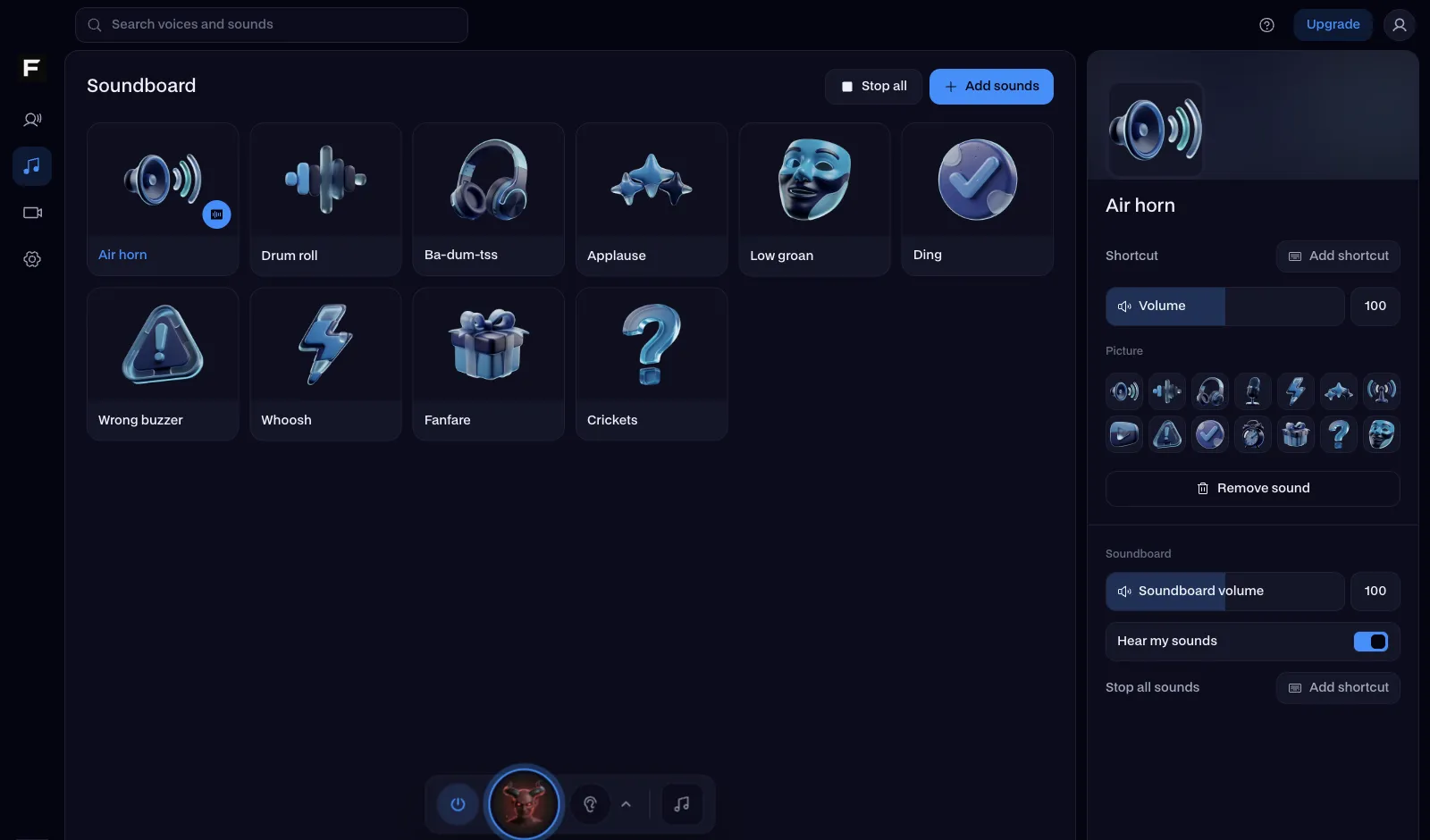
Tuna is where Voicemod users find sounds for the Voicemod soundboard. Facecam is the alternative when you want a soundboard that works in your browser first, with sounds that are ours to give you.
Updated · Tested by the Facecam team
Verdict
Stay with Tuna if you already use Voicemod: it's free, its community library is enormous (the site says over 500,000 meme sounds) and any clip goes straight to your Voicemod soundboard with Try in App. Pick Facecam if you want to play sounds into a call without installing anything first, or want sounds you can download and reuse freely: every Facecam sound is our own, made with AI, rather than a community upload whose source you can't check.
How they compare
| Tuna + Voicemod | Facecam | Edge | |
|---|---|---|---|
| Sounds | Community uploads: over 500,000 meme sounds, per the site | Our own library, made with AI for Facecam, plus your own clips and the AI Sound Effect Generator | — |
| Where you play them | Voicemod's desktop soundboard (Try in App); the site previews sounds | Right on the page, or through the desktop app | — |
| Into Discord and games | Through the Voicemod app | Built in: Facecam Virtual Mic in Chrome (Discord, Meet, Zoom); the desktop app for the Discord app and games | — |
| Upload your own | Yes, to Tuna | Yes, Add sounds puts your clips on your board | — |
| Hotkeys | Yes, in the Voicemod app | Keys 1 to 9 in the browser; a hotkey per pad in the desktop app | — |
| Voices too | Yes: Voicemod voices and community voices | Yes: 26 voices in the voice changer | — |
| Install needed | Yes, the Voicemod app | No for the browser; optional desktop app | Tuna + Voicemod |
| Price | Free sounds | Free: the soundboard and every library sound | — |
Facecam's side
Where each one wins
Tuna
Pros
- A huge community library of meme sounds
- One click sends a sound to your Voicemod soundboard
- Community voices for the Voicemod voice changer, too
Cons
- Playing sounds into a call needs the Voicemod desktop app
- Clips are community uploads, so where a sound came from isn't always clear
Facecam
Pros
- Plays into Discord, Meet and Zoom from a browser tab, no install
- Every sound is our own, free to download and reuse
- Themed boards: meme, animal, game and Halloween sets ready on one page
Cons
- A much smaller library than Tuna's community catalogue
- No community uploads to browse
What Tuna is, and what it isn't
People search for a Tuna soundboard, but Tuna itself is a library: a website where you find sounds and voices and send them to Voicemod. The soundboard that plays them, with hotkeys and a virtual microphone, is part of the Voicemod desktop app. That works well if Voicemod is already installed. If it isn't, or you're on a computer where you can't install software, a browser soundboard is the quicker way to get a sound into a call.
Move your favourite sounds over
Start from a board
Open the Facecam soundboard or a themed board like meme or animal: every pad is ready to play.
Add your own clips
Press Add sounds and drop in audio files you have the right to use. They sit on the board next to ours.
Play it in your call
Press Use these sounds in calls and pick Facecam Virtual Mic in Discord, Meet or Zoom. For the Discord app and games, install the Facecam desktop app.
Sources
- Tuna by Voicemod: community sounds and voices, Try in App (checked 2026-10-16)
- Voicemod Soundboard: hotkeys, Discord and in-game voice chat (checked 2026-10-16)

Questions
Is the Tuna soundboard free?
Tuna's sounds are free, and Voicemod's soundboard page offers the app as a free download. Facecam's soundboard and every sound in its library are free too.
Do I need Voicemod to use Tuna sounds?
To play them into Discord or a game, yes: Tuna sends sounds to the Voicemod app. Facecam's soundboard plays into Discord, Meet and Zoom from Chrome with nothing installed.
Can I download sounds from Facecam?
Yes. Every library sound has a free MP3 download on its page, and you can use it in videos, streams and your Discord server's soundboard.
Is Tuna safe?
Tuna is Voicemod's own website, run by the company behind the Voicemod app. Our guide to whether Voicemod is safe covers the app itself.
Other comparisons
- Deep-Live-Cam alternative without a gaming PC
- FaceFusion alternative for live video calls
- DeepFaceLive alternative for Mac, Windows and any laptop
- Swapface alternative with no download
- Remaker alternative with card plans and live face swap
- Uberduck AI alternative
- 15.ai alternative
- TopMediai alternative
- Voicemod alternative
- Clownfish voice changer alternative
- Live3D AI face swap alternative
- Snap Camera alternative
- Dubbing AI voice changer alternative
- Okada voice changer alternative
- Voxal voice changer alternative
- EaseUS voice changer alternative
- HitPaw voice changer alternative
- Soundboard Max alternative
- Blerp alternative
- ManyCam alternative
- YouCam alternative
- XSplit VCam alternative
- NVIDIA Broadcast alternative
- Streamfog alternative
- FilterOnMe alternative
- SplitCam alternative
- CiCi Cam alternative
- Facecam vs LiveSwap
- Facecam vs Livesync



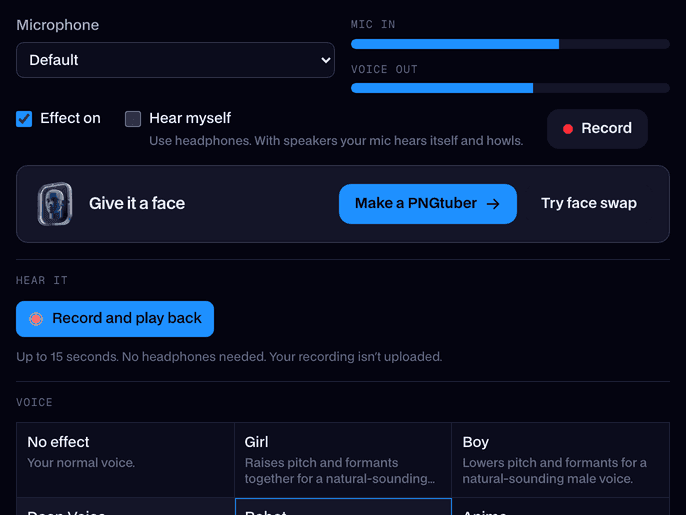










Related
- SoundboardA free online soundboard with no account needed: it plays sounds into your mic in Google Meet, Discord and Zoom, so everyone in the call hears them.
- Meme soundboardMeme buttons for vine boom, bruh, metal pipe and nine more funny sounds, one key each. Play them here or straight into your Discord call.
- Sound effects for streamsEvery reaction sound in one place: press to hear it, download the MP3, or play it into Discord and your stream.
- Is Voicemod Safe?Yes, Voicemod is safe if you download it from voicemod.net or the Microsoft Store. Below: what it installs, what its privacy policy says it collects, and the few real risks, checked against Voicemod's own pages on October 8, 2026.
- Voicemod alternativeVoicemod is the best-known desktop voice changer. Facecam is the alternative that also runs in your browser, adds live face swap and AI looks for your camera, and keeps every voice free.



Soundboard
Play sounds into your mic
Start