Free Overwatch Voice Changer
An Overwatch voice changer for team chat: talk like an omnic, a hero announcer or a deep-voiced tank in every Overwatch 2 match on PC.
Updated · Tested by the Facecam team
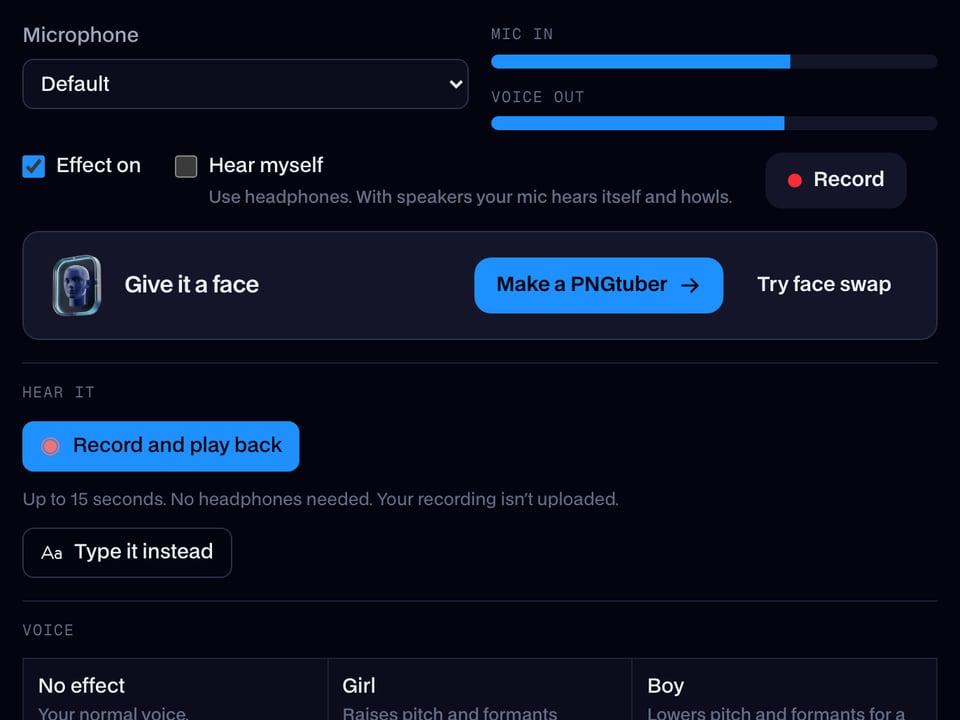
Your browser will ask for microphone access when you click.

How do I change my voice on Overwatch 2?
An Overwatch voice changer changes your voice in Overwatch 2 team and group voice chat. Overwatch takes your Windows default communications microphone, so with Facecam Virtual Microphone set there, your team hears your new voice.
Get the Facecam desktop app
Download Facecam for Windows or Mac and add Facecam Virtual Microphone when it asks. It's a microphone your whole computer can use, Overwatch 2 included.
Pick a voice
Choose a voice in the app (the voice changer on this page starts on one that fits) and give it a shortcut, so you can switch mid-match.
Make it the default communications device
Open the Windows Sound control panel (Win + R, mmsys.cpl), Recording tab, right-click Facecam Virtual Microphone and choose Set as Default Device and Set as Default Communication Device. Then start Overwatch 2.
Join voice chat
In Options, Sound, set Team Voice Chat and Group Voice Chat to Auto Join and pick Push to Talk or Open Mic. The push to talk key is under Controls, Communication.
Team chat in a new voice
Make Facecam Virtual Microphone Windows' default communications device and Overwatch 2's team and group chat carry the voice you picked.
Get the voice changer for PC and Mac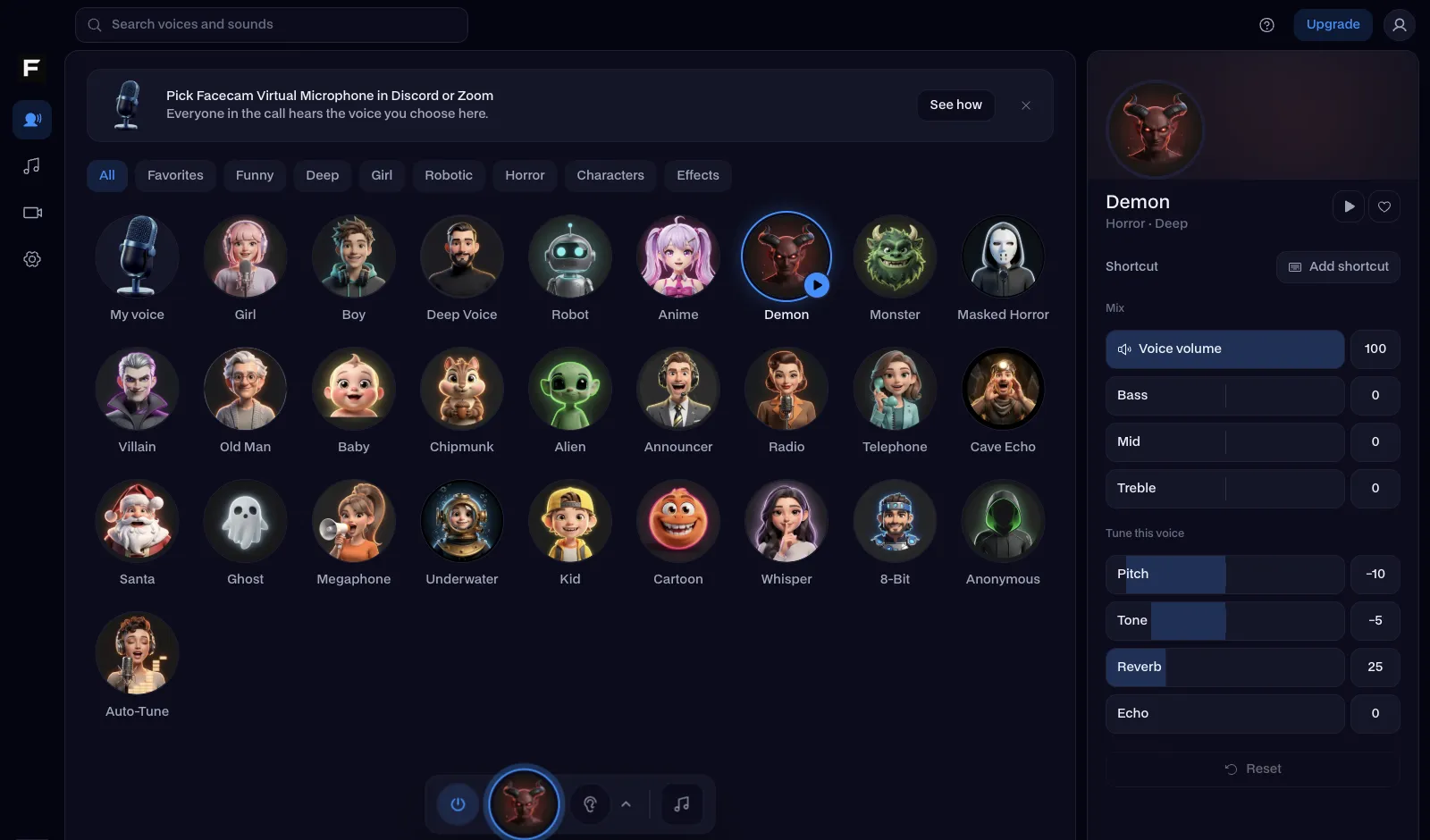
The robot voice, before and after
Before: the test line with no effect.
After: the robot voice the page starts on, flat and metallic.
Why isn't my voice changing on Overwatch 2?
| Problem | Fix |
|---|---|
| My team hears my normal mic | Overwatch is using the old default communications device. Set Facecam as both default devices in mmsys.cpl, then restart the game from Battle.net or Steam. |
| Voice chat is unavailable | That's Overwatch's own server message, not the voice changer. Leave and rejoin team chat, or restart the game. |
| I'm on PS5 or Xbox | Consoles use the controller mic. Join your group's party from a computer (PS Remote Play or the Xbox app) with Facecam as the mic. |

Voices for Overwatch heroes
| Voice | Try it on |
|---|---|
| Robot voice | Omnic heroes, or a Bastion main who finally talks |
| Cyborg voice | Half-machine heroes and dive comps |
| Deep voice | Tanks calling the engage |
| Announcer voice | Calling out your own play of the game |
| Military radio voice | Callouts in competitive |



Questions
Can you use a voice changer in Overwatch 2?
Yes, on PC. Set Facecam Virtual Microphone as Windows' default communications device and Overwatch's team and group chat carry your new voice.
Can you get banned for a voice changer in Overwatch?
A voice changer is an audio device and doesn't touch the game. Overwatch's reporting covers what you say, whatever voice you say it in.
Why doesn't Overwatch have a microphone setting?
Overwatch 2 follows Windows' default devices. Change the default communications device in mmsys.cpl to change the mic.
Is it free?
Yes. The voices run on your own computer, with no account and no credits.
Other platforms
- Minecraft voice changer
- D&D voice changer
- Among Us voice changer
- Voice changer for Roblox
- Voice changer for PS5
- Xbox voice changer
- Voice changer for VR
- Voice changer for Fortnite
- Warzone voice changer
- TeamSpeak voice changer
- Rust voice changer
- Apex Legends voice changer
- Phasmophobia voice changer
- FiveM voice changer
- Gorilla Tag voice changer
- Marvel Rivals voice changer
- Lethal Company voice changer
Related
- Robot
- Apex Legends voice changer
- Marvel Rivals voice changer
- Live Face Swap for Video Calls
- Mic Test
- How to Do a Movie Trailer Voice: Pace, Pauses and Pitch
- How to Do NPC Voices as a DM (Without Wrecking Your Throat)
- The Voices People Want: What 2,461 Voice Changer Users Picked


Further reading: Overwatch (2023 video game) on Wikipedia