Free TikTok Voice Changer
A TikTok voice changer with far more voices than the app's own: change a video's voice in your browser, or go LIVE in a new voice from your PC.
Updated · Tested by the Facecam team


How do I change my voice on TikTok?
A TikTok voice changer changes your voice in TikTok videos or on TikTok LIVE. Facecam changes the sound of a video in your browser before you post, and on PC its desktop app is a microphone TikTok LIVE Studio can use.
Film your TikTok, then open it here
Save the video to your phone (or draft it and save without posting). On this page, tap Upload and pick it: the sound is read straight from the MP4 or MOV.
Pick a voice and download
The page starts on the chipmunk voice. Try others, then tap Download WAV.
Put the voice back in CapCut
In CapCut, open the video, mute its original sound, tap Audio, Extracted (or Sounds, Your sounds, From device) and add the WAV at the start. Export and post to TikTok.
Going LIVE from a PC
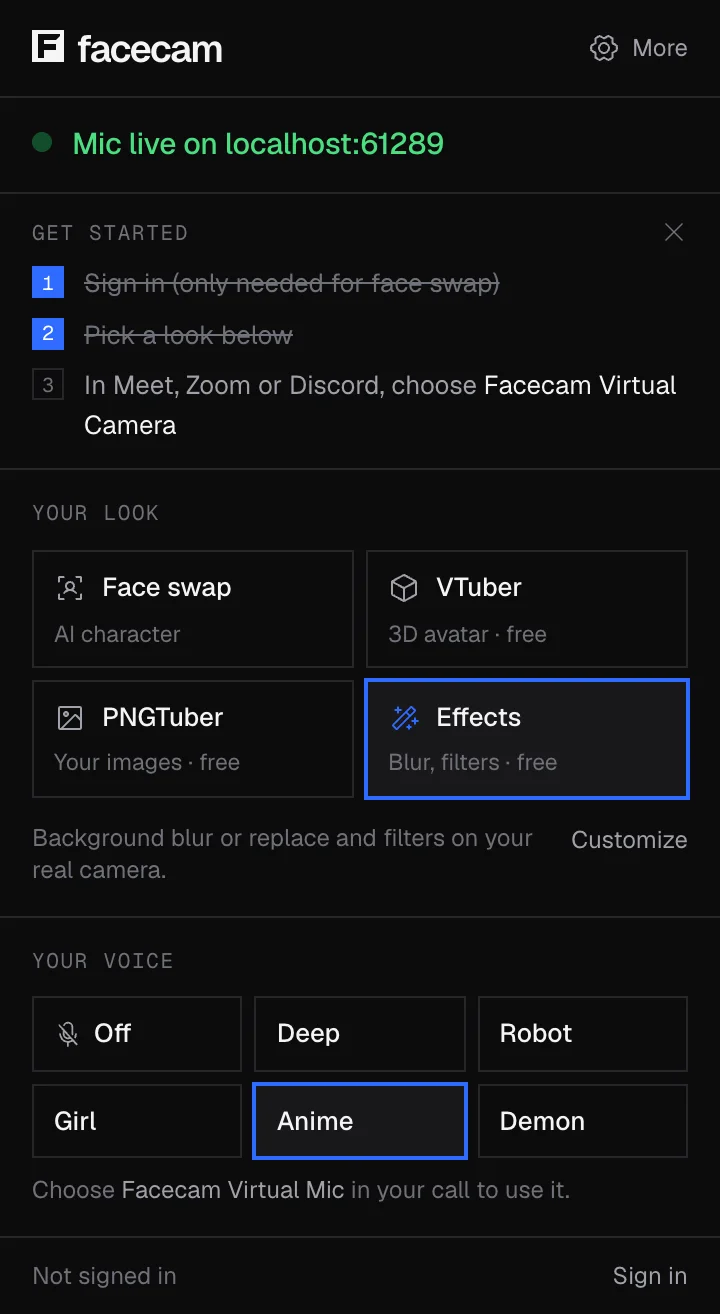
In the Facecam desktop app, turn on Facecam Virtual Microphone. In TikTok LIVE Studio, open the Audio Mixer at the bottom, click Add next to Microphones and pick Facecam Virtual Microphone. Mute your real mic in the mixer.
Go LIVE on TikTok in a new voice
Add Facecam Virtual Microphone in TikTok LIVE Studio's audio mixer, and the desktop app's voices and soundboard hotkeys reach your whole LIVE.
Get the voice changer for PC and Mac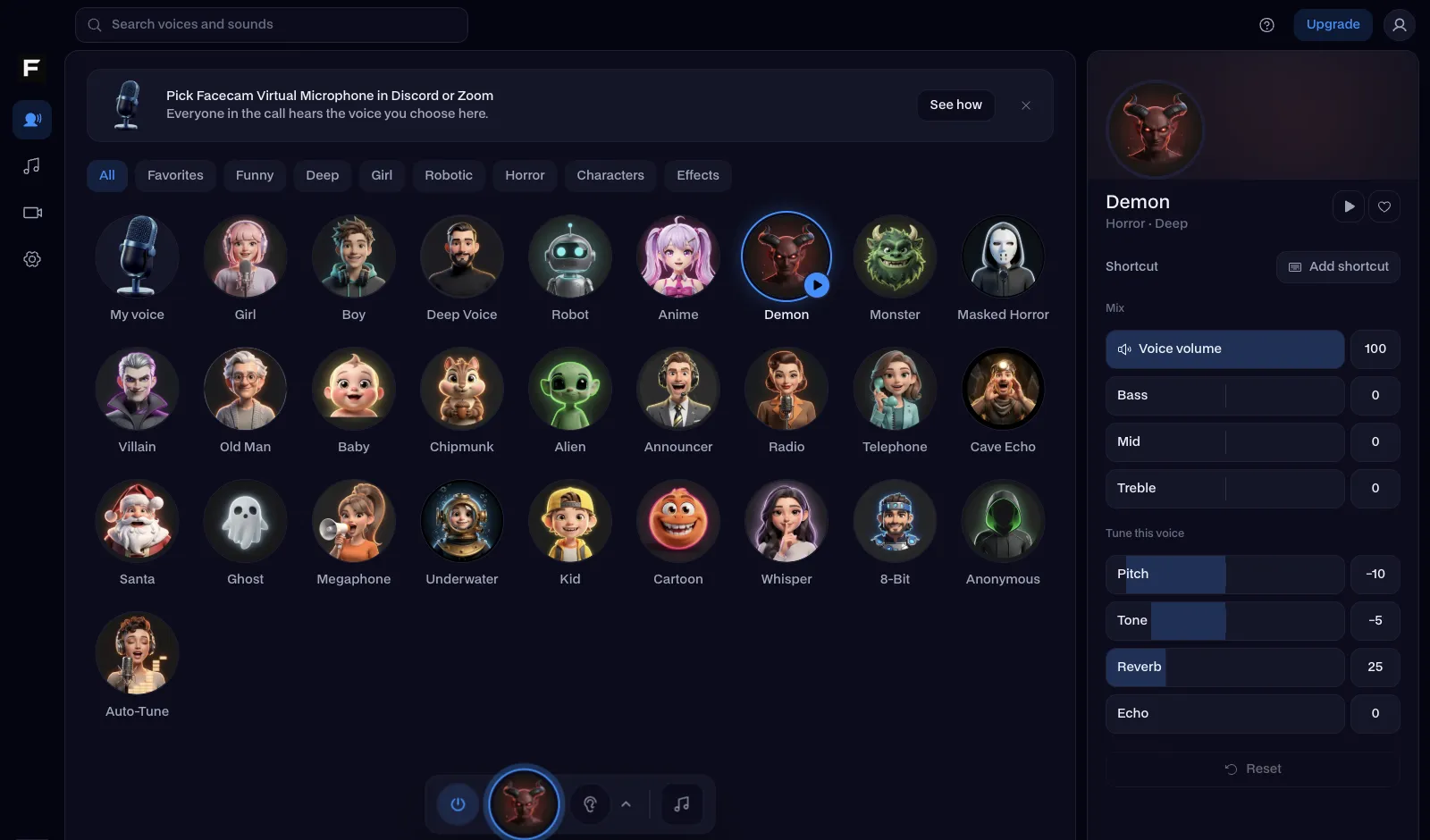
The chipmunk voice, before and after
Before: the test line with no effect.
After: the chipmunk voice the page starts on, high and fast.

Why isn't my voice changing on TikTok?
| Problem | Fix |
|---|---|
| The voice and my lips don't match | The WAV was placed late. Drag it to 0:00 on the timeline: the voice keeps the video's exact timing. |
| LIVE Studio doesn't show the microphone | Windows is blocking it. Settings, Privacy & security, Microphone: let desktop apps use the microphone, then restart LIVE Studio. |
| Viewers hear my voice twice on LIVE | Both your real mic and the Facecam mic are in the Audio Mixer. Mute or remove the real one. |

Popular TikTok voices
| Voice | What it sounds like | TikTok trend |
|---|---|---|
| Chipmunk voice | High and fast | Pet POVs and baby talk |
| Helium voice | Squeaky | Reaction and fail clips |
| Deep voice | Low and heavy | Storytime and 'villain arc' edits |
| Girl voice | Higher pitch, lighter tone | Boyfriend pranks and skits |
| Robot voice | Metallic and flat | AI and 'NPC' skits |



More about TikTok
TikTok's own voice effects, and ours
TikTok's editor has a short list of voice effects (Chipmunk, Baritone, Vibrato and a few more) for videos you record in the app. Facecam's voices work on any video, including ones filmed with your camera app or edited elsewhere, and each one has sliders for pitch, tone and echo.
For the typed 'TikTok voice' that reads captions aloud, use the app's text-to-speech; this page changes your own voice.

Questions
How do you change your voice on TikTok?
In the app, tap the voice effects button after recording. For more voices, open the video on this page, pick one, download the WAV and add it in CapCut before you post.
Can I use a voice changer on TikTok LIVE?
Yes, from a PC with TikTok LIVE Studio: add Facecam Virtual Microphone in its Audio Mixer and talk in any Facecam voice. The phone app's LIVE uses the phone's own mic.
Can I change the voice on a TikTok I already posted?
Not on the posted video: TikTok can't swap its sound afterwards. Save it, change the voice here, and post the new version.
Is the TikTok voice changer free?
Yes. No account, no watermark on the audio, and the video never leaves your phone.
Other platforms
- YouTube voice changer
- Voice changer for Kick
- Voice changer for Twitch
- OBS voice changer
- Streamlabs voice changer
- How to change your voice
- AI Voice Generator
- Voice changer for gaming
- Voice changer for iPhone
- Voice changer for Android
- Voice changer for phone calls
- Video voice changer
- Voice changer for WhatsApp
- Voice changer presets
- Real-Time Voice Changer
- Online Voice Changer
- Character Voice Generator
- Voice Isolator
- AI Cover Generator
- Vocal Remover
- Auto-Tune
- AI Voice Clone
- Voice changer for Chromebook
- Voice changer for Discord