Free Voice Changer for WhatsApp
A voice changer for WhatsApp: send messages in a new voice from your phone's browser, or call from WhatsApp on your computer with Facecam as the mic.
Updated · Tested by the Facecam team


How do I change my voice on WhatsApp?
A voice changer for WhatsApp changes your voice in WhatsApp messages and calls. On a phone, you record here and send the changed audio file; on a PC or Mac, WhatsApp desktop can use Facecam's virtual microphone for calls.
Record your message here
Open this page on your phone, tap Record and say your message. The page starts on the old man voice.
Download it
Tap Download WAV. iPhone saves it to Files, Downloads; Android to the Downloads folder.
Send it in the chat
iPhone: in Files, hold the WAV, Share, WhatsApp, pick the chat. Android: in the chat, tap the paperclip, Audio (or Document) and choose the file.
For calls, use WhatsApp on your computer
Turn on Facecam Virtual Microphone in the Facecam desktop app and make it your default microphone (Windows Sound settings, or System Settings, Sound, Input on a Mac). In a call, the three-dot menu on the call screen also lets you pick the microphone.
WhatsApp calls from your computer
WhatsApp for Windows and Mac can use any microphone. Pick Facecam Virtual Microphone and the person you call hears the voice you chose.
Get the voice changer for PC and Mac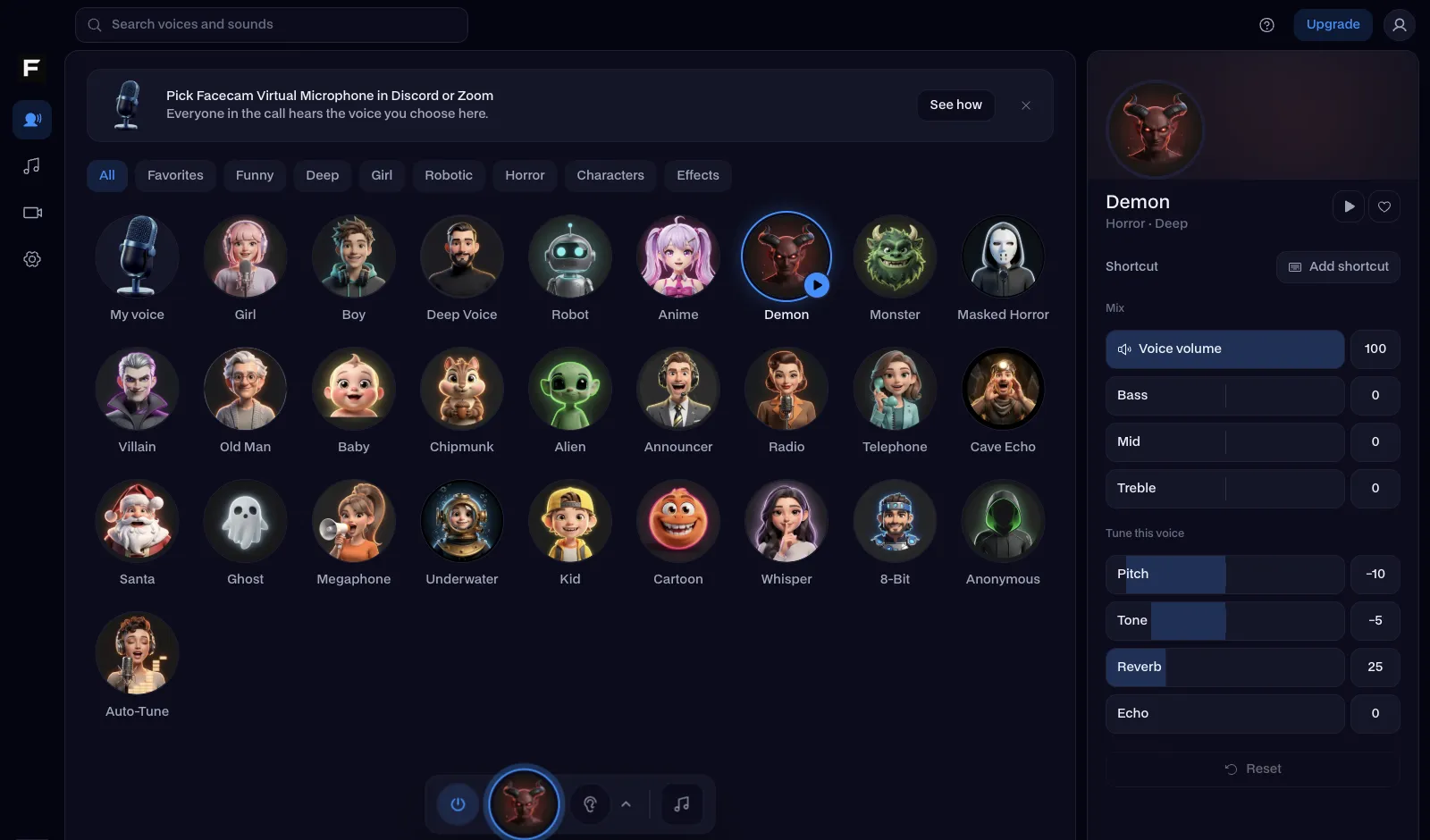
The old man voice, before and after
Before: the test line with no effect.
After: the old man voice the page starts on, slow and creaky.

Why isn't my voice changing on WhatsApp?
| Problem | Fix |
|---|---|
| It doesn't look like a normal voice message | WhatsApp shows a sent file as an audio message with its own play button instead of the waveform bubble. It plays the same. |
| The call uses my normal voice | WhatsApp desktop picked your real mic. During the call, open the three-dot menu and switch the microphone to Facecam. |
| WhatsApp desktop can't hear anything | Let it use the microphone: Windows Settings, Privacy & security, Microphone; or System Settings, Privacy & Security, Microphone on a Mac. |

Voices for WhatsApp
| Voice | Send it when |
|---|---|
| Old man voice | Grandpa wishing the group a good morning |
| Girl voice | Pranking a friend who doesn't save your number |
| Robot voice | The 'automated' reminder that dinner's ready |
| Chipmunk voice | Happy birthday, at double speed |
| Deep voice | Announcing the weekend plans |



More about WhatsApp
Messages on the phone, calls on the computer
WhatsApp on a phone records voice messages and calls straight from the phone's microphone, and no app can change that mic. So messages go through this page as a file, and calls go through WhatsApp desktop on Windows or Mac, which can use any microphone the computer has, including Facecam's.

Questions
Can I change my voice in a WhatsApp voice message?
Yes: record it here, download the WAV and share it into the chat. It arrives as an audio message your friend taps to play.
Can I use a voice changer on WhatsApp calls?
On WhatsApp for Windows or Mac, yes: pick Facecam Virtual Microphone as the microphone. On the phone app, no; it always uses the phone's own mic.
Does WhatsApp have a built-in voice changer?
No. WhatsApp can play voice messages faster, but it has no voice effects.
Is it free?
Yes, with no account. The recording is changed on your phone and never uploaded.
Other platforms
- Voice changer for Kick
- Voice changer for Twitch
- OBS voice changer
- Streamlabs voice changer
- How to change your voice
- AI Voice Generator
- Voice changer for gaming
- Voice changer for iPhone
- Voice changer for Android
- Voice changer for phone calls
- Video voice changer
- TikTok voice changer
- Voice changer presets
- Real-Time Voice Changer
- Online Voice Changer
- Character Voice Generator
- Voice Isolator
- AI Cover Generator
- Vocal Remover
- Auto-Tune
- AI Voice Clone
- Voice changer for Chromebook
- Voice changer for Discord
- Voice changer for streaming