
Real Estate Video Maker
One listing photo becomes a smooth, filmed-looking shot: a drone push-in outside, a walkthrough glide inside.


Where it works
Made with Facecam
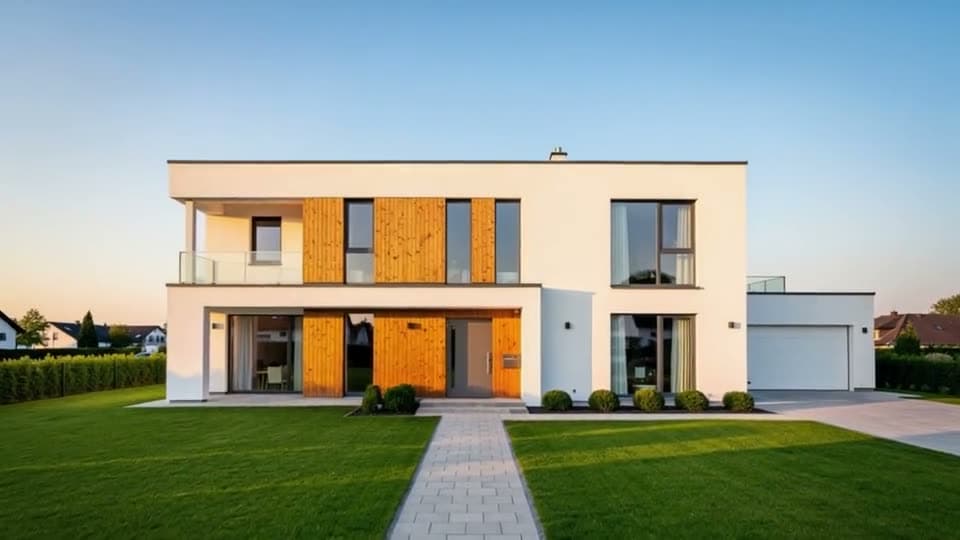
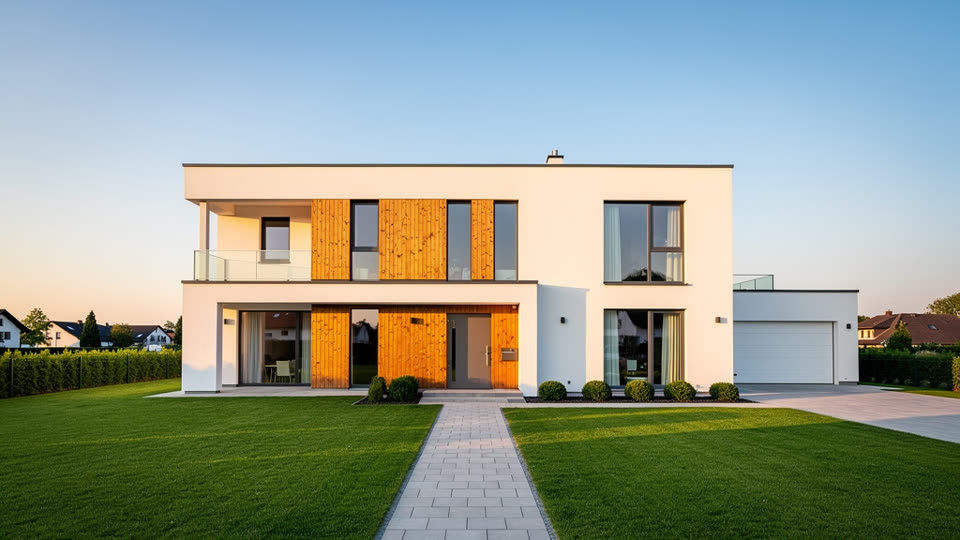
Before Exterior, drone push-in
“A smooth drone shot slowly pushes in toward the front of the house and rises slightly, golden hour light, the trees sway gently, real estate video”
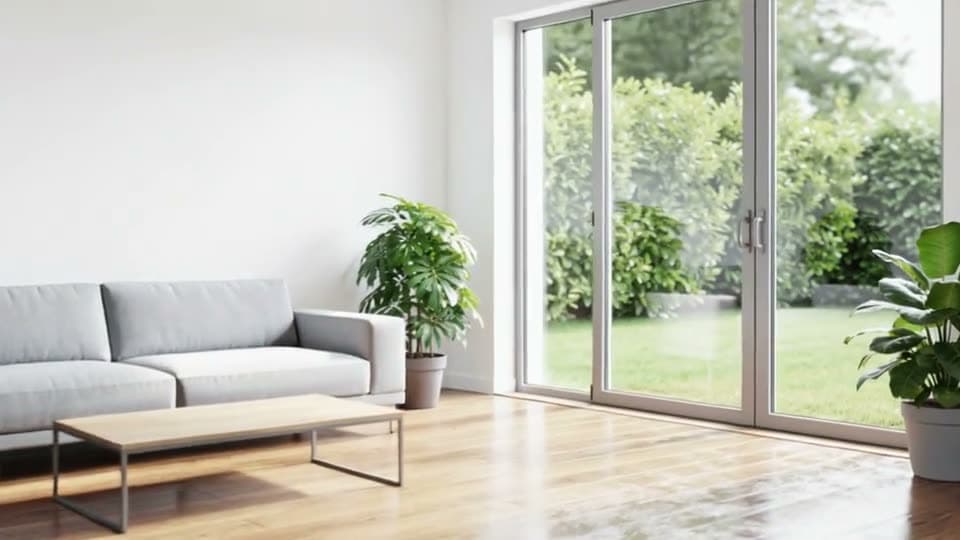
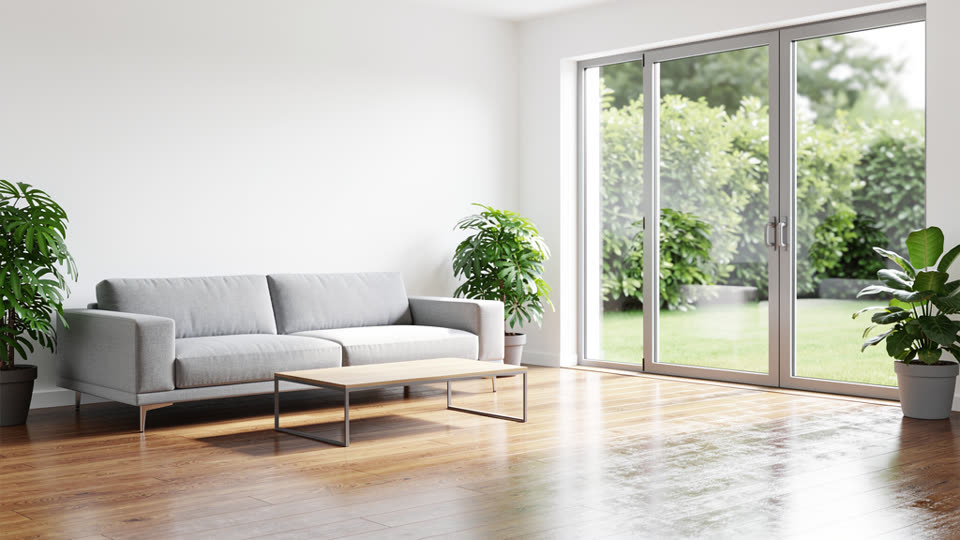
Before Interior, walkthrough glide
“The camera glides slowly forward through the living room toward the windows, smooth gimbal walkthrough, soft daylight, the plants move slightly”

How to use Real Estate Video Maker
Add a listing photo
Click + and add a sharp, wide photo of the front of the house or a room. A landscape photo makes a landscape clip; a tall one makes a Reel.
Pick the camera move
Use a prompt below or write your own: a slow drone push-in outside, a forward glide through a room, a gentle orbit around a kitchen island.
One clip per room, then join them
Generate and download each MP4, then put them in order in any editor with music and your details.
What is a real estate video maker?
A real estate video maker is a tool that turns listing photos into video for property marketing. This one adds an AI camera move to each photo, so a still exterior or room becomes a 5 or 10 second shot that looks filmed.
What you can do with Real Estate Video Maker
New listings
A moving hero shot for the listing page and the opening of your Reel.
Walkthrough videos
One clip per room, joined in order, gives buyers the flow of the home.
Agent social posts
Tall photos make vertical clips for Instagram Reels and TikTok.
Real Estate Video Maker features
Your photo, first frame
The house, the furniture and the light are yours.
Steady camera moves
Gimbal-smooth glides, push-ins and orbits.
720p or 1080p
1080p for listing sites, 720p for quick social posts.
5 or 10 seconds
One move per clip, cut together your way.





Real estate video prompts
Drone push-in, exterior
“A smooth drone shot slowly pushes in toward the front of the house and rises slightly, golden hour light, the trees sway gently, real estate video”
Walkthrough glide, interior
“The camera glides slowly forward through the living room toward the windows, smooth gimbal walkthrough, soft daylight, the plants move slightly”
Twilight orbit
“The camera slowly orbits around the front of the house as the windows glow warm, soft evening light, a gentle breeze in the trees, smooth real estate drone shot”
Kitchen reveal
“The camera slides slowly sideways along the kitchen island, revealing the whole kitchen and the dining area beyond, bright natural light, smooth gimbal shot”

More about Real Estate Video Maker
Real Estate Video Maker is an online tool that turns a property photo into a short real estate video with an AI camera move, such as a drone push-in toward the house or a slow walkthrough of a room, on Kling 3.0.
Real Estate Video Maker: what you need and limits
| How it works | Online. Works on any laptop. |
|---|---|
| You get | Video download |
| You need | Any up-to-date browser |
| Phones and tablets | Supported |
| Starts on | Kling 3.0, image to video; the clip keeps your photo's shape |
Listing photos that work best
Use the same photos you'd put on the listing: bright, level, wide and sharp. Shots taken from a corner of the room give the camera space to travel. Keep the prompt about the camera and the light rather than the home itself; ask for motion, not new furniture, and watch each clip before it goes on a listing so every room looks the way it does in person.

Real Estate Video Maker FAQ
Can I make a real estate video from photos?
Yes. Each listing photo becomes one 5 or 10 second clip with a camera move. Make a clip per room and join them for a full tour.
Is this a real estate video editor?
It makes the clips; the edit is yours. Download the MP4s and put them in order with music and titles in any editor, from CapCut to Premiere.
How do I make a real estate walkthrough video?
Start from a photo of each room in the order a buyer would walk, and ask for a slow forward glide in each. Joined together, the clips play like one walk through the home.
Does it change how the house looks?
The clip starts on your photo exactly and moves the camera from there. Ask for camera moves and light, not changes to the home, and the rooms stay as they are.
Which length and quality should I pick?
5 seconds at 1080p suits most listing sites; 720p is quicker for social posts. Pick 10 seconds for a slower, more luxurious move.



Try Real Estate Video Maker now
- Cancel any time
- Runs in your browser
- No gaming PC needed