
Video Restyle
Turn a video into anime: pick a style, or describe your own, and every frame is redrawn with the same moves.

Where it works

How to use Video Restyle
Upload your video
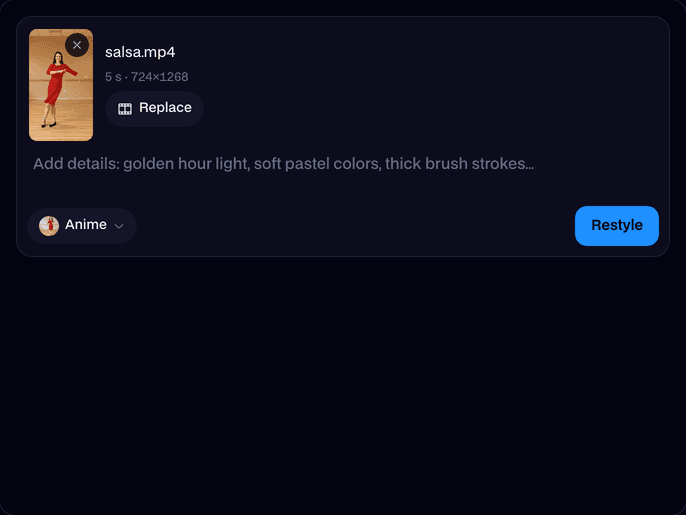
Drop in an MP4 or MOV of 3 to 10 seconds at 720p or 1080p, or try one of ours.
Pick a style
Anime, claymation, 3D cartoon, comic book, watercolor, pixel art, pencil sketch or cyberpunk, or type your own.
Restyle and download
Click Restyle. In about two and a half minutes the new video plays on the page; click Download.
What is AI video restyle?
A video restyle is an AI edit, also called video style transfer, that keeps everything that happens in a clip and redraws how it looks: real footage becomes anime, clay or a cartoon. Facecam runs Kling O3.
Made with Facecam
Real video to anime, step for step. Claymation, same dance.
More examples
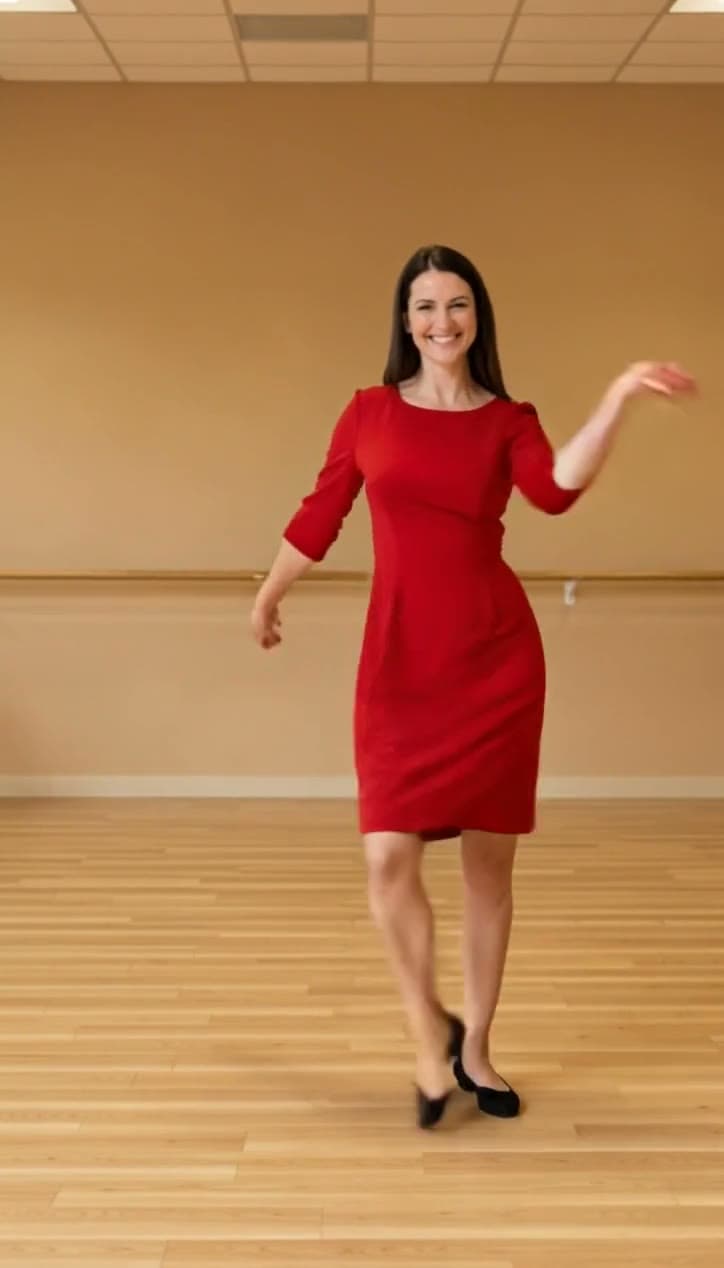
The clip it started from.
What you can do with Video Restyle
Video to anime
Your dance, skate trick or travel clip as a hand-drawn anime scene.
Claymation and cartoons
Turn real footage into stop-motion clay or a 3D animated film look.
Music videos and edits
Restyle one section of a video for a striking switch in your edit.
Video Restyle features
Eight styles
Anime, clay, 3D cartoon, comic, watercolor, pixel, sketch, cyberpunk.
Your own style
Describe any look in your own words.
Same moves
People, timing and camera stay exactly as filmed.
Sound kept
Your video's sound plays under the new look.
Any shape
Wide, tall or square, 720p or 1080p.
In your Library
Leave the page while it works; the video waits there.







Turn a video into anime in three steps
Upload the clip, keep Anime picked and click Restyle. Kling O3 redraws every frame with cel shading and ink outlines while your people keep their exact moves, so a real dance becomes an anime dance. Add words in the box to steer it: a time of day, colours, a background.

More about Video Restyle
Video Restyle is an online tool that redraws a video in a new art style, such as anime, claymation, 3D cartoon, comic book or watercolor. It runs Kling O3's video edit model, which keeps the people, their moves, the timing and the camera of your clip and changes only the look.
Video Restyle: what you need and limits
| How it works | Online. Works on any laptop. |
|---|---|
| You get | Video download |
| You need | Any up-to-date browser |
| Phones and tablets | Supported |
| Input | An MP4 or MOV, 720p or 1080p, 3 to 10 seconds. |
| Styles | Anime, claymation, 3D cartoon, comic book, watercolor, pixel art, pencil sketch, cyberpunk, or your own words. |
| Model | Kling O3 video edit. |
| Output | An MP4 as long as your video, in its shape, with its sound. |
| Time | About two and a half minutes for 5 seconds. |
| Price | Comes with every paid plan, by the second: ≈ 1 min of restyled video a month on Premium, if you use nothing else. A video that fails doesn't count. |
| Kept for | 7 days in your Library, then deleted. Your upload is deleted within an hour. |
Video to cartoon, clay and more styles
Pick Claymation for a stop-motion plasticine look, 3D cartoon for an animated-film look, Comic book for ink and halftone, Watercolor, Pixel art, Pencil sketch or Cyberpunk. Or pick Only my words and describe any style; that's video style transfer from a sentence.
Getting a great restyle
- Clear, well-lit footage keeps faces and hands crisp in the new style.
- One to three people work best; big crowds lose detail.
- Use 720p or 1080p, 3 to 10 seconds. Trim longer videos to the best part.
- Short, concrete style words beat long lists: "soft pastel colors, golden hour".
Your files
Your video is stored privately while it's made and deleted when it's done, always within an hour. The result stays in your Library for 7 days, then it's deleted.

Video Restyle FAQ
How do I turn a video into anime?
Upload it, keep the Anime style and click Restyle. In about two and a half minutes you can download your video as anime.
Can it turn a video into a cartoon?
Yes. Pick 3D cartoon for an animated-film look, or Comic book for a hand-inked one.
Do the people keep their moves?
Yes. The model keeps the motion, timing and camera of your clip and changes only the look.
Can I describe my own style?
Yes. Type it in the box, with a style picked or with Only my words.
Which videos can I restyle?
MP4 or MOV, at least 720p and up to 1080p, 3 to 10 seconds long.
How much does it cost?
It comes with every paid plan, by the second: ≈ 1 min of restyled video a month on Premium. A video that fails doesn't count.
Which model does it use?
Kling O3's video edit. On the same dance clip it kept the room and the moves closer than the other restyle models we tested.



Try Video Restyle now
- Cancel any time
- Runs in your browser
- No gaming PC needed