Image to Video
Add a picture and watch it move: photos, art and products, in a minute or two.

Where it works
Made with Facecam
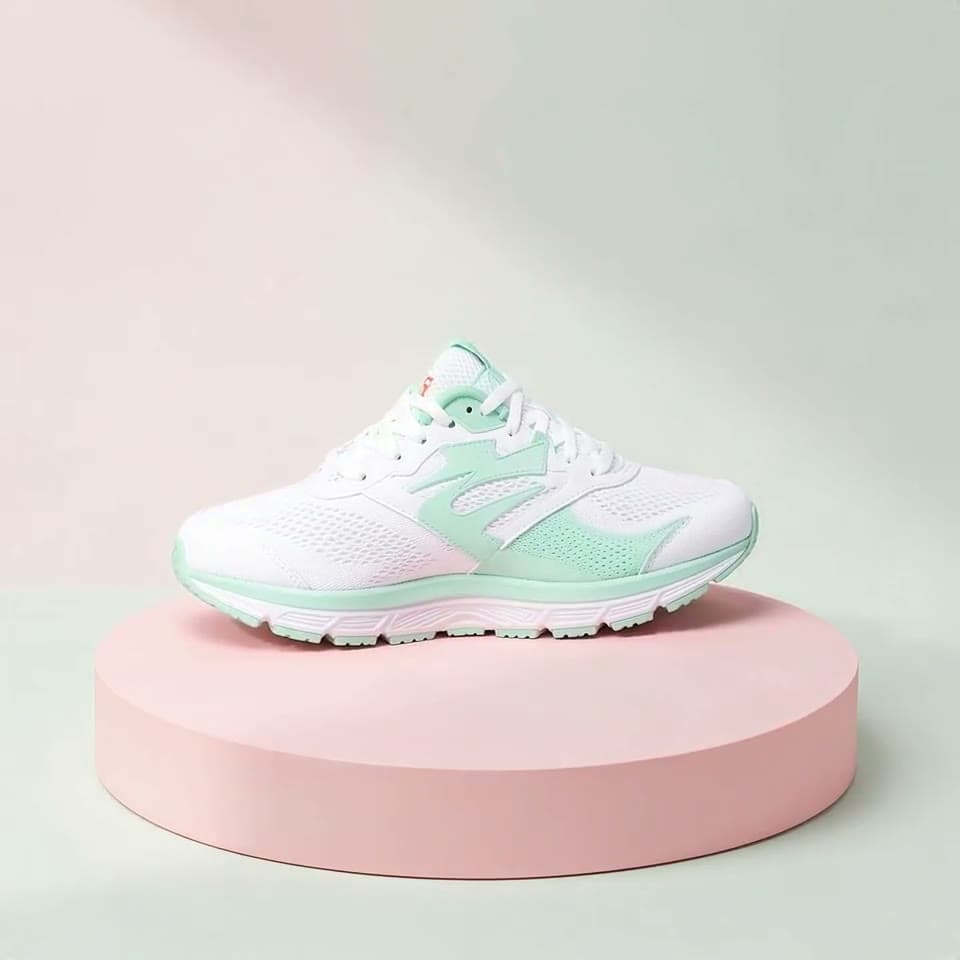
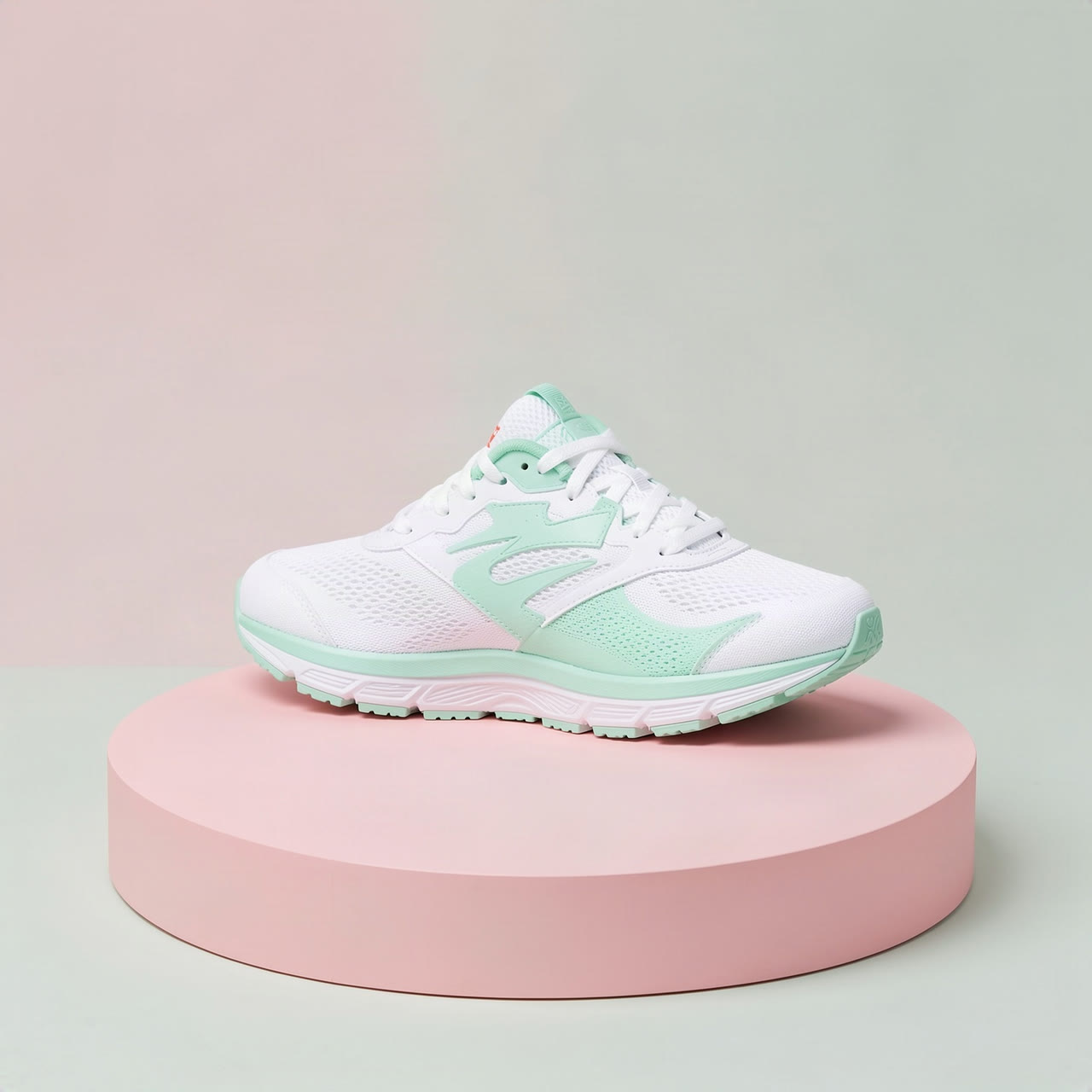
Before Wan 3.0, a product shot
“The sneaker slowly rotates on the podium as soft light sweeps across it, studio product shot.”
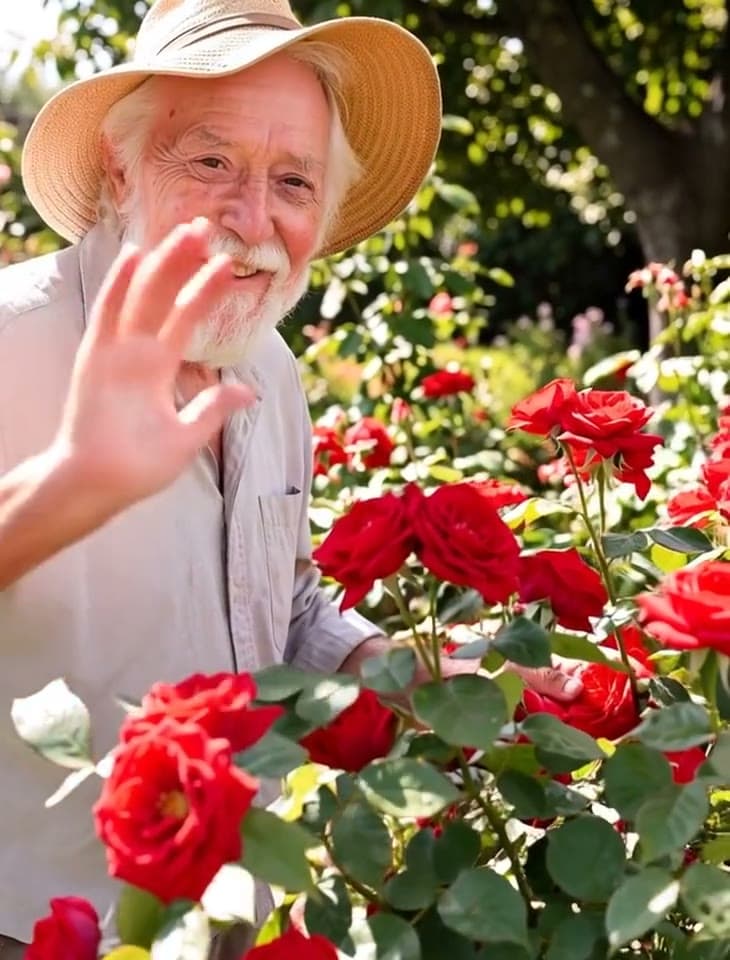
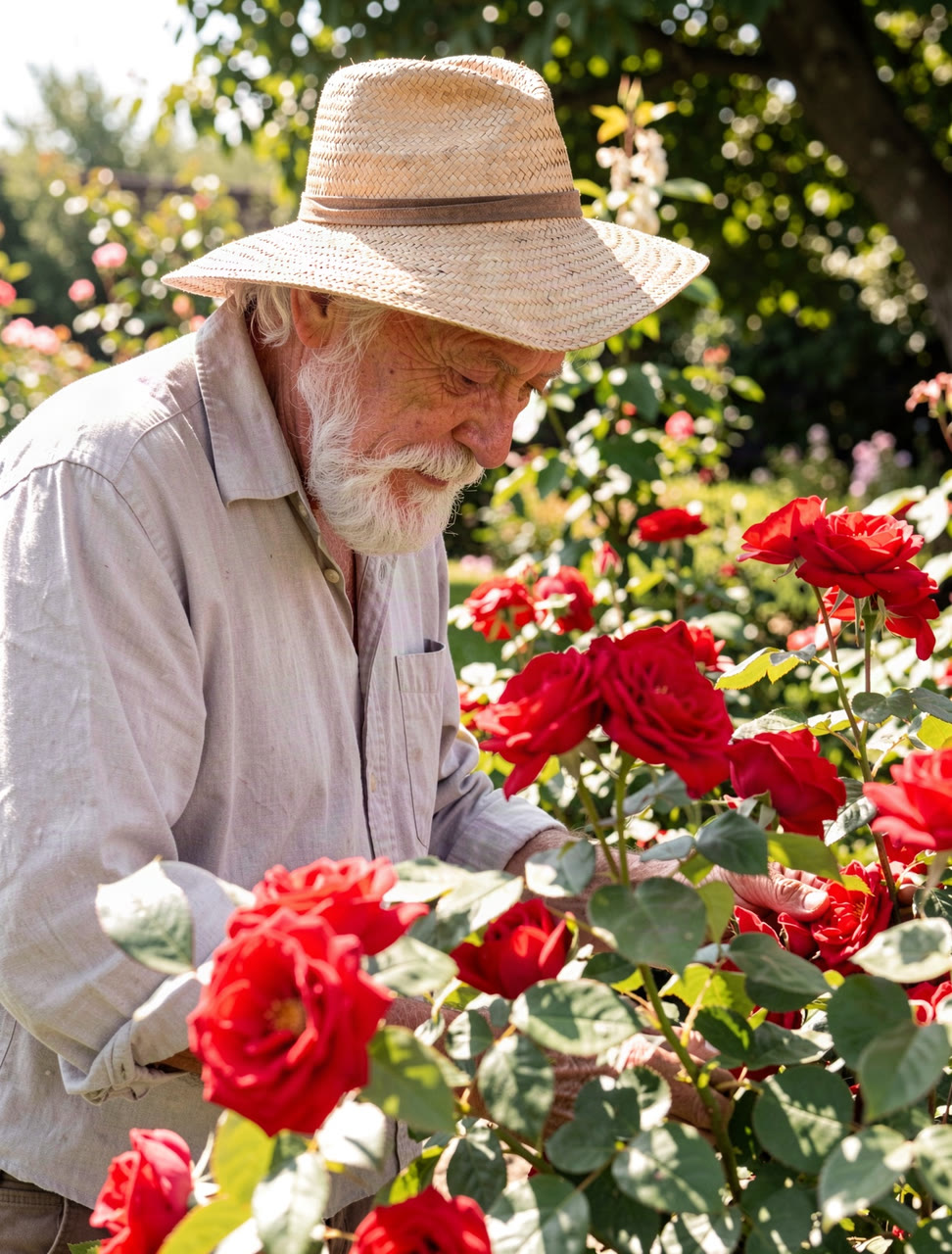
Before Hailuo 2.3, a portrait
“He looks up from his roses, smiles warmly and waves at the camera as a breeze moves the leaves.”
How to use Image to Video
Add a start image
Upload a photo, a drawing or a product shot, or try one of the built-in pictures. The video starts on it, in its shape.
Say what happens (optional)
Describe the motion: a smile and a wave, the camera circling, waves crashing. Leave it empty and the picture simply comes to life.
Pick a model and make it
Choose the model, length and quality, then click Make video. Download the MP4 when it's ready.
What is an image to video generator?
An image to video generator is AI that turns a still picture into a video clip, keeping the picture as the first frame while things in it move. Facecam animates any photo, drawing or product shot in a minute or two.
What you can do with Image to Video
Image to Video features
Your picture, first frame
The clip starts exactly on what you upload.
Keeps its shape
Tall photos make tall videos, wide make wide.
Prompt optional
Say what moves, or leave it empty for natural motion.
Five models
Kling, Veo, Wan and Hailuo animate photos of people.





More about Image to Video
Image to Video is an online tool that turns a still picture into a short video: the picture is the first frame, and the people, objects and camera move the way you describe.
Image to Video: what you need and limits
| How it works | Online. Works on any laptop. |
|---|---|
| You get | Video download |
| You need | Any up-to-date browser |
| Phones and tablets | Supported |
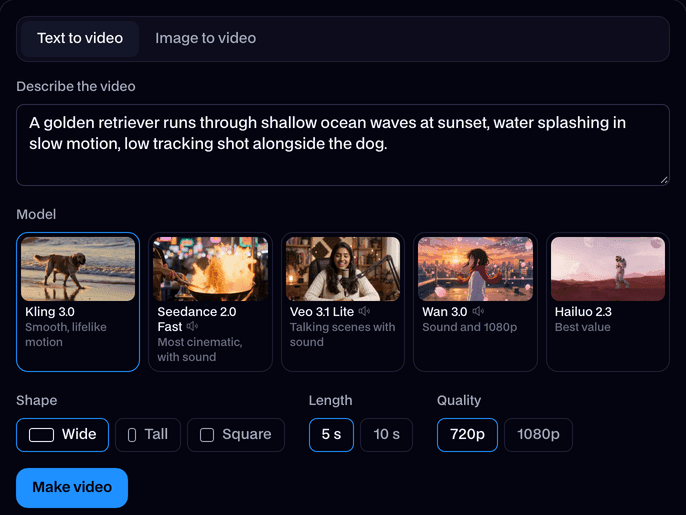
| Make it from | A text prompt (text to video), or a start image plus an optional prompt (image to video). |
| Models | Kling 3.0, Seedance 2.0 Fast, Veo 3.1 Lite, Wan 3.0 and Hailuo 2.3. Seedance, Veo and Wan make sound too. |
| Length | 4 to 10 seconds, depending on the model. |
| Quality | 720p (Hailuo 768p); 1080p on Kling, Veo and Wan. |
| Shape | Wide 16:9, tall 9:16 or square 1:1 from text; a start image keeps its own shape. |
| Time | About 1 to 3 minutes, depending on the model and length. |
| Price | Comes with every paid plan, by the clip; each model, length and quality has its own price, shown before you make it (e.g. 31 Kling 3.0 clips of 5 seconds a month on Premium). A clip that fails doesn't count. |
| Output | An MP4. Free results have a small Facecam mark in the corner; plans remove it. |
| Kept for | 7 days in your Library, then deleted. Start images are deleted within an hour. |
Pictures that animate well
- A clear subject with some room around it, so it has space to move.
- Good light and a sharp picture; the clip can't add detail that isn't there.
- JPEG, PNG or WebP. Big images are scaled down to 1920 pixels before upload.
- For photos of real-looking people, pick Kling 3.0, Veo 3.1, Wan 3.0 or Hailuo 2.3. Seedance 2.0 animates scenes, products and drawn characters, not photos of people.
What to write
Describe the motion, not the picture: the model already sees it. “He looks up, smiles and waves” or “the sneaker turns slowly as light sweeps across it”. Add a camera move for drama, like “the camera circles her”. With no prompt, the picture comes to life with gentle, natural motion.
Your images and videos
A start image is stored privately while the video is made and deleted when it's done, always within an hour. The video stays in your Library for 7 days, then it's deleted.

Image to Video FAQ
How do I turn a picture into a video?
Add a start image, optionally say what happens, pick a model and click Make video. The clip starts on your picture and is ready in a minute or two.
Can I animate a photo of a person?
Yes, on Kling 3.0, Veo 3.1, Wan 3.0 and Hailuo 2.3. Seedance 2.0 turns down photos of real-looking people; use it for scenes, products and drawn characters.
Do I have to write a prompt?
No. Leave it empty and the picture moves naturally; write one to choose what happens.
What shape is the video?
The shape of your picture: a tall photo makes a tall clip, a wide one a wide clip.
How much does image to video cost?
It comes with every paid plan, by the clip, at each model's own price, shown before you make it: 31 Kling 3.0 clips of 5 seconds a month on Premium, for example. A clip that fails doesn't count.
Which image to video AI generator should I pick?
It depends on the picture. A portrait or a person: Kling 3.0 for the most natural movement. A product with sound: Wan 3.0, which made the sneaker spin above. Someone who should speak: Veo 3.1. A drawing or a 3D character: any of the five, Seedance included. Lots of tries: Hailuo 2.3.
Can the person in my photo talk?
Yes, on Veo 3.1: add the photo and write the line in quotes after “says:”, and they say it with a voice and the room's sound. For a longer script, typed or in your own recording, Talking Photo lip-syncs it.
Can I animate a drawing, a painting or an anime character?
Yes. Art keeps its own style as it moves, so a painted elf stays painted and an anime character stays anime. Describe the motion you want, like “her hair blows in the wind as she draws her bow”.
How long does an AI photo to video take?
Most clips are ready in one to three minutes, depending on the model and length. You can leave the page while it works and find the video in your Library.



Try Image to Video now
- Cancel any time
- Runs in your browser
- No gaming PC needed