
360 Product Video Maker
One product photo in, a smooth 360 spin out, with no turntable or studio.


Where it works
Made with Facecam
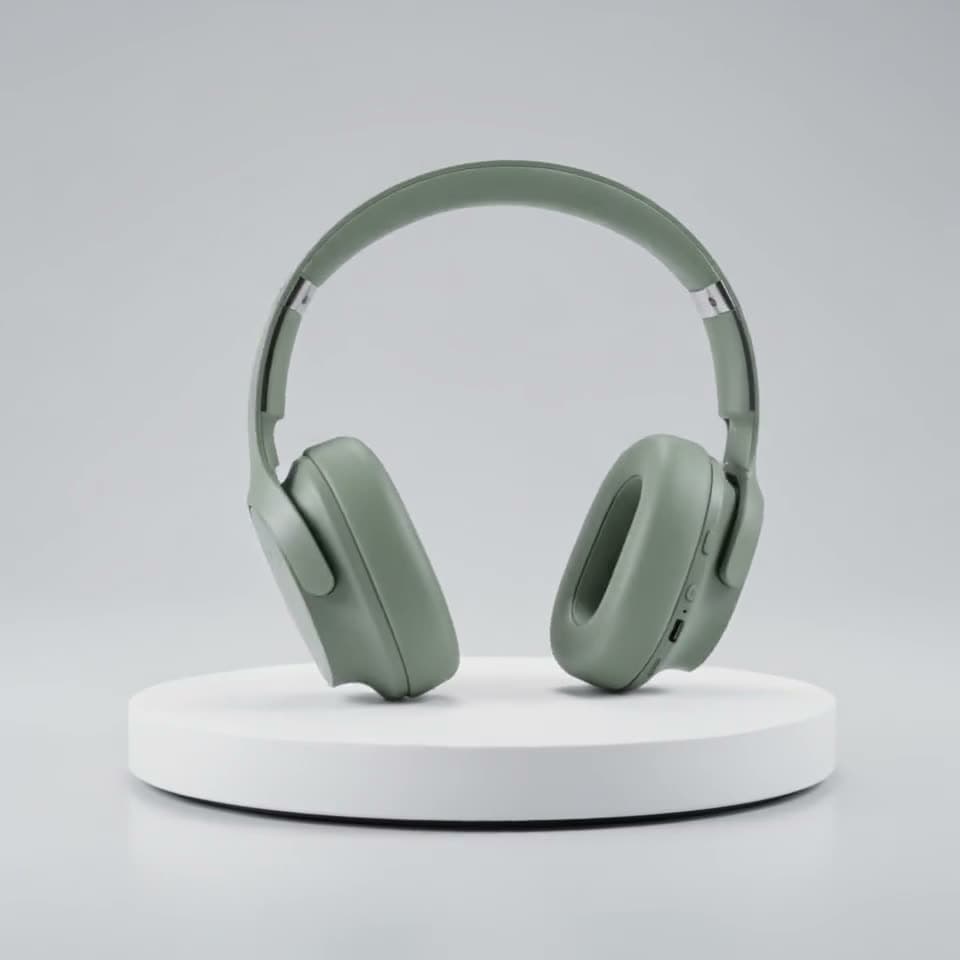
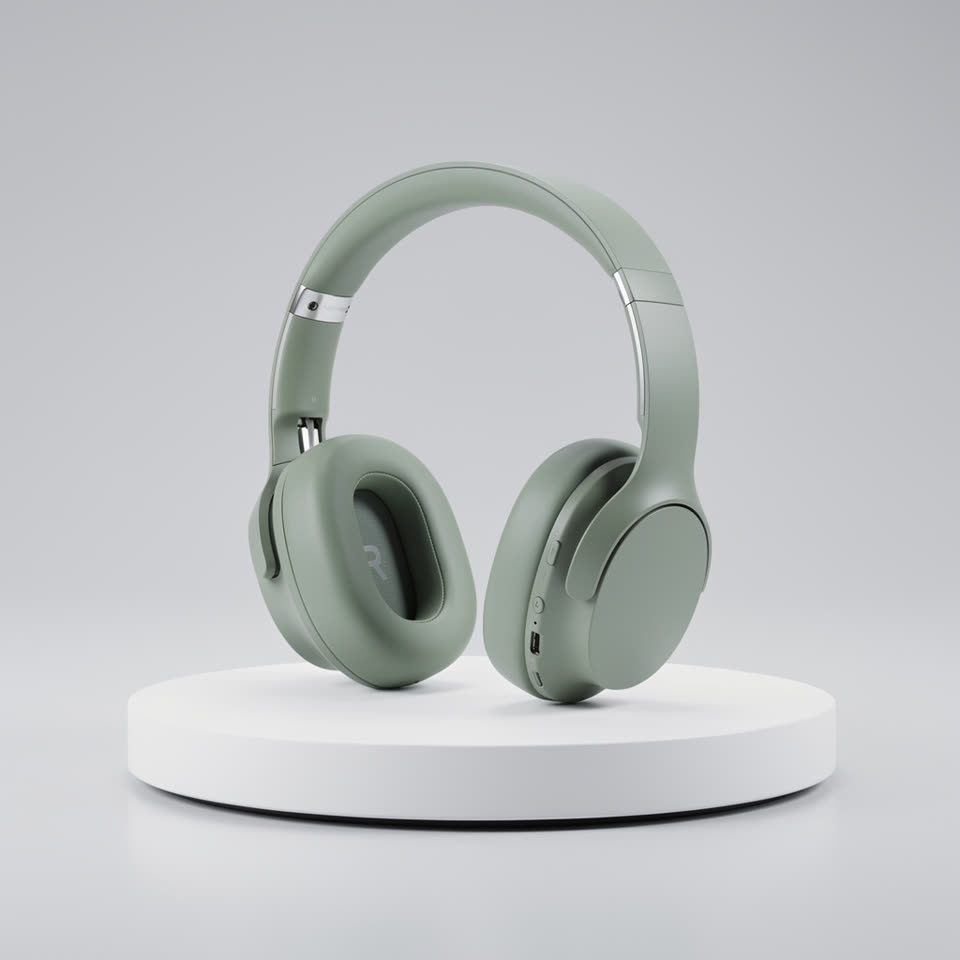
Before A full turntable spin
“The turntable slowly rotates the headphones a full 360 degrees, soft studio light glides across the matte surface, the camera stays still, clean product video”

How to use 360 Product Video Maker
Add a product photo
Front-on, centered, on a plain background, with room around the product so it can turn without being cut off.
Ask for the spin
“The turntable slowly rotates the product a full 360 degrees” or “the camera orbits around it”. Keep the rest of the scene still.
Generate and download
5 seconds makes a brisk turn, 10 seconds a slow showroom spin.
What is a 360 product video?
A 360 product video is a clip that shows a product from every side, usually turning on a turntable. Here AI makes one from a single photo, working out the sides it can't see from the shape and material it can.
What you can do with 360 Product Video Maker
360 Product Video Maker features
One photo
No turntable, no photo set, no 3D model.
Spin or orbit
The product turns, or the camera circles it.
Clean studio look
Soft light and a plain background stay steady.
Square, wide or tall
The clip keeps your photo's shape.





360 product prompts
Turntable spin
“The turntable slowly rotates the headphones a full 360 degrees, soft studio light glides across the matte surface, the camera stays still, clean product video”
Orbiting camera
“The camera orbits slowly 360 degrees around the product on its podium, the product stays still, soft studio light, clean white background, smooth e-commerce product video”
Floating spin
“The product floats in the air and turns slowly all the way around, a soft shadow below it, gentle light glints across its surface, plain pastel background”
Detail pass
“The camera moves in close and slides around the product, showing the texture and the details, then pulls back to show the whole product turning, soft studio light”

More about 360 Product Video Maker
360 Product Video Maker is an online tool that turns a single product photo into a short video of the product spinning, or of the camera circling it, made by AI video models like Kling 3.0.
360 Product Video Maker: what you need and limits
| How it works | Online. Works on any laptop. |
|---|---|
| You get | Video download |
| You need | Any up-to-date browser |
| Phones and tablets | Supported |
| Starts on | Kling 3.0, image to video; the clip keeps your photo's shape |
How AI fills in the back
The model sees one side of the product and works out the rest from its shape and material, so simple, symmetrical products like bottles, headphones, sneakers and mugs turn most convincingly. For a product whose back is different, like a printed box, make a second clip from a photo of the back, or keep it to a half turn: “turns slowly to show its side”.

360 Product Video Maker FAQ
How do I make a 360 product video from a photo?
Add one clear product photo, ask for a full 360 turn on a turntable, and click Generate. The spin is ready in a minute or two.
Do I need a turntable or a 3D model?
No. One ordinary product photo is enough; the AI makes the turn.
What photo works best?
A sharp, front-on shot with the whole product in frame, centered on a plain background, with some space on every side.
Can I use the video in my online store?
Yes. It's a standard MP4, so it works anywhere that takes product video, from Shopify and Etsy to marketplace listings and ads.
How long should a 360 spin be?
5 seconds for a quick full turn in a feed, 10 seconds for a slow showroom spin on a product page.



Try 360 Product Video Maker now
- Cancel any time
- Runs in your browser
- No gaming PC needed