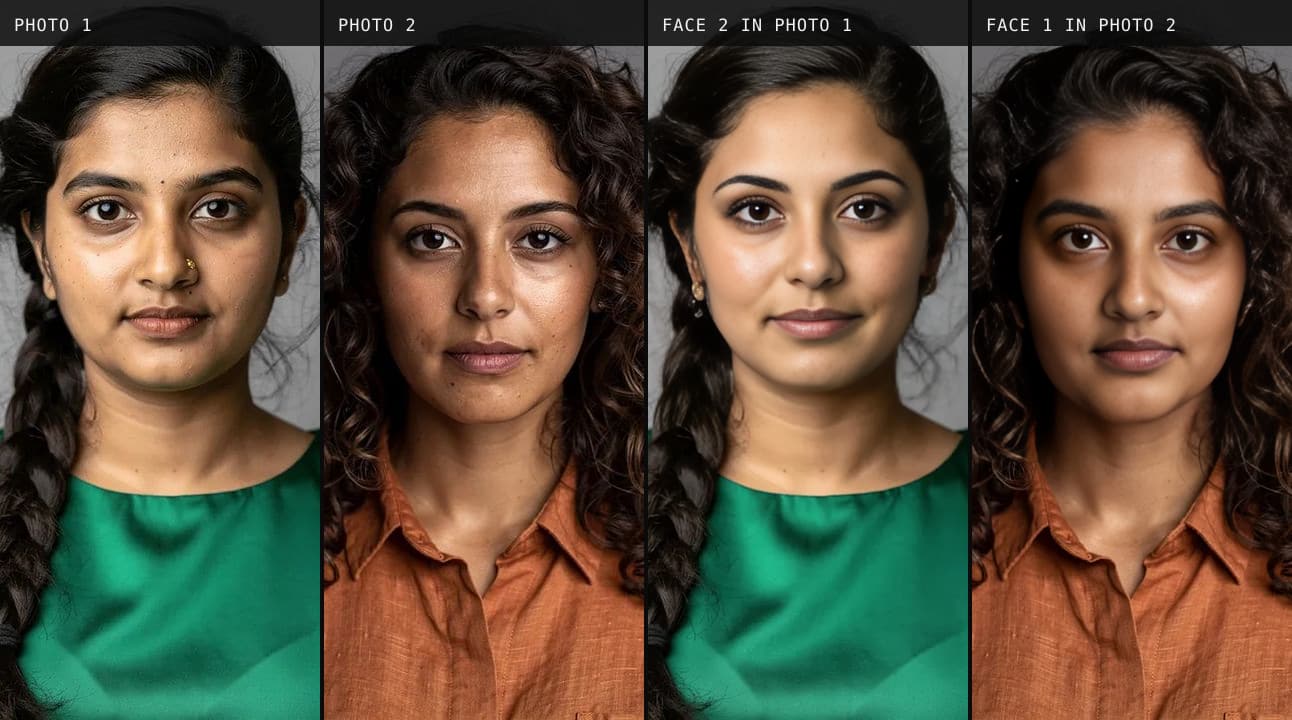
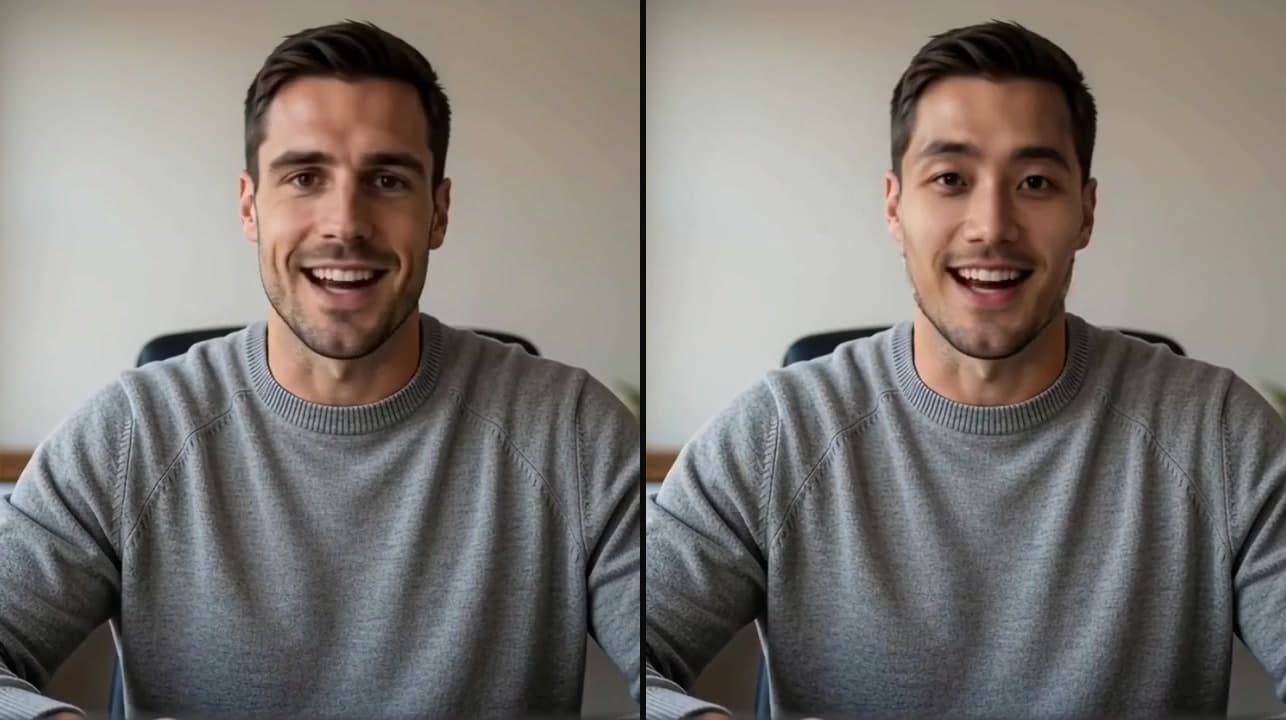
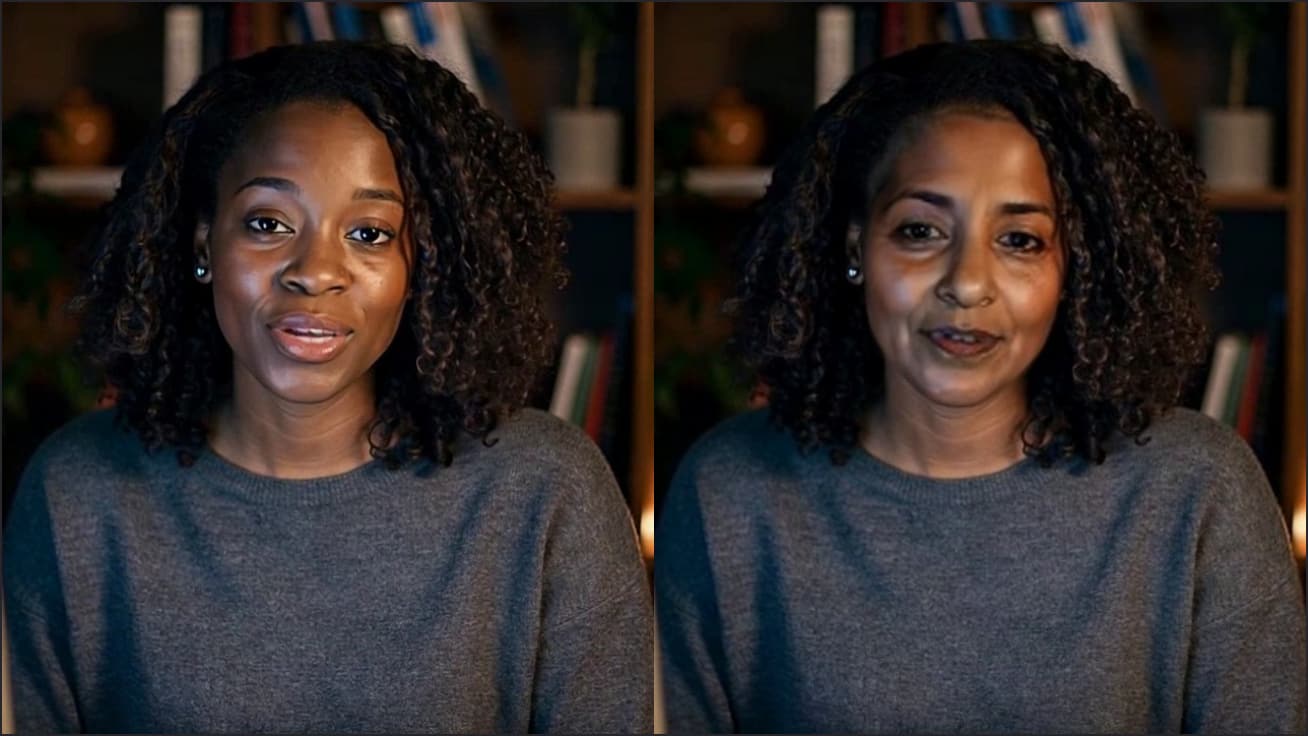
Face swap for Twitch
Stream on Twitch as anyone you want to be: the swap runs in Chrome, and three routes get it on stream.
Set it up in Twitch
Choose who you'll be
Click the Facecam icon in Chrome's toolbar, choose Face swap under Your look, and pick a built-in face or upload a photo of the face you want.
Easiest: a browser studio
Open StreamYard in Chrome, connect Twitch as a destination and choose “Facecam Virtual Camera” as the studio's camera. The studio does the streaming, so no OBS is needed.
As a guest: Stream Together
Stream Together's call runs on twitch.tv in Chrome. In its camera settings choose “Facecam Virtual Camera”; the host's broadcast shows your swapped face.
With OBS: through VDO.Ninja
On vdo.ninja in Chrome, choose Add your Camera to OBS, pick “Facecam Virtual Camera” as the Video Source and press Start. Add the view link to OBS as a Browser source; the face swap in OBS page has the details.
If it doesn't work
| Problem | Fix |
|---|---|
| Viewers saw my real face at the start | The swap wasn't ready when the stream started. Start it a minute early and check the studio or OBS preview first. |
| OBS's Video Capture Device has no Facecam camera | It never will: OBS lists cameras installed on your computer. Use the VDO.Ninja link as a Browser source. |
| The swap stops mid-stream | Your plan's live time ran out or Chrome put the tab to sleep. Keep Facecam's tab and the studio in their own windows, and check your time left before long streams. |

Which route fits your stream
| Route | Needs OBS | Good for | Trade-off |
|---|---|---|---|
| Browser studio to Twitch | No | Just Chatting, character streams | Studio layouts, not full game capture |
| Stream Together | The host's, not yours | Guesting on a friend's stream | Beta; call only |
| VDO.Ninja into OBS | Yes | Game streams with your own scenes | A Chrome tab to keep open |

More about Twitch
What we checked
We opened twitch.tv with the extension on and confirmed the page can list and open Facecam Virtual Camera, which is what Stream Together relies on. StreamYard and vdo.ninja passed the same check. We didn't run a live Twitch broadcast; those menus follow Twitch's, StreamYard's and VDO.Ninja's help.
Sources
- Twitch Help: how do I stream (encoders) — help.twitch.tv/s/article/how-do-i-stream-faq (checked 2026-10-03)
- Twitch Help: Stream Together — help.twitch.tv/s/article/stream-together (checked 2026-10-03)
- StreamYard: supported destinations — support.streamyard.com/hc/en-us/articles/4415539271700 (checked 2026-10-04)
- VDO.Ninja: getting started — docs.vdo.ninja/getting-started (checked 2026-10-04)

Questions
Is face swap on Twitch free?
No. Live face swap is on the paid plans; the avatar, PNGTuber and webcam effects on the same camera are free.
Can I change faces during the stream?
Yes. Pick another face in the Facecam popup; the camera stays the same, so the studio or OBS doesn't notice.
Can I use any face?
Upload a clear, front-facing photo of the face you want, or use one of the built-in faces.
Does it work in Twitch Studio?
No. Twitch Studio is a desktop app and only sees cameras installed on your computer.
Other platforms
- Face swap for ZoomFace swap for Zoom calls: join from your browser, pick Facecam Virtual Camera on the join screen, and wait for your new face.
- Face swap on DiscordFacecam's live face swap works in Discord video when you open discord.com in Chrome and choose the Facecam Virtual Camera.
- Face swap for Microsoft TeamsBe anyone in a Teams meeting: join in Chrome, choose Facecam Virtual Camera, and your new face is what the meeting sees.
- Face swap in OBSStream with another face in OBS: the swap runs in Chrome, and a browser source or a window capture brings it into your scene.
- Live face swap on MacWear another face on camera from any MacBook: the swap runs through Chrome, so there's nothing heavy to install.
- How to Face Swap on a Video CallFace swap on a video call from Chrome: what to click, how long the swap takes to start, and what the other person sees.

Related
 Face swap in OBSStream with another face in OBS: the swap runs in Chrome, and a browser source or a window capture brings it into your scene.
 Voice changer for TwitchA free voice changer for Twitch streams: three ways to get your new voice on stream, with or without OBS.
 Soundboard for TwitchA free soundboard for Twitch streams: three ways to get your sounds on stream, with or without OBS.
 AI VTuberAn AI VTuber that reads your Twitch chat and talks back.
 Webcam TestA free webcam test with no sign-up: see your camera's real resolution, frame rate and lighting in seconds. Your video never leaves your device.