How Does Real-Time Face Swap Work?
Real-time face swap redraws your face in every camera frame, many times a second. We followed one frame through Facecam's live face swap and measured what your browser sends.
By Facecam team
Published · 7 min read

On this page
Short answer
A real-time face swap finds your face in each camera frame, redraws it with the features of one photo you chose, and pastes it back, while your hair, clothes and room stay as the camera shows them. It repeats this 15 to 30 times a second, which needs a fast graphics card, so Facecam's runs on a GPU server: your Chrome tab sends each frame there and gets the swapped frame back. In our test each frame was about 64 KB, or about 11 Mbit/s of upload on a computer.
Most explainers stop at "detect, swap, blend". That's right, but it leaves out what you actually deal with on a call: the internet the swap uses, why it lags a little, and why it sometimes freezes when you turn your head. We traced one frame through our own pipeline to answer those.
What happens to one camera frame?
Each camera frame makes a round trip from your browser to a graphics card and back. For Facecam's Live Face Swap on a computer, the trip goes like this:
Your tab grabs and shrinks the frame
A 1280×720 camera picture is scaled down to 896×504 and saved as a JPEG. In our test that came to a median of 63.9 KB per frame.
It goes to the GPU server
The frame travels over a WebSocket, an always-open connection. Up to 4 frames can be on their way at once, so the next frame leaves before the last one is back.
The server finds your face
A face detector marks where your face is and where your eyes, nose and mouth corners sit, so the swap can line up with your angle.
It redraws the face
A swap model takes the crop of your face and the identity of the face you picked, and draws a face with their features but your expression, head angle and lighting.
It pastes the face back
The new face is blended over yours with soft edges, then the whole frame is saved as a JPEG of the same size and sent back.
Your tab shows it
On facecam.ai you see it on the page. With the extension, the same frames become the Facecam Virtual Camera camera that Google Meet, Zoom on the web or Discord in the browser can pick. The video call guide walks through each app.

How long does the trip take? In Chrome 154.0 on a computer, a swapped frame took a median of 217 ms from camera to screen, at 17–18 frames a second, and 24 ms of that was GPU time. The rest is the network and the browser.
How does one photo become your new face?
The photo is processed once, not on every frame. When you pick a face, the page sends that photo to the server a single time (24 KB in our test). The server finds the largest face in it and turns it into an identity code: a list of numbers that describes the shape of the eyes, nose, mouth and jaw. Every frame after that reuses the code. That's why one photo is enough and nothing has to be trained on your face.
Your camera supplies everything that changes from moment to moment: the smile, the open mouth, the tilt of your head, the light from the window. Everything outside the face comes from the camera as well.

Look at what moved. The eyes, eyebrows, nose and face shape are Kai's. The open-mouthed smile, the hairline, the ears and the stubble on the chin are the camera's. Two things we didn't expect: the stubble on the cheeks faded, and the skin came out a shade lighter, closer to the chosen face than to the camera.
- Lip-sync keeps your real mouth in the swapped face, so your lips match your words exactly. It's off unless you turn it on.
- Swap every face in frame swaps everyone on camera instead of only the most prominent face.
- Pick a face that fits your hair. The swap doesn't touch hair or head shape (our Zoom test shows a silver pixie cut that didn't carry over), so a face with a similar hairline looks most natural. Any photo with a clear, front-facing face works.
Why does it run on a server and not on your computer?
Because redrawing a face 30 times a second takes a strong graphics card. At 30 frames a second each frame gets about 33 milliseconds, and detecting, redrawing and pasting a face takes most of that even on a data-centre graphics card. Desktop tools such as Deep-Live-Cam run on your own machine; their README says the CPU-only mode works but "will be slower", which is why people pair them with an NVIDIA card or Apple silicon.
Running the swap on a server means any laptop with Chrome can do it. The cost is the trip: a local tool on a strong graphics card has no network delay, and it keeps working offline.
How much internet does a live face swap use?
About 11 Mbit/s of upload on a computer in our test, and roughly the same again coming back, since each swapped frame returns at the same size. The page sends smaller frames on phones and slow connections on its own. Here is what it sent with the same camera clip:
| Device | Frame size | JPEG per frame | Frames sent per second | Upload |
|---|---|---|---|---|
| Computer | 896×504 | 63.9 KB | 21.3 | 11.1 Mbit/s |
| Phone (Pixel 7, emulated) | 640×360 | 31.3 KB | 21.9 | 5.6 Mbit/s |
| Slow connection (Data Saver or 3G) | 480×270 | 14.7 KB | 14.8 | 1.8 Mbit/s |
The frame size barely moved: every computer frame landed between 62 and 65 KB, so the upload is steady, not bursty. And the phone sent half the data of the computer at almost the same frame rate, because its frames are smaller. If your upload is under about 11 Mbit/s, expect fewer swapped frames a second rather than a longer delay.
What happens when it loses your face or falls behind?
When the server can't find a face, it sends the frame back unswapped. On the facecam.ai page, those frames are never shown: the last swapped frame stays on screen, and after one second the page says "Face the camera". When your face comes back, the swap waits for five steady swapped frames in a quarter of a second before it draws again. That short hold is the "freeze" you notice when you turn away or put a hand over your face.
Falling behind works the same way. If 4 frames are already waiting, the server returns a new frame unchanged instead of queueing it, so a slow moment costs you a few frames, not a growing delay. And when you switch to another tab, the page stops sending frames altogether, so a hidden tab isn't billed.
What didn't we test?
Our upload numbers come from a stand-in server that answered instantly, on a cloud machine without a graphics card, which could only send about 21 frames a second instead of 30. Our demo clip is clean, computer-made video; a grainy real webcam makes bigger JPEGs, so your upload may be higher. We didn't measure the extension inside a call app, and the GPU times are from the benchmark run, not this one. A swap is only as good as its view of your face: strong side turns, a hand over your face and very dim light all break it for a moment.
Questions
Is real-time face swap free on Facecam?
No. Live face swap is part of every paid plan, from $10 a month, and is counted by the minute only while frames flow. The free tools, such as Webcam Effects, don't swap faces live.
Do I need a graphics card for a live face swap?
Not with Facecam: the swap runs on our GPU servers, so a laptop with Chrome is enough. Desktop tools such as Deep-Live-Cam run on your own computer and are much slower without a strong graphics card.
Why is a live face swap slightly delayed?
Each frame travels to a GPU server and back. In our benchmark that was about a fifth of a second from camera to screen in Chrome, most of it network time rather than the swap itself.
Can I use any face for a real-time face swap?
Yes. Upload any photo with a clear, front-facing face, or pick a built-in one. The photo is turned into an identity code once, and that code is used for every frame.
Does live face swap change my hair or voice?
No. It replaces the face from the eyebrows to the chin; hair, ears, clothes and background stay as your camera shows them. Your voice isn't touched; Facecam's voice changer is a separate tool.
Keep reading
Face Swap
Remaker AI Face Swap: Is It Free?
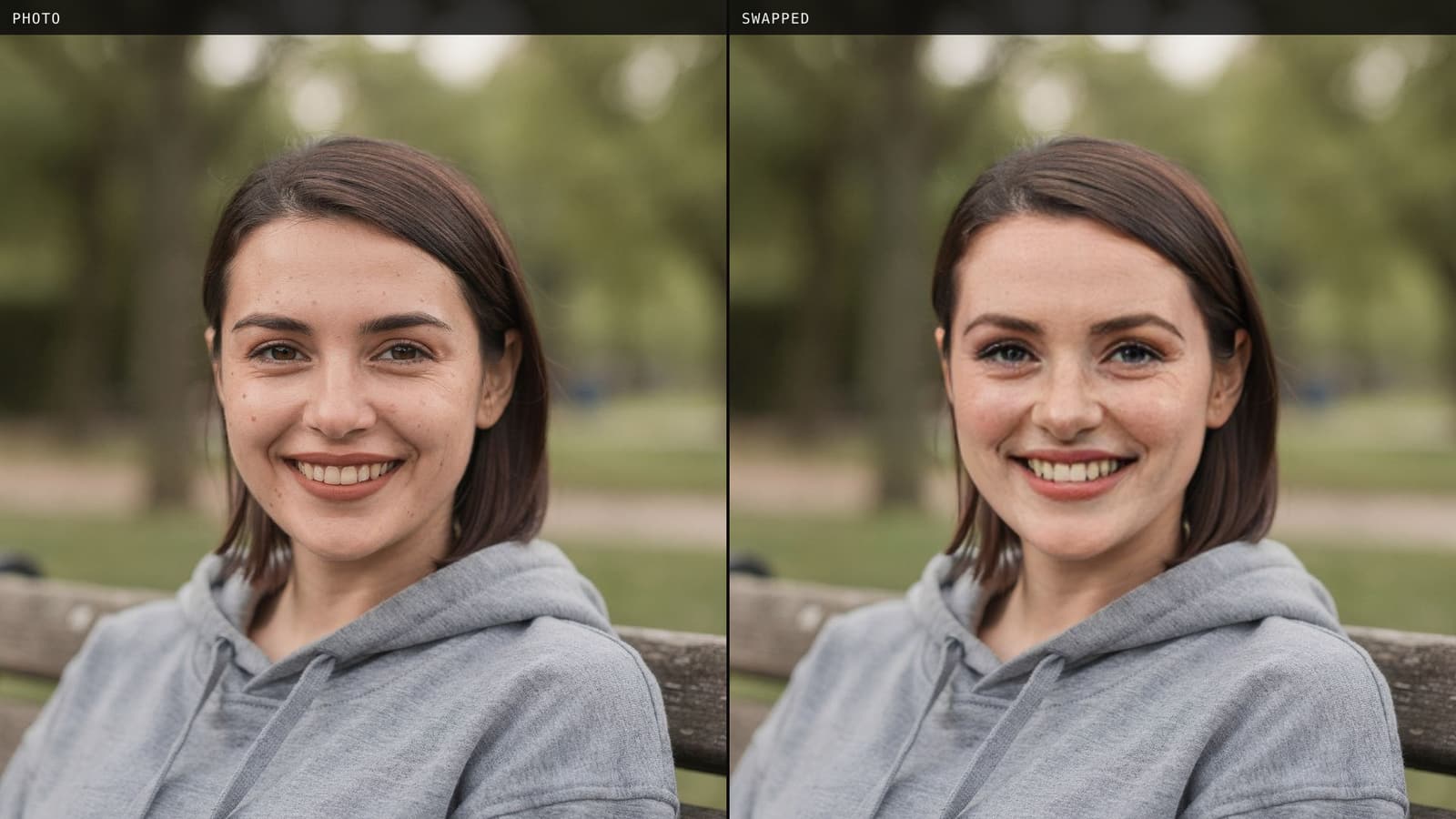
Remaker AI face swap is free for photos, and it really needs no account. We ran nine swaps as a guest, timed them, and read the pricing, refund and privacy pages so you know the catch before you pay.
7 min read
Face Swap
How to Face Swap Two Photos
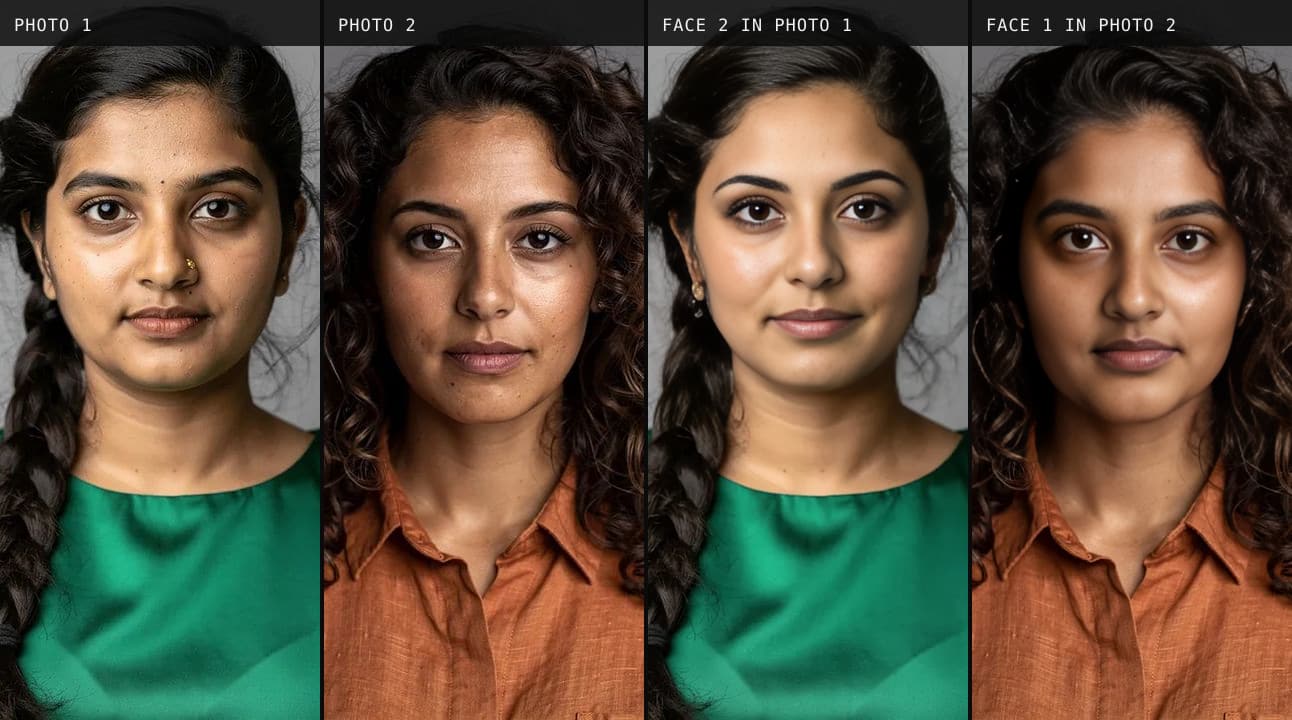
Put one person's face into another photo in about half a minute, free and without an account. We swapped two photos both ways, then tried the photos that usually go wrong.
5 min read
Face Swap
How to Change Your Face on Zoom
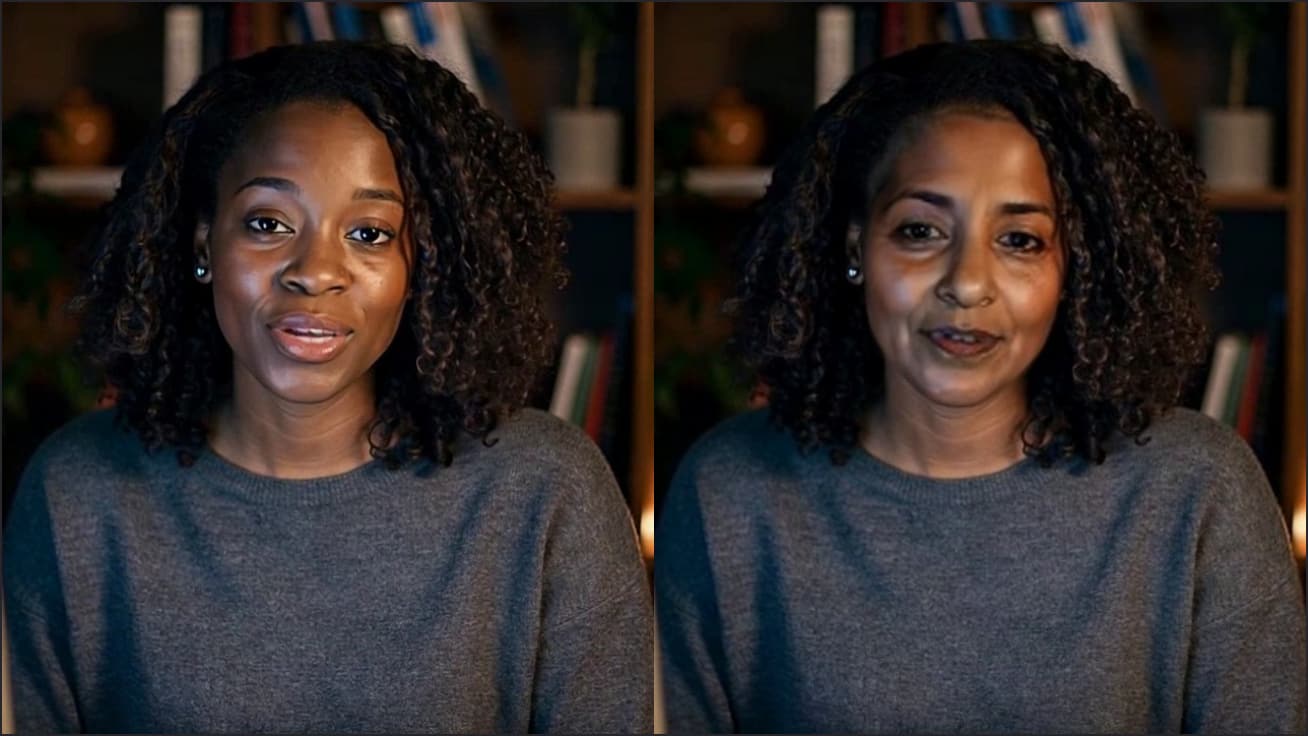
Zoom can touch up your face, give you a fake mustache or turn you into a cartoon. To look like a different person, you need a face swap. We tested what each one changes.
5 min read


Try it
Live Face Swap
Live Face Swap is a real-time face swap that lets you look like anyone you choose: try it with your webcam on facecam.ai, then use it as a virtual camera in Google Meet, Zoom on the web, Discord in the browser and other sites in Chrome with the extension.
Open Live Face Swap


