Why Is My Camera Black?
Why your camera shows a black screen, and how to tell which of six causes it is in under a minute. We fed our Webcam Test each one and wrote down exactly what it said.
By Facecam team
Published · 6 min read

On this page
Short answer
A camera shows black for one of two reasons: it's sending black frames (a lens cover, privacy shutter or a room with almost no light), or no picture is reaching the page at all (camera access blocked, the camera busy in another app, or no camera found). A webcam test tells them apart: if it shows a resolution and frame rate, the camera works and something is covering or darkening it; if it shows an error instead, fix the permission or close the other app.
A black camera preview looks the same whatever caused it, which is why the usual advice is a long list of things to try. You can skip most of that list. Open a webcam test and look at one thing first: does it show a resolution and a frame rate, or an error?
How do you tell what's making your camera black?
Run a webcam test and read what it measures. Our Webcam Test is a free browser tool that shows your camera's live picture, resolution and frame rate. Here's what it said for each cause we could make:
| What we did | Picture | Resolution and frame rate | What the test said |
|---|---|---|---|
| Covered the lens (a flat, almost-black frame) | Black | 1280×720, 30 fps | "Your camera is on, but the picture is black." |
| Sent pure black frames | Black | 1280×720, 30 fps | "Your camera is on, but the picture is black." |
| Turned the lights off (darkened clip) | Almost black, a face just visible | 1280×720, 29 to 30 fps | "Lighting: too dark" |
| Blocked camera access | Black, no picture | None | "Camera access is blocked" |
| Another app holds the camera | Black, no picture | None | "The camera is busy" |
| No camera at all | Black, no picture | None | "No camera found" |
| Picked Facecam Virtual Camera before a face swap | Your normal camera | 1280×720, 29 to 30 fps | "Your webcam works well." |
So there are two groups. When the test shows a size and a frame rate, the camera works and is sending pictures; they just happen to be black. When it shows a message instead, no picture reached the page, and the message names the reason.
Is my camera covered, or is the room just too dark?
A covered lens gives a flat picture with no detail at all, and a dark room still has some. That's how our Webcam Test tells them apart. It samples the picture and looks at two numbers: how bright it is on average (0 to 255) and how much it varies. Our covered clip averaged 12.3 with almost no variation (0.03), so it was called a black image. The dark-room clip was even darker on average, 4, but it varied (9.1) because a face and a window were still faintly there. The test called that "too dark", not black.

The fixes differ. For "black image", look for the physical cause: a sliding privacy shutter over the lens, a sticker or tape, a laptop lid closed on an external monitor setup, or a camera switch or key on some laptops. For "too dark", the camera is fine; turn on a light in front of you. Our guide to looking good on webcam has the lighting steps.
Why is my camera black with no error at all in a call?
Most call apps don't tell you why the picture is black; they just show a black tile or your initials. Behind that tile is usually one of the three errors below, so run the test in another tab to see which. Close the call first, though: a camera held by the call can come up as busy in the test.

Camera access is blocked
The browser or the computer said no. In Chrome, click the icon at the left of the address bar, set Camera to Allow and reload. On a Mac, also open System Settings → Privacy & Security → Camera and turn your browser on. On Windows, open Settings → Privacy & security → Camera, and turn on both Camera access and Let desktop apps access your camera (browsers count as desktop apps).
The camera is busy
Another app is using it. Often only one app can use a webcam at a time, so close Zoom, Teams, OBS, another browser or the Camera app. On a Mac, the green light next to the camera shows something has it open.
No camera found
The computer doesn't see a camera at all. Plug a USB webcam straight into the computer rather than a hub, try another port, or open the laptop lid. If the camera is missing from the system's own camera app too, it's a cable, driver or hardware problem.
Why is a virtual camera black?
A virtual camera is software that pretends to be a webcam, so it's only as good as the program feeding it. OBS's, for example, only carries OBS's picture while OBS is open and you've clicked Start Virtual Camera in its Controls dock (that's the step in OBS's own guide). Pick it in a call before that and there's no OBS picture to show. Our explainer on virtual cameras covers how they work.
We checked our own. With the Facecam extension installed, signed out and Face swap picked, we chose Facecam Virtual Camera in the Webcam Test. It wasn't black: it passed the real camera picture straight through, at 1280×720 and about 30 frames a second, and every check passed. That's by design. Until a face swap has actually started, Facecam Virtual Camera shows your normal camera, so a black picture from it means the real camera behind it is black. Fix that one first, using the steps above.

Once a swap is running, the Facecam camera shows the swapped face instead. You can become anyone you want on Google Meet, Zoom on the web or Discord in Chrome.
What didn't we test?
Our camera was Chrome's built-in test camera playing recorded clips, so we couldn't show a real webcam's behaviour in the dark (it slows down and gets grainy before it goes black), a broken driver, or a loose cable. The three error messages came from making the browser report each error rather than from a real blocked or busy webcam; the messages and fixes are the ones a real case gets. We didn't install OBS for this test, and we didn't test phones: on an iPhone or iPad, camera access for a website is under aA → Website Settings → Camera in Safari, or Settings → Safari → Camera.
Questions
Why is my camera black but the light is on?
The camera is running but sees nothing: a privacy shutter, a sticker or tape over the lens, or a room with almost no light. A webcam test that still shows a resolution and frame rate confirms the camera itself works.
Why is my webcam black in Zoom or Google Meet but works in other apps?
Usually the browser or app hasn't been allowed to use the camera, or another app is holding it. Allow the camera for that site or app, close the other app, and pick the right camera in the call's video settings.
Why is my camera black on my iPhone?
On an iPhone, a black camera on a website usually means Safari isn't allowed to use it. Tap aA → Website Settings → Camera → Allow, or turn the camera on in Settings → Safari → Camera, then reload the page.
How do I know if my webcam is broken?
If no app on the computer can find it, including the system's own camera app, after you've tried another USB port and restarted, the camera, cable or driver is the problem. If an app finds it but the picture is black, check the lens cover first.
Why is OBS Virtual Camera black?
OBS's virtual camera only carries OBS's picture while OBS is open and the virtual camera is started. Click Start Virtual Camera in OBS's Controls dock, then pick OBS Virtual Camera in the call.
Keep reading

Streaming & Setup
Why Does My Mic Sound Bad?
Why your mic sounds quiet, crackly, muffled or noisy, and how to tell which one it is in a minute. We ran the same voice through our Mic Test three times to show what each problem looks like.
6 min read
Face Swap
Remaker AI Face Swap: Is It Free?
Remaker AI face swap is free for photos, and it really needs no account. We ran nine swaps as a guest, timed them, and read the pricing, refund and privacy pages so you know the catch before you pay.
7 min read
Voice
Do AI Voice Changers Sound Real?
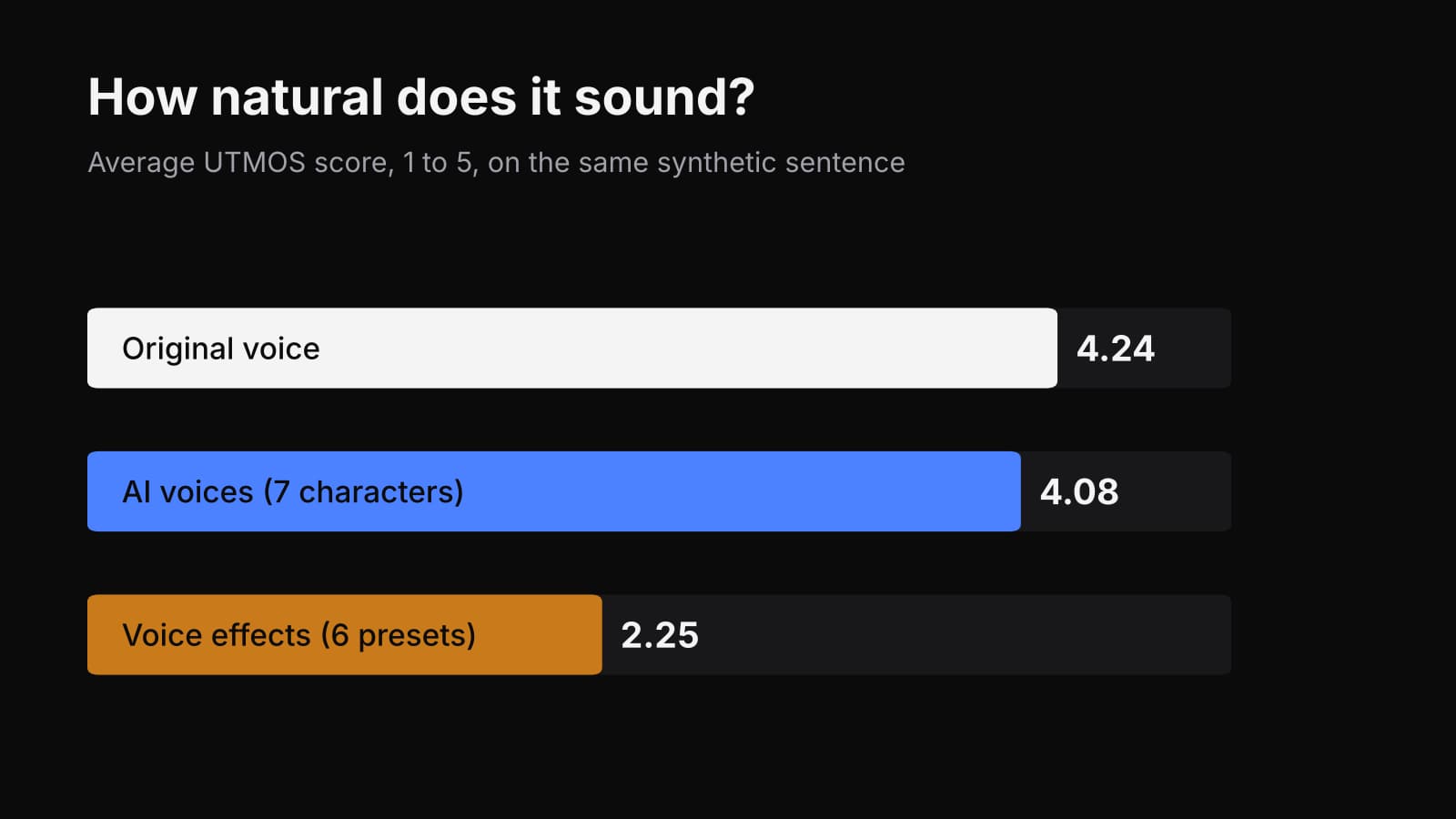
Do AI voice changers sound real, or just less fake than a pitch shifter? We put one sentence through seven AI voices and six classic voice effects and measured all thirteen.
7 min read


Free, in your browser
Webcam Test
Webcam Test is a free browser tool that shows your camera's live picture, resolution and frame rate.
Open Webcam Test

