Free Transition Sound Effect
A fast, clean whoosh that sweeps past as the shot changes, the most used transition sound in edits. Plus a stuttering digital glitch, a riser that lands on a deep boom and a soft swipe for slides.
Updated · Tested by the Facecam team
Transition whoosh
0.6 s · MP3 · 7 KB
Play it into your mic
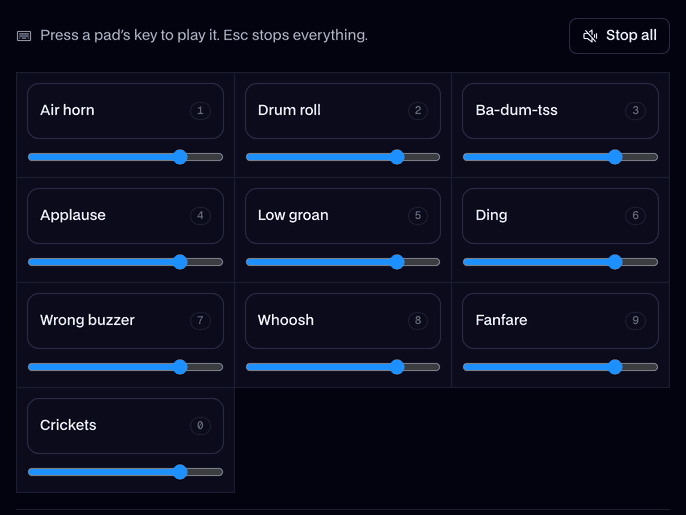
Your browser will ask for microphone access when you click.
4 transition whoosh sound effects to download
Main take0.6 s · 7 KB
A fast, clean whoosh that sweeps past as the shot changes, the most used transition sound in edits. Plus a stuttering digital glitch, a riser that lands on a deep boom and a soft swipe for slides.
Glitch1.0 s · 10 KB
A digital glitch cut.
Rise and hit2.5 s · 25 KB
A riser that lands on a boom.
Swipe0.6 s · 6 KB
A soft, quick swipe for slides.
Where it fits
- A whip pan or a zoom cut in a TikTok.
- Moving from the intro to the main part of a YouTube video.
- Changing slides in a presentation without dead air.
Related sounds
- Whoosh1.0 s
- Riser4.0 s
- Glitch1.2 s
- Record scratch1.2 s
- Sparkle1.5 s
How we made it
“A video transition sound effect: a fast airy whoosh swoosh sweeping past, clean and punchy”
The variations
- Glitch
- “A digital glitch transition: quick stuttering electronic glitches and a data-corruption buzz, short”
- Rise and hit
- “A cinematic whoosh riser: a rushing whoosh sweeping up fast, then one deep, punchy boom impact”
- Swipe
- “A soft, quick swipe sound, like a hand sliding across paper, a gentle slide transition”
- Loudness
- -16.6 LUFS
- Peak
- -2 dBFS
Play it in Discord, OBS or Zoom
Press Use these sounds in calls, then pick Facecam Virtual Mic as your mic. Step by step: Discord, OBS and Zoom. For games, the Facecam desktop app.
- Short enough for Discord's own soundboard (5.2 s max): Server Settings → Soundboard.

More about this sound
About our version
The main take is 0.6 seconds, short enough to sit exactly on a cut. It was generated with AI from a description and level-matched with the rest of the library.
Three alternates: Glitch, one second of digital stutter; Rise and hit, a 2.5-second whoosh riser ending in a bass impact; and Swipe, a gentle 0.6-second slide.
Placing a transition sound
- Line the loudest point of the whoosh up with the cut, not the start of the file.
- Rise and hit: start it 2 seconds before the reveal so the boom lands on it.
- Keep it under the voice: transitions should be felt more than heard.
More motion sounds: the whoosh page has slow, deep and double whooshes, and the riser page builds longer.

Questions
Which transition is best for TikTok?
The main whoosh: 0.6 seconds, fast and punchy, it fits a quick cut.
Is there a glitch transition?
Yes, Glitch: one second of stuttering digital noise.
Can I use these in Premiere or CapCut?
Yes. Download the MP3s and drop them on the timeline; they're free for monetized videos.