Free Yoda AI Voice Generator
Type your wisdom and hear Yoda speak it in his creaky, back-to-front style from Star Wars, for birthday cards, study tips and fan videos.
Hear Yoda
Small, creaky and wise, with hmms and back-to-front sentences
- 0:04
“Strong with the Force, you are. Clean your room, however, you must.”
- 0:06
“Patience, young one. Ready, the pizza will be, in twenty minutes.”
- 0:05
“Much to learn, you still have. Begin your homework, you should. Hmm.”
Lines to try in Yoda's voice
About Yoda's voice
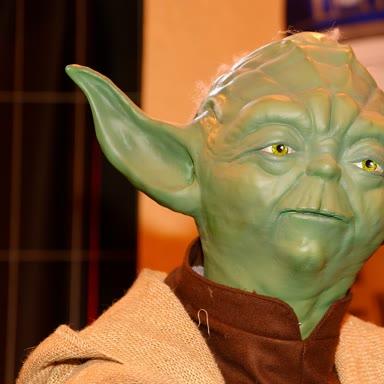
Yoda is the ancient, pint-sized Jedi Master of Star Wars, performed by Frank Oz in the films, with Tom Kane voicing him in many animated series. His voice is small, creaky and gravelly, a high, wavering old-man tone with chuckles and hmms, and his speech is famous for its inverted word order that puts the object first.
Tips for the best Yoda audio
- Flip your word order so the object comes first, like strong you are or ready you must be; Yoda's voice only feels right with his inverted syntax.
- Add hmm or hmm, yes between sentences for his thoughtful chuckle, and keep lines short and wise rather than chatty.
How to make Yoda say anything
Type the line
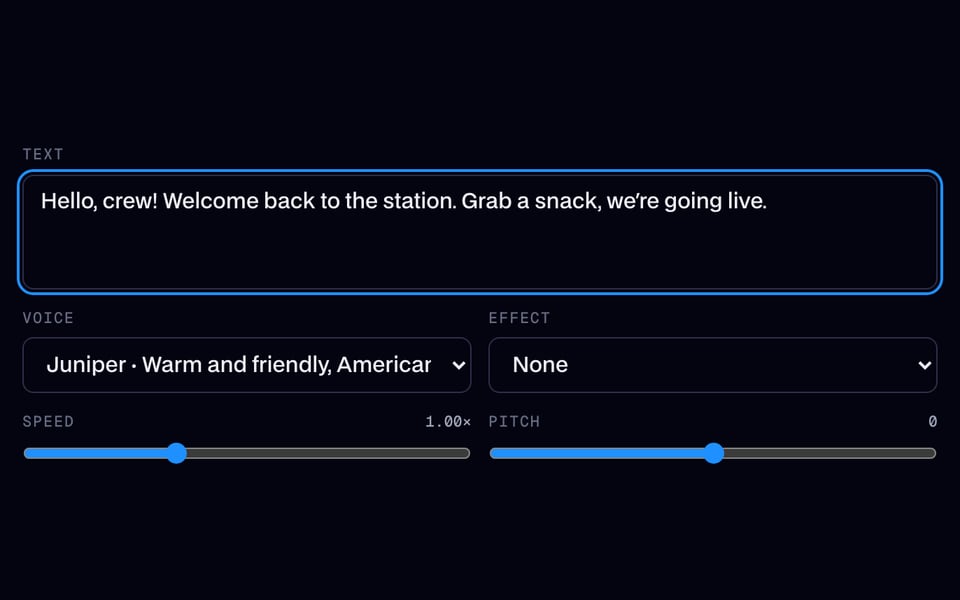
Write what Yoda should say, up to 500 characters (200 on the free line), or press one of the scripts below.
Or use your own voice
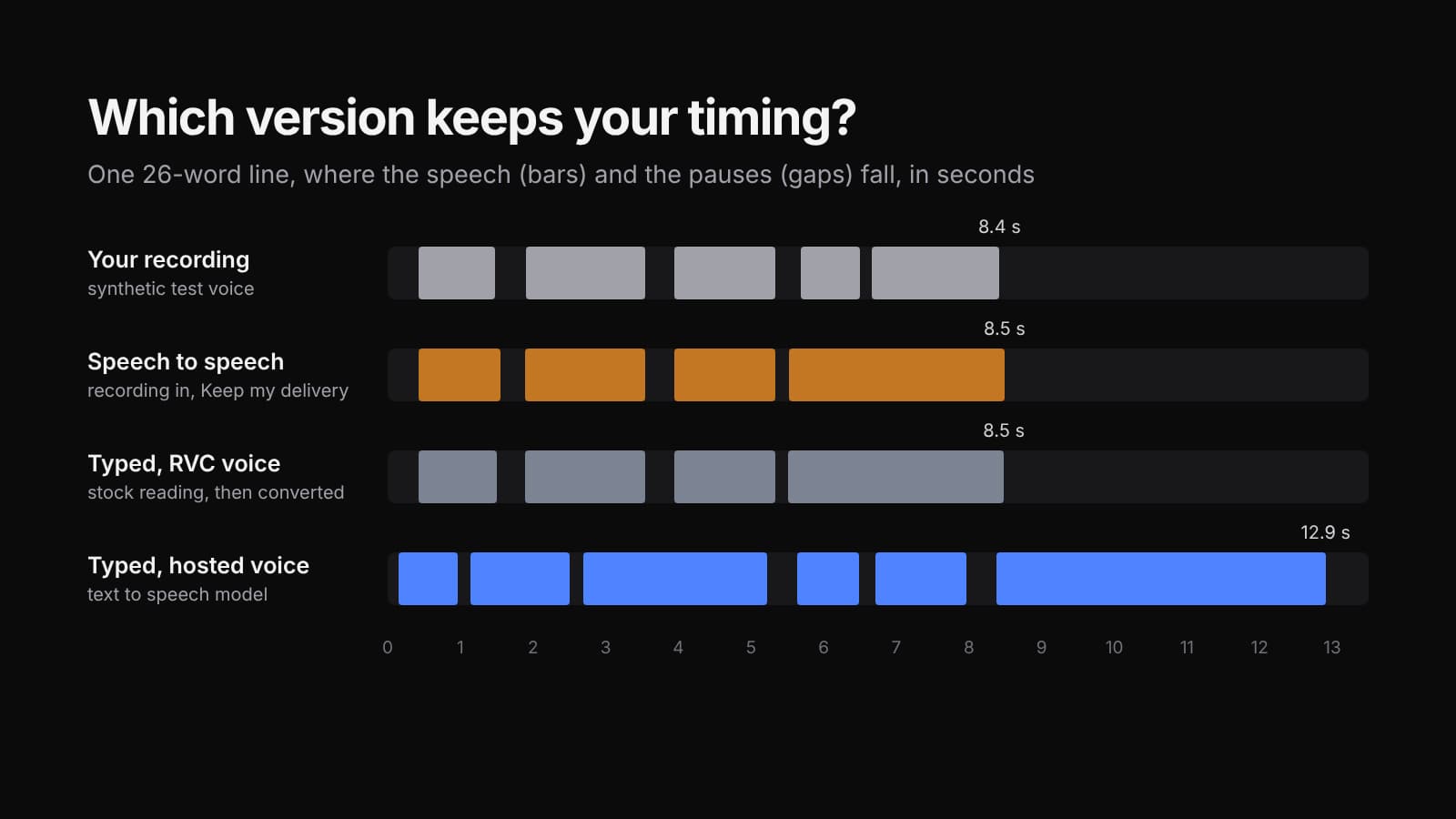
Switch to Change my voice, then record or upload up to 60 seconds (15 on the free line): your words, timing and shouts come back in Yoda's voice.
Generate and download
It plays in a few seconds. Download the MP3 for your video, meme or stream.

Clone your voice, then make it say anything
Record 5 to 30 seconds of your voice once. Then type any line and hear it in your voice, or narrate your videos with it.

Yoda AI voice FAQ
Who voices Yoda?
Frank Oz performed and voiced Yoda in the Star Wars films. Tom Kane voiced him in several animated projects, including Star Wars: The Clone Wars.
How do I write like Yoda?
Put the object or description first, then the subject and verb. For example, ready you are instead of you are ready. Add hmm for his signature thoughtful pause.
Can I make a Yoda birthday message?
Yes. Write a short birthday wish in his inverted style with the person's name, generate it, and send the audio. It is one of the most popular uses of this voice.
Is the Yoda AI voice free?
You can try it free once a day without an account: up to 200 characters, or 15 seconds of your own recording. After that, each line uses credits, and the cost shows before you generate.
Can I download the Yoda audio?
Yes. Every line you make plays on the page and downloads as an MP3, ready for a video, a meme, a stream alert or a message.
Related
 AI Voice ChangerFree AI voice changer for recordings: keep your words and timing, and get a natural new voice from 10 original characters. Try one clip a day free with no account, or use the 26 free voice presets live in calls and on files.
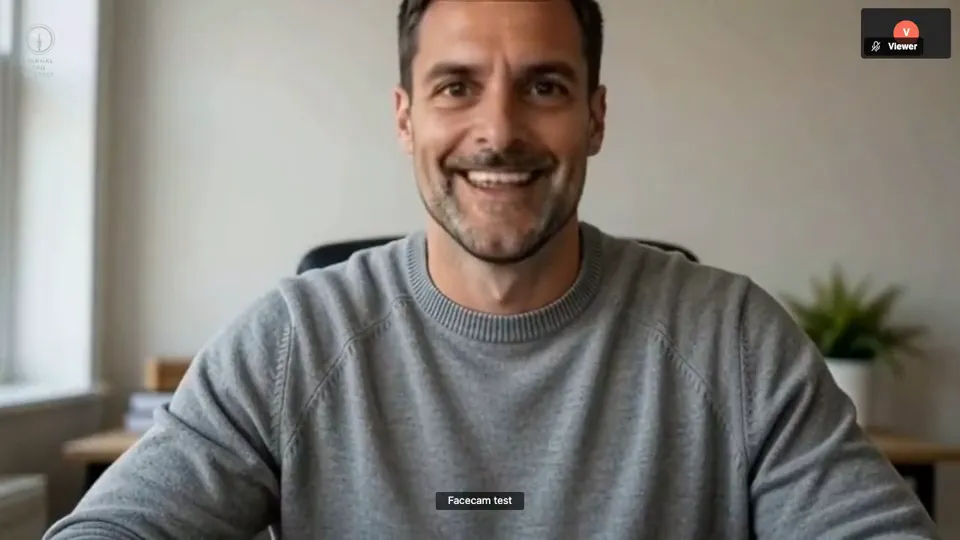 Live Face Swap for Video CallsFacecam is a live face swap app: become anyone on camera, in real time, in Google Meet, Zoom, Discord and OBS. Upload any photo or pick a built-in face, and wear it in your calls and streams.


Further reading: Yoda on Wikipedia