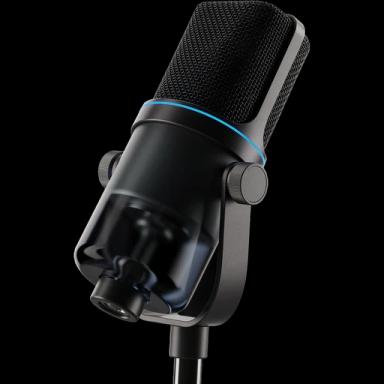
Free The Grinch AI Voice Generator
Type a grumpy holiday line and hear the Grinch snarl it with sly, sarcastic glee, for Christmas cards, party invites and pranks on the family group chat.

Hear The Grinch
Sly, sneering and theatrical, with a gleefully wicked chuckle
- 0:05
“Christmas music in November? Absolutely not. Max, close the curtains.”
- 0:05
“The Whos are singing again. Every year, louder. Every year, happier. Ugh.”
- 0:04
“Fine. I'll come to the party. But I'm not wearing the sweater.”
Lines to try in The Grinch's voice
About The Grinch's voice

The Grinch is Dr. Seuss's green, Christmas-hating creature who lives on Mount Crumpit above Whoville with his dog Max, until his heart grows three sizes. Boris Karloff narrated and voiced him in the 1966 cartoon, Jim Carrey played him in 2000, and Benedict Cumberbatch voiced him in 2018. His voice is sly, sneering and theatrical, with a nasal snarl and a gleefully wicked chuckle.
Tips for the best The Grinch audio
- Write grumpy complaints about cheerful holiday things, with sarcastic words like delightful and wonderful; the Grinch shines when he sneers at joy.
- Use short, dramatic sentences and an ugh or a chuckle for timing, and end with a reluctant softening for a warm holiday twist.
How to make The Grinch say anything
Type the line
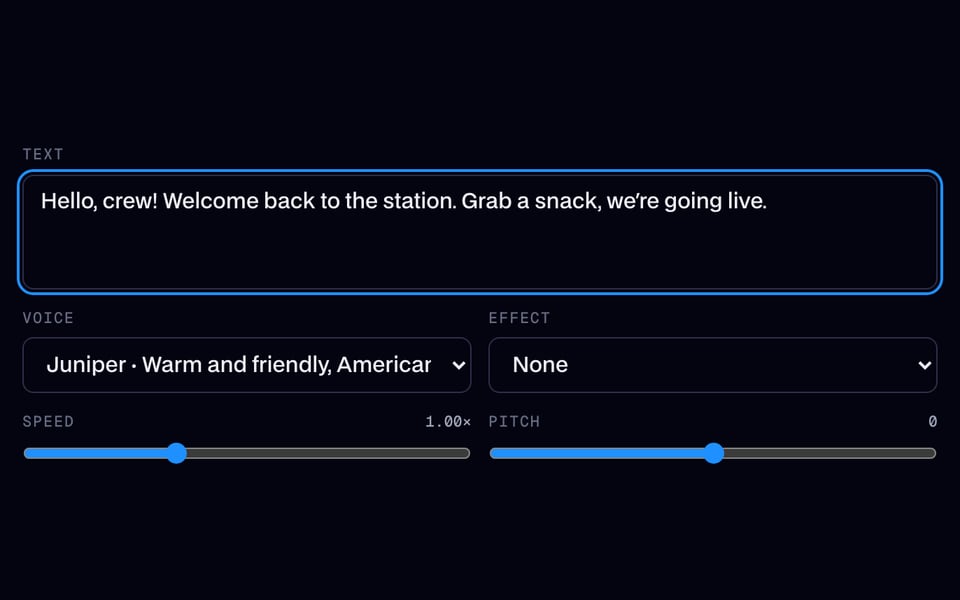
Write what The Grinch should say, up to 500 characters (200 on the free line), or press one of the scripts below.
Or use your own voice
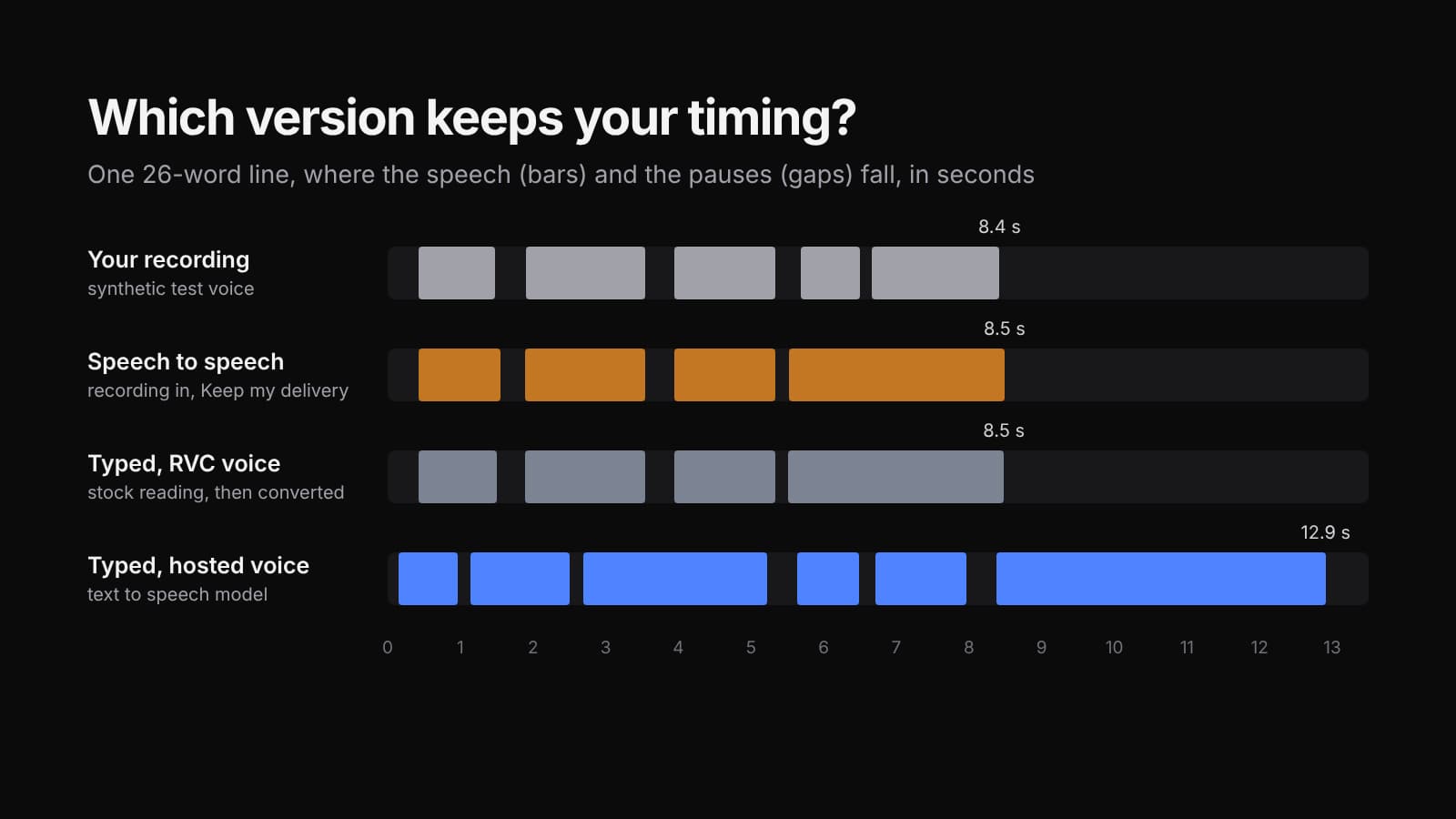
Switch to Change my voice, then record or upload up to 60 seconds (15 on the free line): your words, timing and shouts come back in The Grinch's voice.
Generate and download
It plays in a few seconds. Download the MP3 for your video, meme or stream.

Clone your voice, then make it say anything
Record 5 to 30 seconds of your voice once. Then type any line and hear it in your voice, or narrate your videos with it.

The Grinch AI voice FAQ
Who has voiced the Grinch?
Boris Karloff narrated and voiced the Grinch in the 1966 animated special, Jim Carrey played him in the 2000 live-action film, and Benedict Cumberbatch voiced him in the 2018 animated movie.
Can I use the Grinch voice for Christmas cards and videos?
Yes. Grumpy-but-funny holiday greetings, party invites and Secret Santa messages are the most popular uses. Download the audio and add it to your card video or social post.
How do I make the Grinch sound grumpier?
Complain about joyful things, like carols, lights and tinsel, in short sarcastic sentences. Starting with ugh or bah and ending with a sly chuckle helps the voice sneer.
Is the The Grinch AI voice free?
You can try it free once a day without an account: up to 200 characters, or 15 seconds of your own recording. After that, each line uses credits, and the cost shows before you generate.










Related
 AI Voice ChangerFree AI voice changer for recordings: keep your words and timing, and get a natural new voice from 10 original characters. Try one clip a day free with no account, or use the 26 free voice presets live in calls and on files.
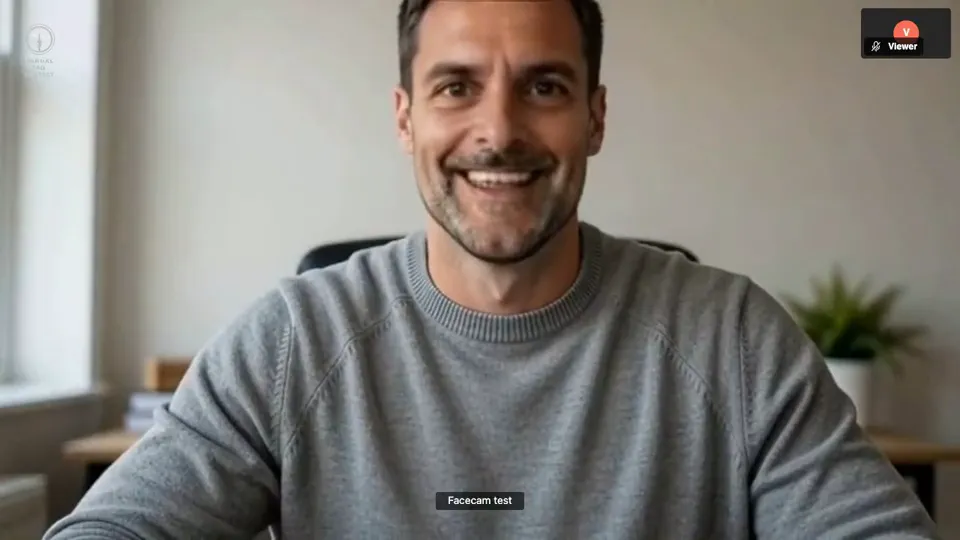 Live Face Swap for Video CallsFacecam is a live face swap app: become anyone on camera, in real time, in Google Meet, Zoom, Discord and OBS. Upload any photo or pick a built-in face, and wear it in your calls and streams.


Further reading: Grinch on Wikipedia