Free Taylor Swift AI Voice Generator
Type a message and hear it in a warm Taylor Swift style AI voice, for birthday wishes, friendship shout-outs and fan video intros.
Hear Taylor Swift
Bright, warm and confiding, with friendly, breathless enthusiasm
- 0:05
“Hi, everybody! Thank you so much for being here tonight. You all look amazing.”
- 0:04
“Happy birthday! I hope today feels like the best chapter of your story so far.”
- 0:04
“Grab your friends, grab your friendship bracelets, and let's make this a night to remember.”
Lines to try in Taylor Swift's voice
About Taylor Swift's voice
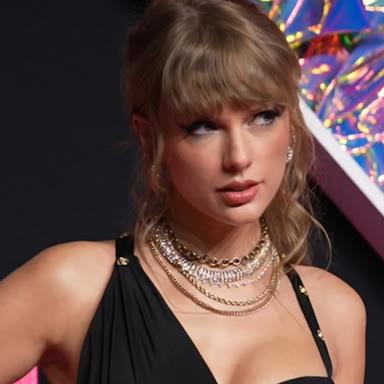
Taylor Swift is an American singer-songwriter whose career has moved from country to pop, known for autobiographical songwriting and record-breaking tours. Her speaking voice is bright and friendly with a light, slightly breathy mid-range tone, a hint of Pennsylvania and Nashville roots, quick enthusiastic delivery, and a warm, confiding style, as if she is letting you in on a secret.
Tips for the best Taylor Swift audio
- Write warm, chatty sentences that speak directly to a friend, with words like honestly, amazing and you guys; that intimacy is key to her speaking style.
- Use your own words rather than lyrics, and add exclamation marks for her enthusiasm without overdoing them.
How to make Taylor Swift say anything
Type the line
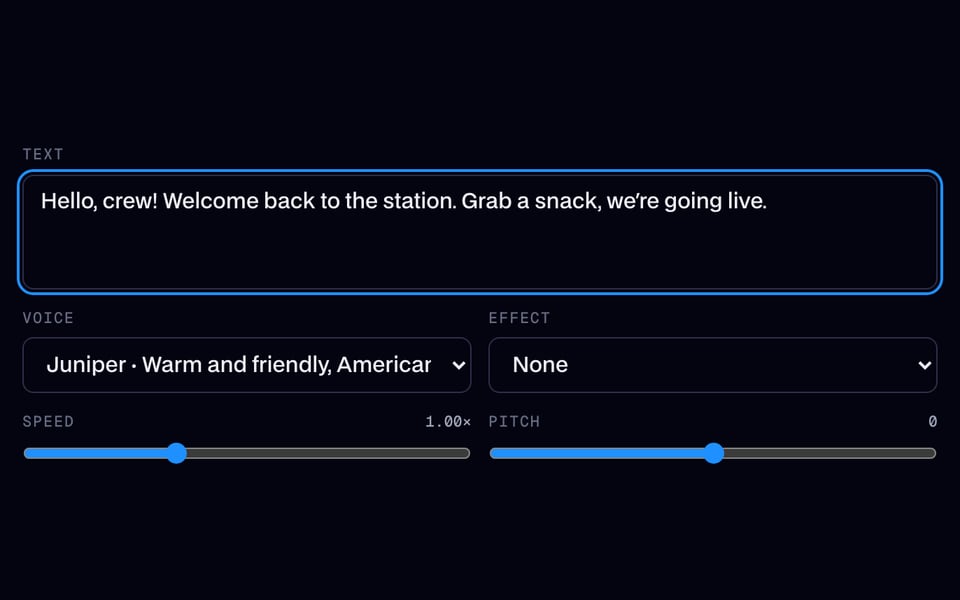
Write what Taylor Swift should say, up to 500 characters (200 on the free line), or press one of the scripts below.
Or use your own voice
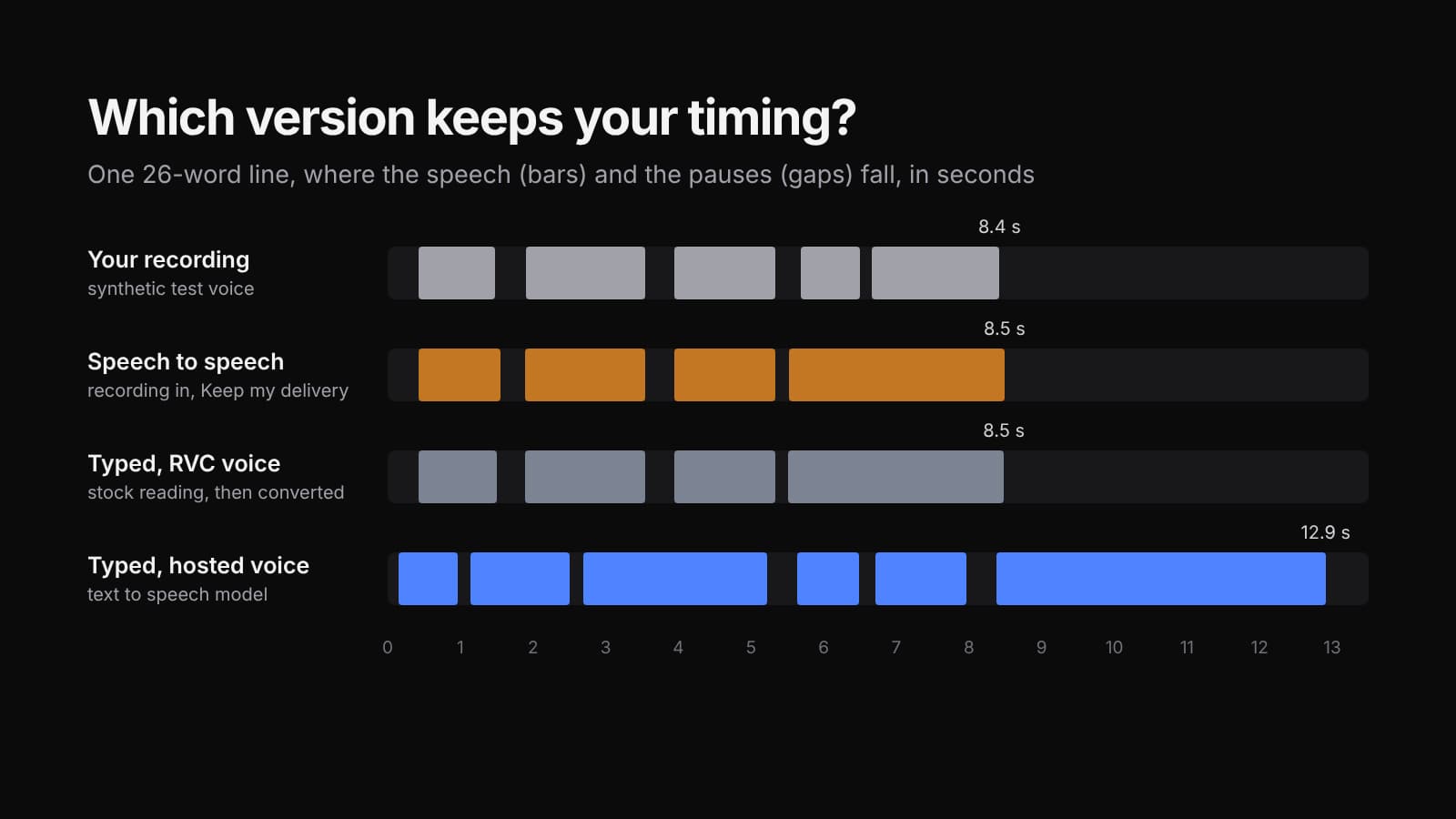
Switch to Change my voice, then record or upload up to 60 seconds (15 on the free line): your words, timing and shouts come back in Taylor Swift's voice.
Generate and download
It plays in a few seconds. Download the MP3 for your video, meme or stream.

Clone your voice, then make it say anything
Record 5 to 30 seconds of your voice once. Then type any line and hear it in your voice, or narrate your videos with it.

Taylor Swift AI voice FAQ
Can I make a Taylor Swift AI voice birthday message?
Yes. Type a short, warm birthday note with a name, and the generator reads it in her friendly, upbeat speaking style. Exclamation points and a personal detail make it land.
Can the Taylor Swift AI voice sing her songs?
No. This page generates spoken text only, and her song lyrics are copyrighted, so they cannot be used. Original shout-outs, toasts and fan intros are a great alternative.
What do Swifties use this voice for?
Common uses include friendship bracelet trade shout-outs, birthday wishes, tour vlog intros and fan edit voiceovers. Write in her warm, confiding speaking style for the most natural result.
Is the Taylor Swift AI voice free?
You can try it free once a day without an account: up to 200 characters, or 15 seconds of your own recording. After that, each line uses credits, and the cost shows before you generate.
Can I download the Taylor Swift audio?
Yes. Every line you make plays on the page and downloads as an MP3, ready for a video, a meme, a stream alert or a message.



Related
 AI Voice ChangerFree AI voice changer for recordings: keep your words and timing, and get a natural new voice from 10 original characters. Try one clip a day free with no account, or use the 26 free voice presets live in calls and on files.
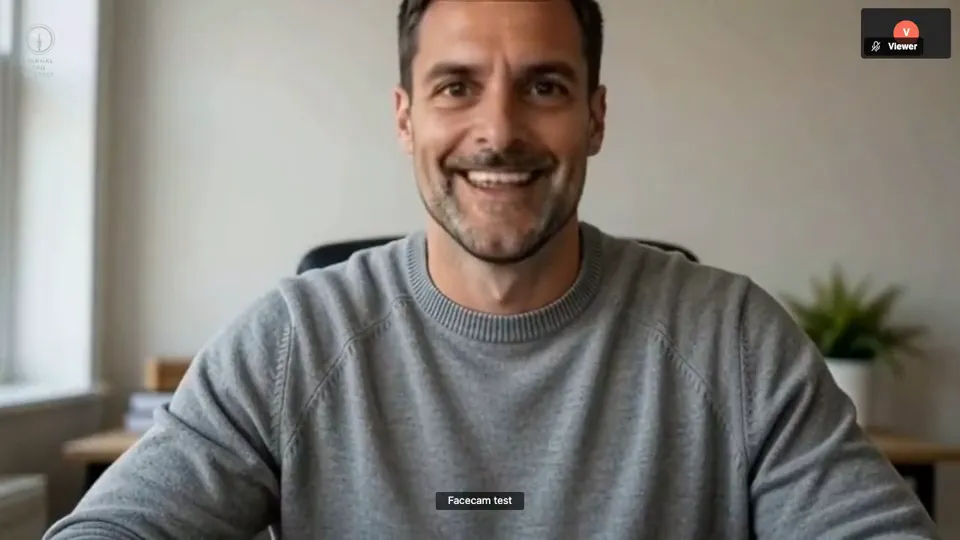 Live Face Swap for Video CallsFacecam is a live face swap app: become anyone on camera, in real time, in Google Meet, Zoom, Discord and OBS. Upload any photo or pick a built-in face, and wear it in your calls and streams.


Further reading: Taylor Swift on Wikipedia