Free Markiplier AI Voice Generator
Type a "hello everybody, my name is Markiplier" intro, a jump-scare reaction or a pep talk and hear it in a deep, warm Markiplier-style AI voice.
Hear Markiplier
Deep, warm baritone that swings from cozy chatter to full-volume screams
- 0:06
“Hello everybody, and welcome back to another game I definitely should not be playing at midnight.”
- 0:08
“Okay, okay, I am not scared. That noise was nothing. That noise was absolutely nothing.”
- 0:04
“Thank you all so much for watching, and I will see you in the next video.”
Lines to try in Markiplier's voice
About Markiplier's voice

Markiplier is Mark Fischbach, the American YouTuber known for let's plays of horror games, comedy sketches and big interactive projects. His Five Nights at Freddy's playthrough in August 2014 is one of the videos that made the game, and him, famous, and its opening line, "Hello everybody, my name is Markiplier, and welcome to Five Nights at Freddy's", became the intro fans quote, parody and remix to this day. His voice is a rich, low baritone that sounds calm and friendly one second, then cracks into a full-volume scream or a breathless laugh the next. He talks fast when he's excited and drops into a soft, sincere tone when thanking his audience. To make the voice, type your own intro with your game's name in it and generate it, or record yourself and change your voice into his.
Tips for the best Markiplier audio
- Mix calm sentences with short, punchy ones like 'Nope.' or 'Oh no.' so the voice gets the sudden shifts in energy his reactions are known for.
- Write the way he talks to his audience: direct, friendly and a little self-mocking, addressing listeners as 'everybody' rather than using stiff formal phrasing.
How to make Markiplier say anything
Type the line
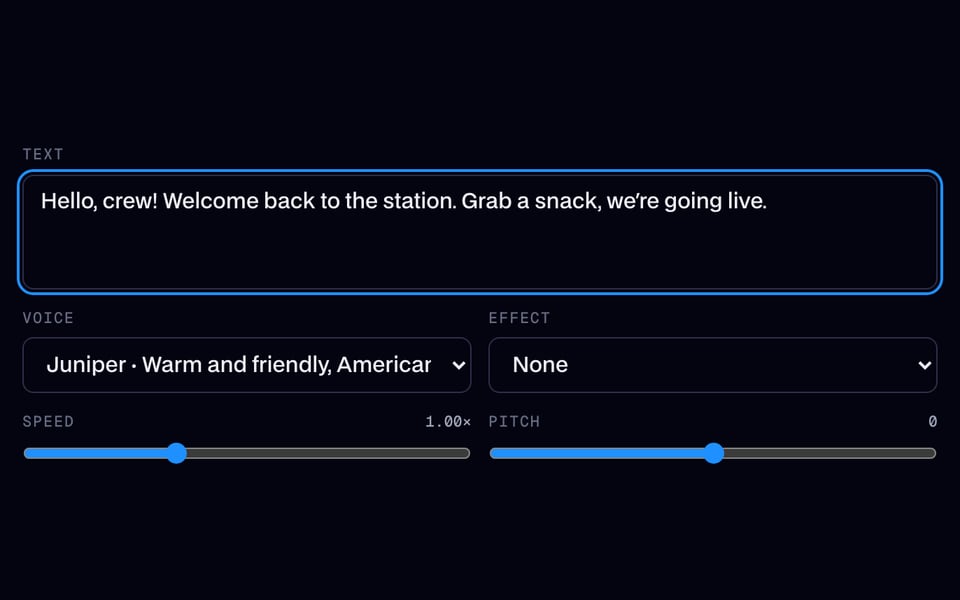
Write what Markiplier should say, up to 500 characters (200 on the free line), or press one of the scripts below.
Or use your own voice
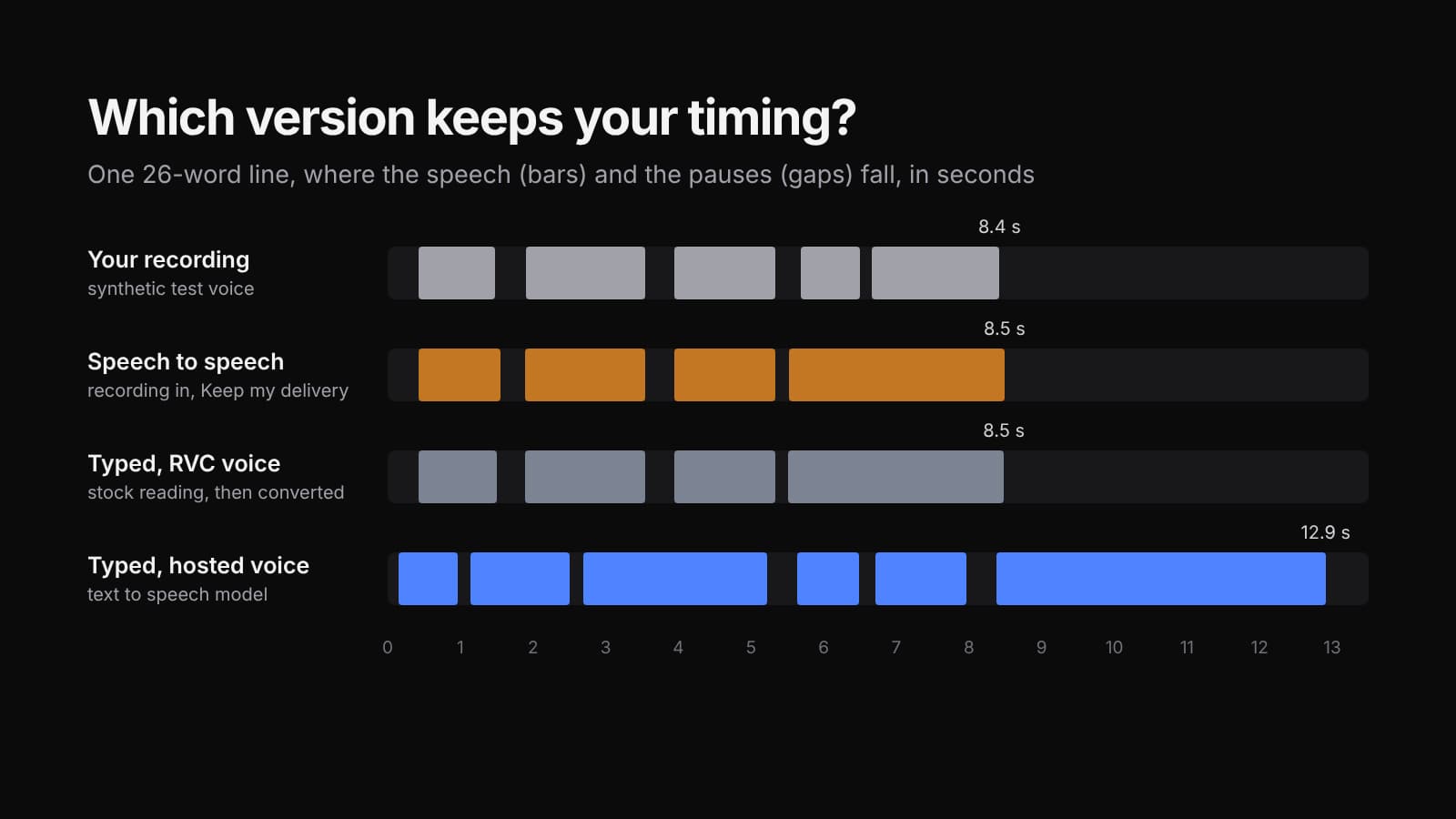
Switch to Change my voice, then record or upload up to 60 seconds (15 on the free line): your words, timing and shouts come back in Markiplier's voice.
Generate and download
It plays in a few seconds. Download the MP3 for your video, meme or stream.

Clone your voice, then make it say anything
Record 5 to 30 seconds of your voice once. Then type any line and hear it in your voice, or narrate your videos with it.

Markiplier AI voice FAQ
What is Markiplier's intro?
"Hello everybody, my name is Markiplier, and welcome to...", followed by the game's name. It's best known from his 2014 Five Nights at Freddy's videos and is one of the most quoted lines on gaming YouTube.
Can I make a Markiplier-style intro for my own channel?
Yes. Type a greeting with your channel or game name, keep it to two or three sentences, and generate it. The deep, upbeat delivery works well over a title card or the first seconds of a let's play.
Does the Markiplier AI voice handle screaming and reactions?
It handles short reactions best. Write exclamations as separate short sentences with periods or exclamation marks, and the voice will lift its energy. Very long screams are better recorded yourself and converted with the audio input.
What is Markiplier best known for?
Mark Fischbach built his audience on YouTube with horror and indie game let's plays, especially Five Nights at Freddy's, along with comedy sketches, interactive series like A Heist with Markiplier and charity streams.
Is the Markiplier AI voice free?
You can try it free once a day without an account: up to 200 characters, or 15 seconds of your own recording. After that, each line uses credits, and the cost shows before you generate.
Can I download the Markiplier audio?
Yes. Every line you make plays on the page and downloads as an MP3, ready for a video, a meme, a stream alert or a message.





Related
 AI Voice ChangerFree AI voice changer for recordings: keep your words and timing, and get a natural new voice from 10 original characters. Try one clip a day free with no account, or use the 26 free voice presets live in calls and on files.
 Live Face Swap for Video CallsFacecam is a live face swap app: become anyone on camera, in real time, in Google Meet, Zoom, Discord and OBS. Upload any photo or pick a built-in face, and wear it in your calls and streams.


Further reading: Markiplier on Wikipedia